2.3.2 Ethernet Interface
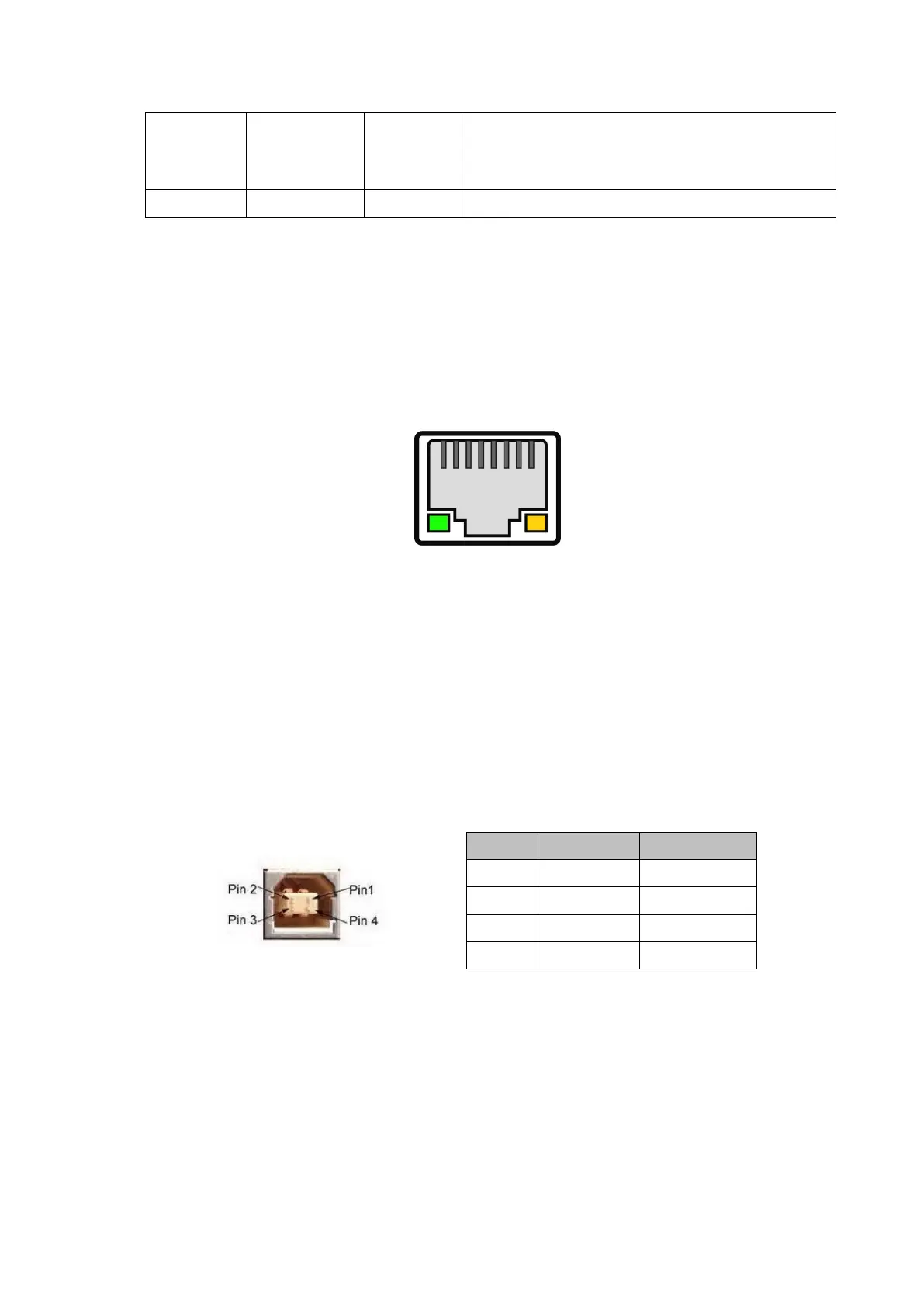
The model with Ethernet interface use RJ45 Network socket. The appearance is as
Fig.2-3 shows:
Fig2-3 Ethernet Interface
2.3.3 USB Interface
The standard accessories of POS892 printer includes a Mini USB cable with D Type
connector which connects printer and main device. The USB type belongs to the
slave device type(DEVICE). Pins description of Mini-USB as Fig.2-3 below:
2.3.4 Cash Drawer Interface
The cash drawer interface of POS892 adopts RJ-11 6-pin socket, as Fig.2-5 shows:
Signal “MARK” means the host is busy and
can not receive data.Signal “SPACE”
means the printer is ready to receive data.



 To Next Page