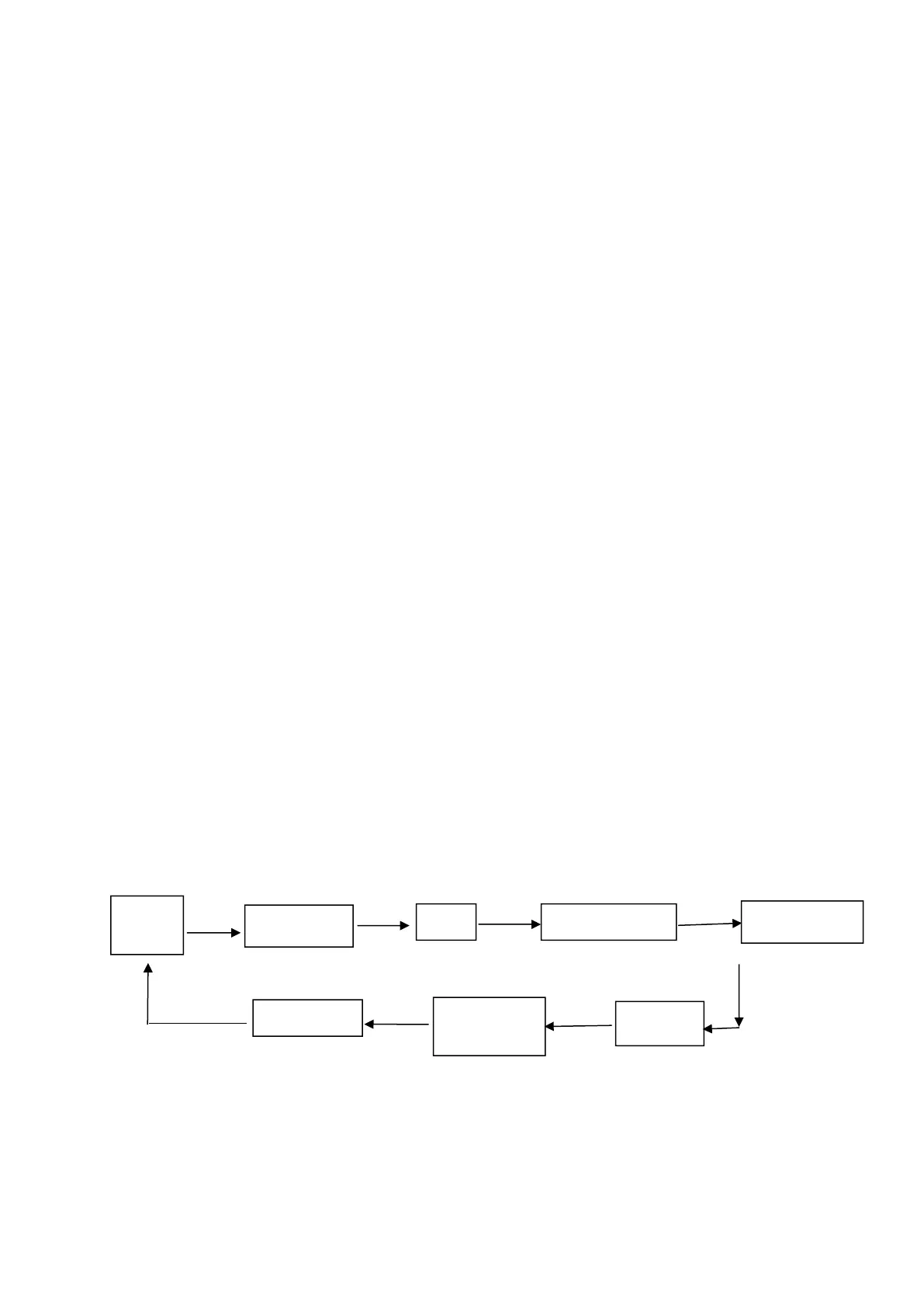
Quick enter method:
Open the paper case cover firstly when printer is power off. Hold the 【FEED】button
and switch on the printer, then release the 【FEED】button quickly, then printer enter
the program upgrade mode. At this time, the status indicator flash once a second.
Notice:
1. When printer enter the program upgrade mode, the paper-out indicator flash
means the interface can’t be upgraded.
Appendix A
This appendix is the method to set the printer parameter according to button
operation.
Setting introduction: Press
【
Paper cover
】
button to choose setting,when press it
once , the set become the next one and it will print the present set value; use
【
FEED
】
button to set the set value, when press it once , the set become the next one and it
will print the present set value.
General Setting:
Paper Paper Paper Paper
cover cover cover cover
Paper cover Paper Paper
cover Cover
Baud rate:



 To Next Page