41
user-defined characters using ESC % command. However,
user-defined characters won’t be deleted from the RAM in printer and may
brought back again with ESC % command.
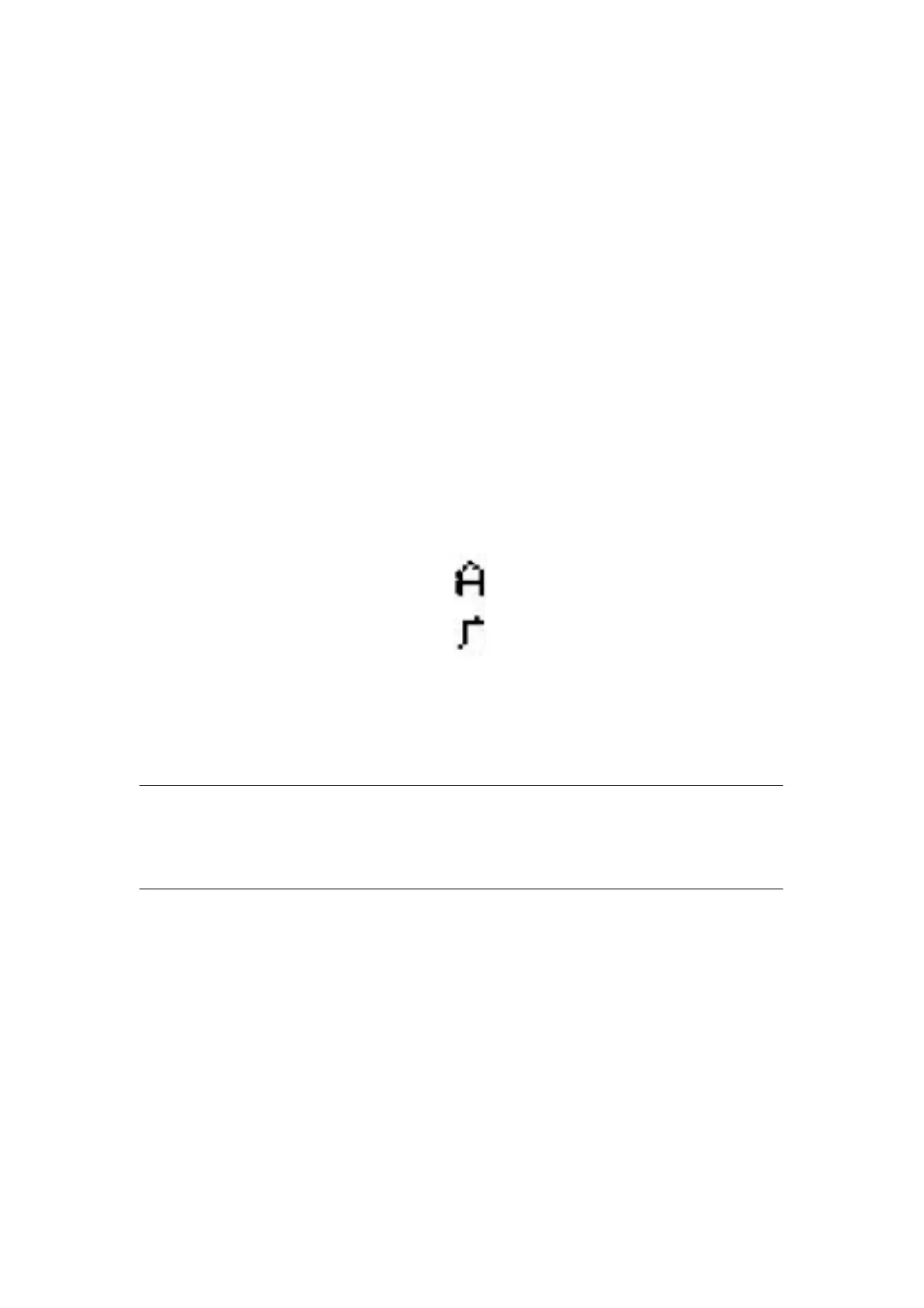
The BASIC programs for observing the effect of ESC &, ESC % and ESC : are as below:
10 LPRINT CHR$(27);“W”; CHR$(8); ’ Enlarge width eighteen times
20 LPRINT CHR$(27);“&”; CHR$(65); ’ESC & command
30 LPRINT CHR$(&H02);CHR$(&H7C); CHR$(&H40);
40 LPRINT CHR$(&HC0);CHR$(&H40); CHR$(&H00);
50 LPRINT CHR$(27);“%”; CHR$(65);CHR$(65); CHR$(0);’ESC %command
60 LPRINT CHR$(65);CHR$(13); ’Print user-defined characters
70 LPRINT CHR$(27);CHR$(58); ’ ESC : command
80 LPRINT CHR$(65); ’Restore characters in the character set
The print result in dot matrix series is as following:
4.2.5 Graphics Print Commands
ESC K
Print bit-map graphics
Format:ASCII: ESC K n1 n2……data……
Decimal: 27 75 n1 n2……data……
Hexadecimal: 1B 4B n1 n2……data……
Explanation:
This command is used to print (n2×256+n1)×8bit map. The width of this graphics is n2×256+n1
dots. Each column has 8 dots and can be presented by a 8-bit byte, the MSB is on
the top. The values of n1, n2 denote a 16-bit binary data, n1 is LSB, n2 is MSB, n2
×256 + n1 denotes the width of this printing graphics, in dot matrix series, n2 =0, n1
should be in the range from 1 to the max. dots number of each line of this
model printer. Data are the bytes of relative columns in the graphics sequential from left
to right, the number of bytes should equal n1, when the height of the
graphics is larger than 8 dots, it can be marked off several units according
to 8 dot lines for each graphic unit, when the dots are fewer than 8,



 To Next Page