SAFEGUARD POWER SOLUTIONS
i) Make sure not to tangle the wires inside the HUGO unit for easier maintenance and service calls
in the future.
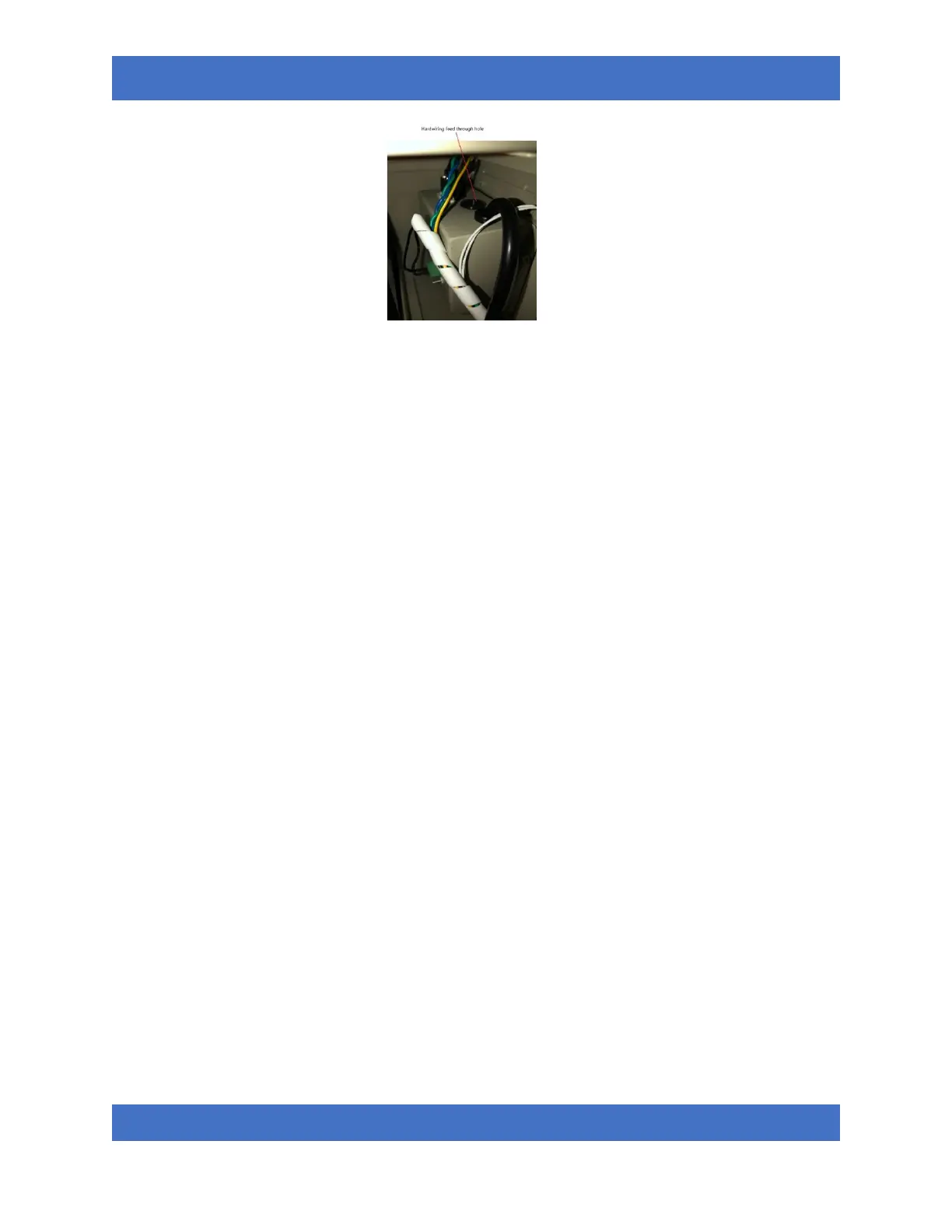
j) Connect your appliance’s wire cords G (green), N (white), and L (red or black) to the
corresponding positions on HUGO’s “AC Output” of the green MOLEX plug.
• G to PE
• N to N
• L to L
k) Ensure no bare wires are exposed to the outside.
l) Tighten the flat head screws on the green connector.
m) Pull the newly installed wires to ensure a tight connection.
n) Plug the green connector back to the inverter.
OPERATIONS
• When city power is normal, HUGO will bypass power to downstream application while monitors
for input voltage. At this time, the “line” LED light on the front panel should be steady green.
When input voltage reaches beyond the safety zone as set under “input voltage” on section 13
below, HUGO will automatically switchover to battery mode to protect downstream appliances.
At this time, the “INV” LED light will be steady green.
• Once a power outage is detected, HUGO will first chirp once to alert user HUGO is in inverter
mode. The chirp will continue once every 30 seconds and will auto shutoff after 5 minutes.
During this mode, there are two operation sequences:
o The “INV” LED light is blinking green indicating HUGO is in Standby mode and there is
no AC power output from HUGO. This will occur if the flow sensor is installed and the
“temp.flow” port is plugged in and there is no flow detected in the water line.
o The “INV” LED light is steady green indicating HUGO is in operation mode and is
providing AC power to downstream application. This happens when:
a. “temp.flow” port is NOT plugged in for no-flow installation;
b. “temp.flow” port is plugged in and the installed flow sensor has detected a
flow in the water supply line.
• When HUGO is operating with the flow sensor, there is a delay shutoff feature that works as
followed:
o During inverter mode, at any time the flow sensor senses a signal, HUGO will turn on AC


 To Next Page