ENGLISH
5
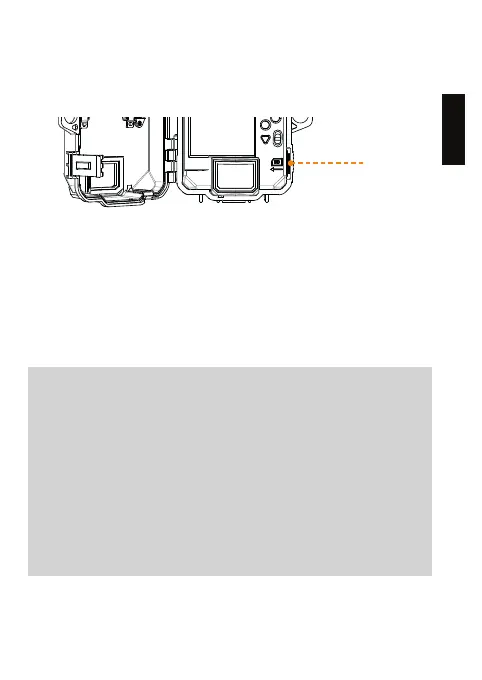
INSERT THE MEMORY CARD
Insert an SD/SDHC memory card (up to 32 GB capacity) in the card
slot with the label side facing upward. The card is inserted correctly
when a click is heard. Always ensure that the camera power is OFF
before inserting an SD card.
We suggest to format your SD card if it’s been in another
electronic device.
PRO TIPS:
Solar panel & internal rechargeable battery
● You need at least 50% of the solar panel cleared for
maximum performance.
● If the power of the internal battery becomes insucient, the
camera will shut down. Once the battery has been charged
suciently by the solar panel, the camera will automatically turn
on leaving the settings untouched.
● An optional power source can be added as a backup to the
internal rechargeable battery for safety.















 To Next Page