EasyManua.ls Logo

Spypoint LINK-EVO? LINK-EVO-V - User Manual

Spypoint LINK-EVO? LINK-EVO-V
20 pages
Print Icon
To Next Page IconTo Next Page
Loading...
v1.0
USER MANUAL
Models:
LINK-EVO
LINK-EVO-V
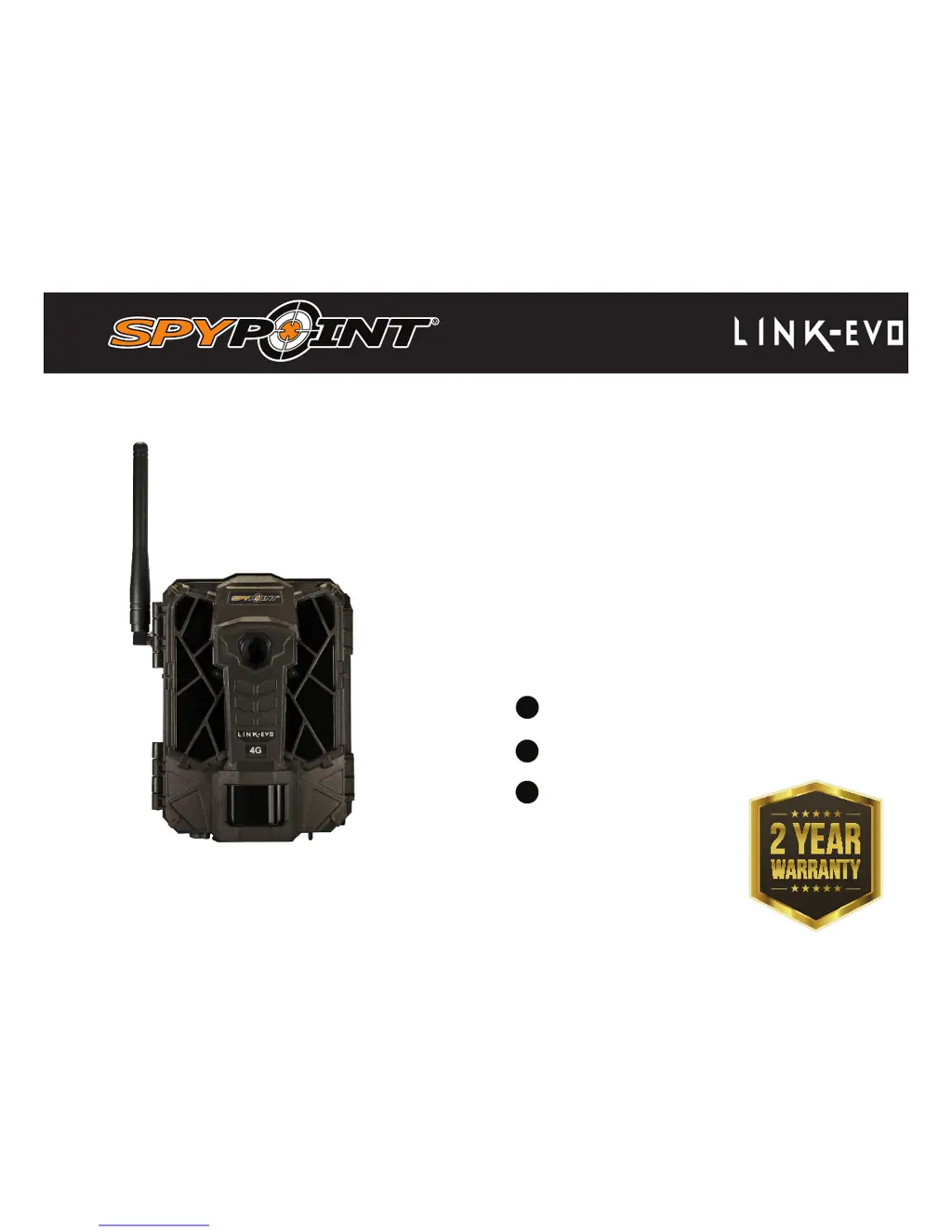
CELLULAR TRAIL CAMERA
support@spypoint.com
support.spypoint.com

1-888-779-7646

Questions and Answers

Summary

Components

Specifications

Cellular transmission

Details about cellular connectivity and data plans.

Photo recording

Settings related to capturing still images, including resolution and format.

Video recording

Settings for video capture, such as resolution, file format, and length.

Power sources

Details on the types of batteries and external power options compatible with the camera.

Detection system

Specifications for the motion sensor, detection angle, distance, and trigger speed.

Night time illumination system

Information about the LEDs, type, and flash range for night photography.

Power

AA Batteries

Details on using standard AA batteries for camera power.

Lithium Battery Pack

Information on the rechargeable lithium battery pack and its advantages.

External 12 V Power

How to power the camera using an external 12V DC source.

Memory card; BUSY LED

Memory Card Usage

Guide on using memory cards, including capacity and formatting.

Busy LED Indicator

Explanation of the Busy LED's function as a diagnostic tool.

Getting started

Install the SPYPOINT LINK App

Steps to download and install the mobile application for camera control.

Starting and Connecting the Camera

Instructions for powering on the camera and establishing a cellular connection.

Configuring the App Settings

How to use the app to configure camera settings that will take effect on the next sync.

EVO software: Configuration & diagnosis tool

SPYPOINT LINK app

App Interface Overview

Overview of the SPYPOINT LINK app's main screen elements and navigation.

Account and Data Plan Management

Managing user profiles, data plans, and account information.

Camera Status and Information

Viewing camera signal, battery level, and general operational status.

Settings and Options

Customizing camera settings like date, temperature units, night mode, and battery type.

Installation & Mounting bracket

Recommended Installation Height

Guidelines for the optimal height to install the camera for animal detection.

Mounting Bracket and Strap Installation

Instructions on how to attach the camera using the mounting bracket or installation strap.

File transfer to a computer

File Transfer for PC Users

Detailed steps for transferring photos and videos from the camera to a PC.

File Transfer for Mac Users

Detailed steps for transferring photos and videos from the camera to a Mac.

Available accessories

Troubleshooting

EVO Software Diagnosis Messages

Explains common error messages from the EVO software and their solutions.

Warranty & Repair

Regulations

Spypoint LINK-EVO? LINK-EVO-V Specifications

General IconGeneral
Detection Range80 feet
Video Resolution720p
Battery Type6 AA batteries (not included)
ConnectivityLTE
StorageSD card (up to 32GB)
Flash TypeLow Glow LED
Flash Range80 feet

Related product manuals