EasyManua.ls Logo

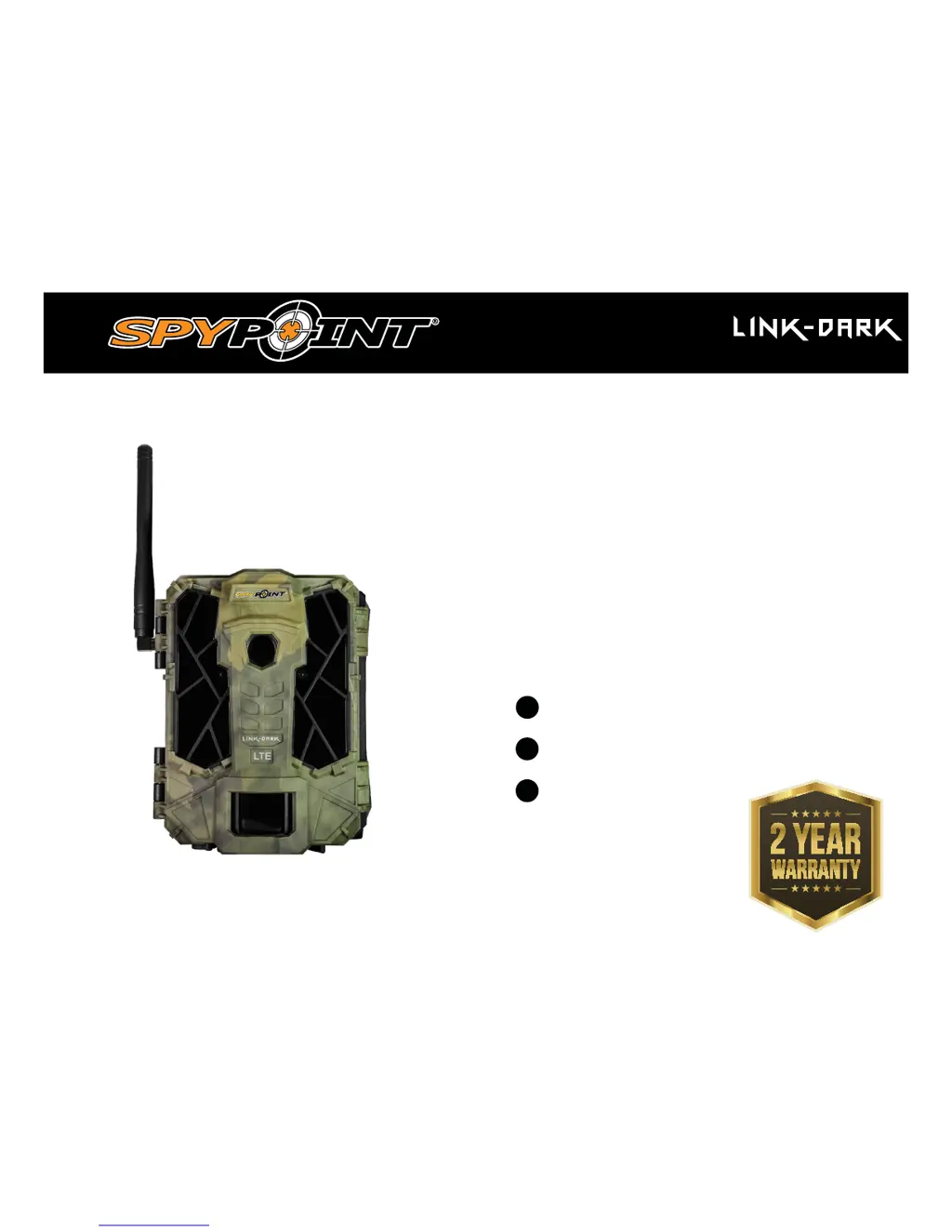
Spypoint LINK-DARK - User Manual

Spypoint LINK-DARK
20 pages
Print Icon
To Next Page IconTo Next Page
Loading...
v1
USER MANUAL
Models:
LINK-DARK
LINK-DARK-V
CELLULAR TRAIL CAMERA
1-888-779-7646
support.spypoint.com

support@spypoint.com
www.spypoint.com

Other manuals for Spypoint LINK-DARK

Questions and Answers

  • A
    Angela WilliamsSep 10, 2025
    What does 'Error: SIM card' mean on my Spypoint LINK-DARK Scouting Camera and how do I fix it?
    • L
      Lindsey TaylorSep 10, 2025
      This error indicates a defective SIM card. Try turning the camera off and then on again. If the issue continues, turn the camera off, remove the SIM card, and reinsert it as shown on the camera, ensuring you hear a click when it's properly inserted.
  • O
    ostaffordAug 22, 2025
    What to do if my Spypoint LINK-DARK Scouting Camera doesn't take photos or videos?
    • S
      Sherri AvilaAug 22, 2025
      First, verify if there are batteries in the camera, and replace them or recharge the lithium battery pack if necessary. Also, check if the camera is turned on. If these steps don't work, try slow formatting the memory/SD card in a computer and make sure the camera detects movement by proceeding to a Detection Test.
  • E
    Elizabeth PierceAug 25, 2025
    What to do if my Spypoint Scouting Camera is not responding?
    • B
      bpayneAug 25, 2025
      Try removing the batteries and then reinstalling them. If that doesn't work, replace the batteries or recharge the lithium battery pack.
  • T
    Todd HillAug 26, 2025
    What does it mean when the red light in front of my Spypoint LINK-DARK blinks?
    • M
      Mary ParkAug 27, 2025
      The red light blinking indicates that the camera is set on TEST mode. Alternatively, if the camera is set on PHOTO or VIDEO mode, the red light flashes for 30 seconds to give you time to leave the area before a photo or video is taken.
  • S
    Sarah RogersAug 27, 2025
    What does 'Card error' mean on my Spypoint LINK-DARK and how to fix it?
    • P
      pamelavillanuevaAug 27, 2025
      A 'Card error' message means the camera can't access the memory card. Try turning the camera off and on again. If that doesn't work, remove the SD card and reinsert it, ensuring you hear a click. Check if the gold contacts are clean. If the problem continues, format the memory card by performing a slow format on a computer.
  • J
    Jessica NewtonAug 29, 2025
    Why does my Spypoint LINK-DARK Scouting Camera show 'Error: No SIM card' and how to fix it?
    • C
      Christopher Parks IIIAug 29, 2025
      This error indicates that the SIM card is either missing or defective. Try turning the camera off and on again. If the problem persists, turn off the camera, remove the SIM card, and reinsert it as shown in the battery case diagram, listening for a click to confirm it's correctly inserted.
  • L
    Lauren SmithSep 18, 2025
    What does 'Protected file' mean on my Spypoint Scouting Camera?
    • A
      Andrew YoungSep 18, 2025
      To delete a protected file, unprotect the photo in View mode first. Alternatively, you can format the memory card to delete all files, including the protected ones.
  • H
    hickmanamySep 12, 2025
    What does 'Error: Modem' mean on my Spypoint LINK-DARK Scouting Camera?
    • M
      Mckenzie ScottSep 12, 2025
      This error indicates a communication problem between the camera and the modem. Try turning the camera off and then on again.
  • C
    Charles ColeSep 8, 2025
    Why does the screen of my Spypoint LINK-DARK Scouting Camera turn off?
    • E
      ehallSep 8, 2025
      If your camera is in PHOTO or VIDEO mode, the screen turns off after 30 seconds to save battery. To turn the screen back on, turn the camera off and then on again.
  • M
    Monica LeSep 5, 2025
    Why does my Spypoint LINK-DARK take black photos or videos?
    • M
      Maria OrtizSep 5, 2025
      Check the battery level to ensure it's sufficient, as the flash may not work correctly when the battery is low, especially during video recording. Also, make sure there's an object within the flash range to reflect the infrared back to the camera. To test if the flash is working, try the camera in a dark room to see if you get black and white pictures or videos.

Summary

Powering Your Camera

Battery Options: AA, Lithium, and External

Details how to power the camera using AA batteries, a lithium battery pack, or an external 12V source.

Memory Card and Status Indicators

SD Card Management and Usage

Guides on SD card requirements, insertion, capacity, formatting, and continuous recording functionality.

Installation and Mounting Guide

Optimal Camera Placement and Height

Recommendations for installing the camera at the correct height and distance for best field of view and image quality.

Transferring Photos and Videos

SD Card File Transfer to PC or Mac

Step-by-step instructions for safely transferring media files from the camera's SD card to a computer.

Troubleshooting Common Issues

Camera Power and Response Problems

Solutions for issues where the camera fails to turn on, respond, or its screen turns off unexpectedly.

Image Capture and Quality Issues

Addresses problems with taking photos/videos, dark images, blurry shots, or no images appearing.

Detection and Triggering Problems

Solutions for lack of detection, false triggers, or issues with motion sensor accuracy.

Troubleshooting Error Messages

Memory Card and SIM Card Errors

Troubleshooting steps for 'Insert memory card', 'Card error', 'SIM card' and 'No SIM card' error messages.

Warranty and Repair Information

Procedures for Product Repair Service

Details the process for obtaining warranty or repair service, including contacting support and obtaining an RMA.

Spypoint LINK-DARK Specifications

General IconGeneral
Trigger Speed0.07 seconds
Wireless ConnectivityLTE
Number of LEDs42
Battery LifeUp to 6 months
Flash Range80 feet
Detection RangeUp to 100 ft (30m)
Video Resolution720p
MemoryMicroSD card (up to 32GB)
StorageMicroSD card, up to 32GB
Operating Temperature-20°C to 50°C
Power Source8 AA batteries

Related product manuals