EasyManua.ls Logo

Spypoint mini-LIVE - User Manual

Spypoint mini-LIVE
25 pages
Print Icon
To Next Page IconTo Next Page
Loading...
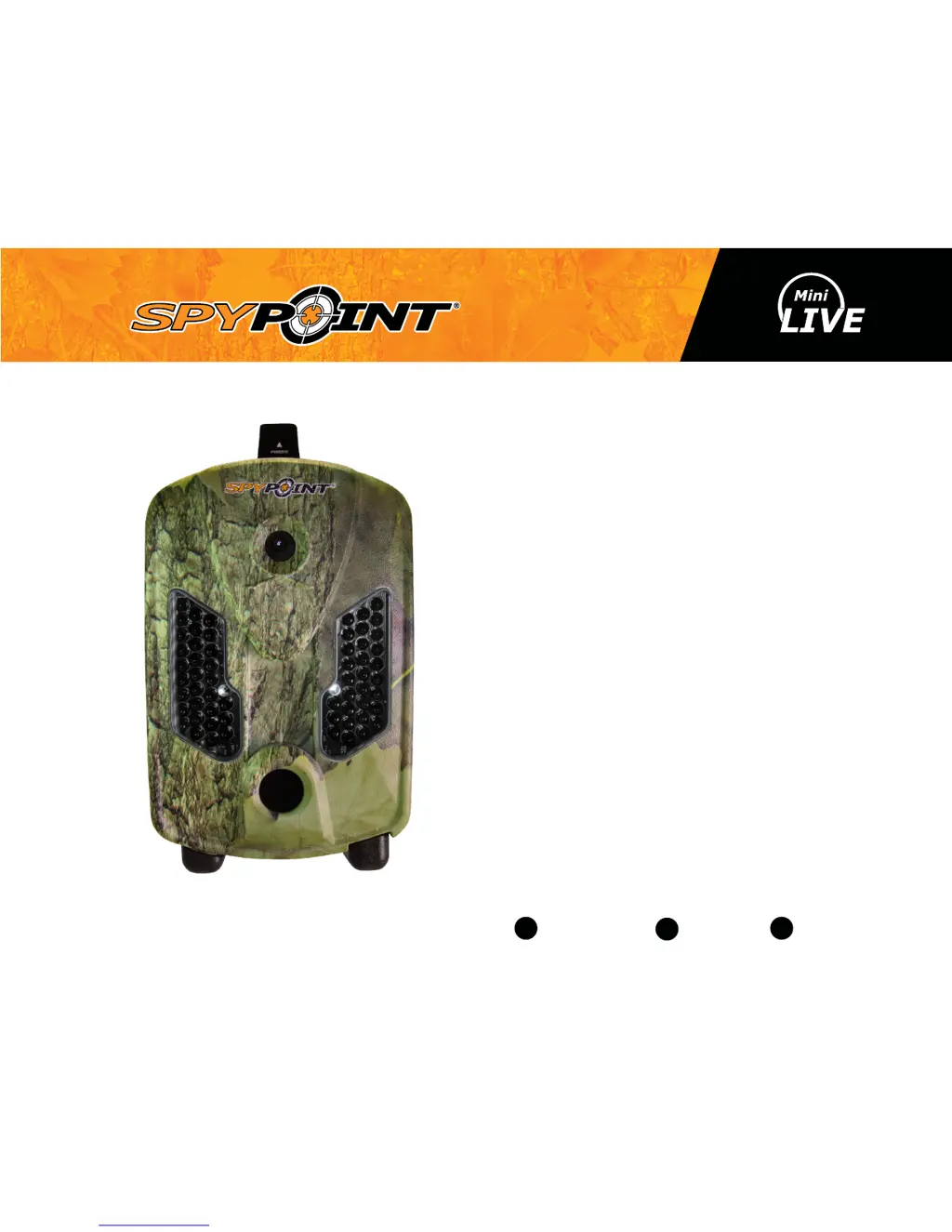
CELLULAR TRAIL CAMERA
v1.6
USER MANUAL
Models:
mini-LIVE
mini-LIVE-4G
mini-LIVE-4GV
mini-LIVE-CV
1-888-779-7646support.spypoint.com

tech@spypoint.com

Other manuals for Spypoint mini-LIVE

Questions and Answers

  • P
    Paula ClarkeAug 14, 2025
    Why no person/animal on Spypoint mini-LIVE photos?
    • L
      Laura GambleAug 14, 2025
      If your Spypoint Scouting Camera isn't capturing people or animals in photos, try re-orienting the camera. You can also try reducing the sensibility setting. Alternatively, reduce the sensibility and raise the height of the camera. Moving the camera further back or redirecting it might also help. Finally, make sure the mounting post or tree is stable and doesn't move.
  • C
    Cheryl MaldonadoAug 17, 2025
    Why is the red light in front of my Spypoint mini-LIVE Scouting Camera blinking?
    • J
      Jermaine DayAug 17, 2025
      If your Spypoint Scouting Camera's red light is blinking, it could be set to TEST mode. Alternatively, when in PHOTO or VIDEO mode, the red light flashes for 60 seconds, giving you time to leave the area before a photo or video is taken.
  • J
    Jill BellAug 20, 2025
    Why is my Spypoint mini-LIVE Scouting Camera not taking photos/videos?
    • A
      Angela SharpAug 20, 2025
      If your Spypoint Scouting Camera isn't taking photos or videos, first check if batteries are installed. If they are, try replacing the alkaline batteries or recharging the lithium battery pack. Also, ensure that the camera is turned on.
  • D
    Donna AndersonAug 25, 2025
    Why computer does not recognize Spypoint mini-LIVE?
    • L
      Linda KingAug 25, 2025
      If your computer isn't recognizing your Spypoint Scouting Camera, first check if the camera is properly connected to the computer. Ensure the camera is turned on before connecting it. Try using the USB cable that came with the camera.
  • V
    Victor StevensAug 27, 2025
    Why impossible to connect to Verizon cellular network with Spypoint Scouting Camera?
    • D
      David MathewsAug 27, 2025
      If your Mini-LIVE-4GV or mini-LIVE-CV Spypoint Scouting Camera can't connect to the Verizon cellular network, verify that your mySPYPOINT account has been created successfully. Try the provisioning process again as explained in the activation procedure. Also, ensure you're in a Verizon coverage area.
  • T
    Trevor PerezAug 31, 2025
    Why does the screen of my Spypoint mini-LIVE turn off?
    • S
      Suzanne SharpAug 31, 2025
      If your Spypoint Scouting Camera screen turns off, it might be in PHOTO or VIDEO mode. The screen automatically shuts off after 60 seconds to save battery. To restore the screen, power the camera off and then on again.
  • R
    robert89Sep 3, 2025
    What to do if the screen of Spypoint Scouting Camera goes blank?
    • D
      Deanna TurnerSep 3, 2025
      If your Spypoint Scouting Camera screen goes blank and the camera stops responding, the battery level might be too low. Try replacing the alkaline batteries or recharging the lithium battery pack.
  • J
    jessethompsonSep 6, 2025
    What to do if Spypoint mini-LIVE does not respond?
    • K
      kristin45Sep 6, 2025
      If your Spypoint Scouting Camera isn't responding, try removing and reinstalling the batteries. If that doesn't work, replace the alkaline batteries or recharge the lithium battery pack.
  • C
    campbelltoddSep 9, 2025
    Why Spypoint mini-LIVE Scouting Camera beeps when GPS test option is enabled?
    • M
      Mark PerezSep 9, 2025
      If your Spypoint Scouting Camera beeps when the GPS test option is enabled, it means the GPS connection failed. Try the test again or change your location.

Spypoint mini-LIVE Specifications

General IconGeneral
Video Resolution720p
Detection Range80 feet
Flash Range80 feet
Camera TypeTrail Camera
ConnectivityLTE
Battery Type8 AA batteries
StorageMicroSD card (up to 32GB)
Flash TypeLED
Operating Temperature-20°C to 50°C

Related product manuals