EasyManua.ls Logo

Spypoint LM2 - User Manual

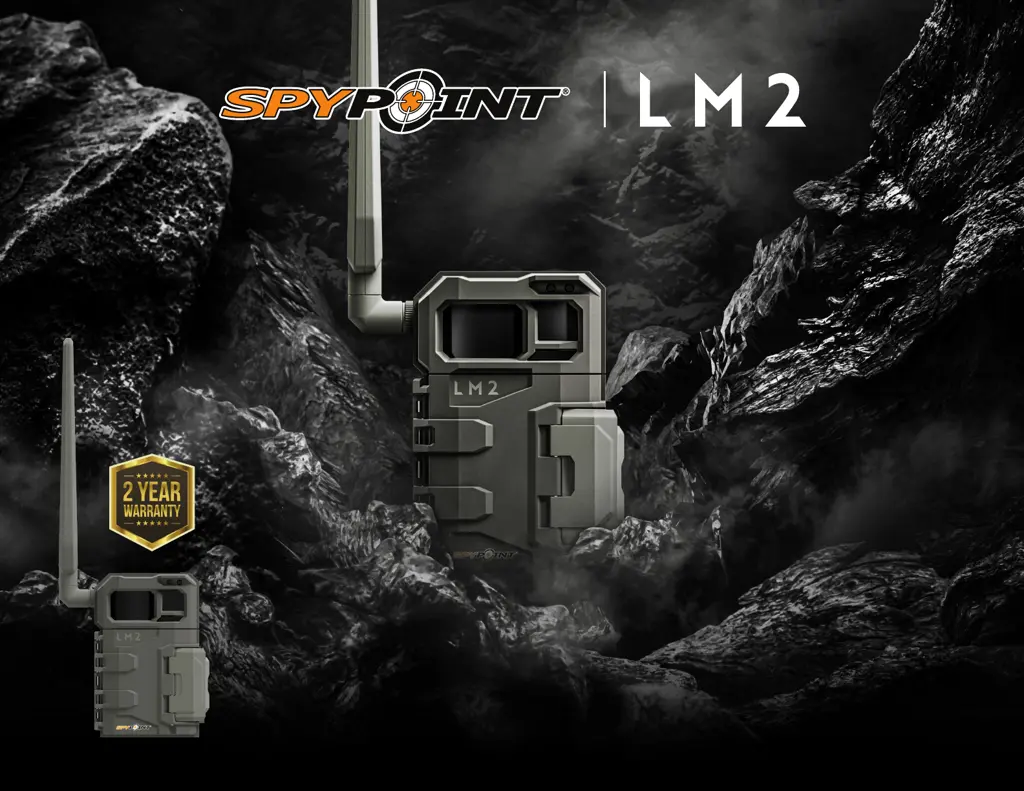
Spypoint LM2
25 pages
Print Icon
To Next Page IconTo Next Page
Loading...
v.1.0
USER MANUAL

Questions and Answers

  • L
    Lorraine JohnsonJul 29, 2025
    What to do if my Spypoint LM2 is not transmitting photos?
    • N
      nguyenmarkJul 29, 2025
      First, check the Photo section of your app for any messages. Also, ensure you haven't exceeded the photo limit of your cellular plan. If your microSD card is empty, reinsert it into the camera, reboot the camera, and trigger a new photo. If photos appear on the microSD card after this, they should transfer to your app within 15 minutes. Otherwise, there may be a photo transmission issue.
  • M
    Mrs. Candice JohnsonAug 4, 2025
    What to do if my Spypoint Scouting Camera is not receiving a cellular signal?
    • H
      hurleyzacharyAug 4, 2025
      First, verify that the cellular network provides coverage in your area. Try moving the camera to different locations to find a stronger signal. Power the camera off and on between attempts. Ensure the antenna is securely screwed down. Consider using the long range cellular antenna #CA-01, sold separately.
  • M
    Michael OlsonAug 10, 2025
    What to do if my Spypoint LM2 doesn’t take pictures?
    • B
      Bryan RomeroAug 10, 2025
      Check the operating periods you have set to ensure the camera is active during the times you expect it to take pictures. Format the microSD card, making sure not to select the 'Quick format' option. If these steps don't work, reset the camera and its settings.
  • J
    justin17Aug 16, 2025
    Why are the batteries draining fast on my Spypoint LM2 Scouting Camera?
    • V
      Victor Rodriguez DVMAug 16, 2025
      Several camera configurations can affect power consumption, including the delay between shots, multi-shot settings, detection sensitivity, transfer frequency, and photo quality. To conserve battery life, choose less power-consuming options whenever possible.
  • E
    Evan PowellAug 22, 2025
    Why is my Spypoint Scouting Camera no longer responding?
    • M
      Melody ConleyAug 23, 2025
      Try turning the camera off and then on again. If that doesn't work, remove and then reinsert the battery compartment. You can also try resetting the device to its original state using the app. If the issue persists, perform the latest update.

Summary

Components

Features

Power Supply

Choosing a Power Source

Outlines the four available power source options for the camera.

Installing AA Batteries

Step-by-step guide for properly installing AA batteries in the camera.

Memory Card

Preparation

Activating Your Camera

Explains the need for activation and how to find the activation code.

Activation

SPYPOINT App - New Users

Steps for activating the camera using the SPYPOINT mobile app.

SPYPOINT Website Activation

Steps for activating the camera via the SPYPOINT website.

Installation and Startup

Starting Your Camera

Important checks and initial steps for powering on the camera.

Configuration

Basic and Cellular Settings

Configuration options for mode, delay, transfer times, and frequency.

Advanced and Reset Settings

Advanced settings like date/time format, and reset options.

Verification

Transferring Files to a Computer

Troubleshooting

Power, Responsiveness, and Photo Issues

Solutions for camera not turning on, unresponsiveness, and not taking pictures.

Transmission, Signal, and Battery Issues

Troubleshooting photo transmission, cellular signal, and battery drain.

Warranty

Limited Warranty Terms

Details of the 2-year limited warranty coverage and exclusions.

Spypoint LM2 Specifications

General IconGeneral
Image Resolution20 MP
Video Resolution720p
Trigger Speed0.5 seconds
Detection Range80 feet
Flash Range80 feet
Wireless ConnectivityYes
Photo TransmissionYes
Power Source8 AA batteries
Memory CardMicroSD card, up to 32GB
Cellular ConnectivityLTE
Flash TypeLow Glow
Operating Temperature-20°C to 50°C

Related product manuals