LM2SPYPOINT
10
Activation
SPYPOINT APP - NEW USERS
On your mobile device or a computer, use the web browser and navigate to www.spypoint.com, select
“LOGIN” in the top navigation menu. On the displayed “SPYPOINT” page, select “CREATE AN ACCOUNT“,
ll out the required elds, then log in. Once your account is created you can either continue to use the web
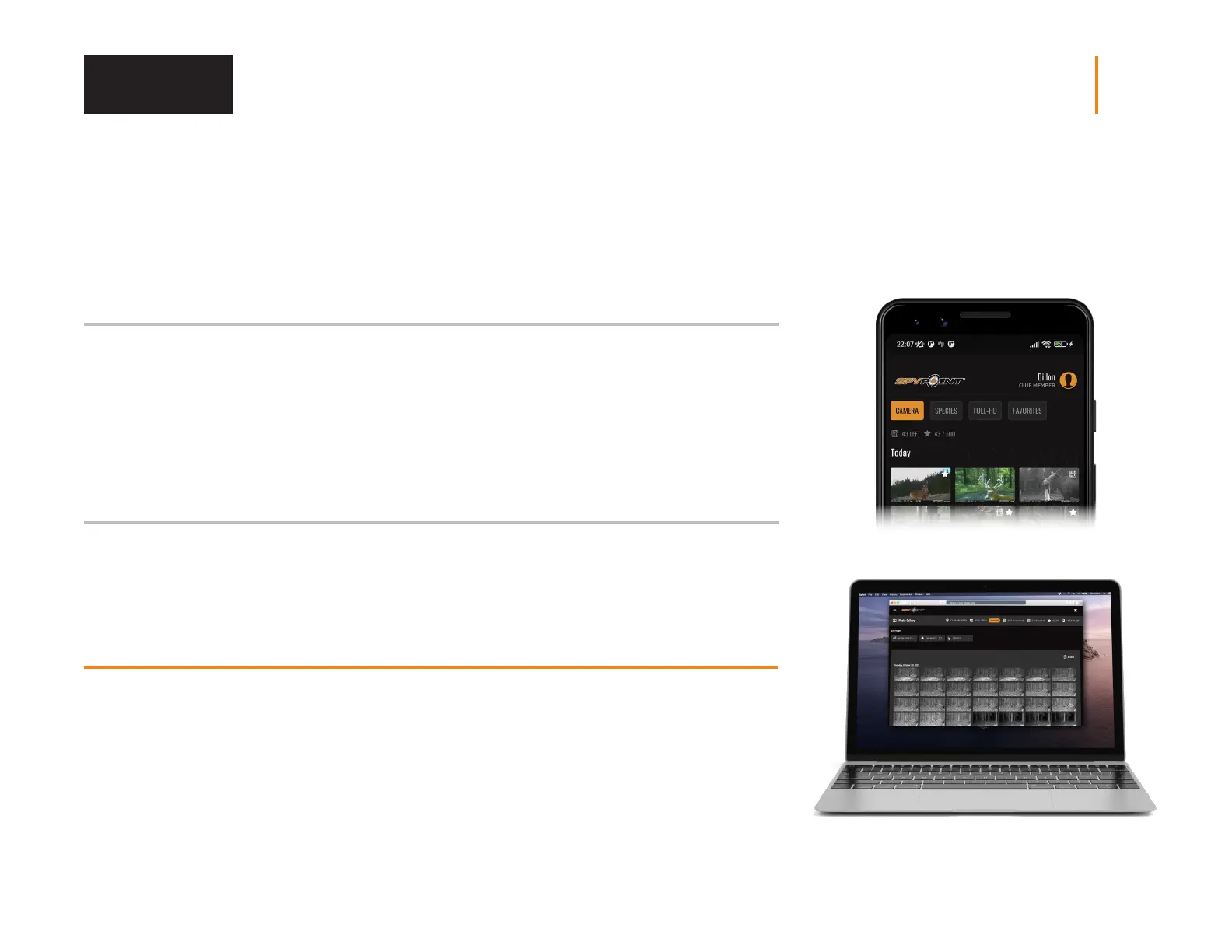
version of the application or you can switch to the mobile application.
If you choose to use the SPYPOINT app to activate your device, follow these steps:
1. On Google Play
TM
or the App Store
TM
, search for “SPYPOINT”.
2. Download and install the app on your smartphone or tablet.
3. Start the app. Select “LOGIN”. Enter your account information and select “LOGIN”.
4. Select the “CAMERAS” tab at the bottom of the screen and press the orange + button.
5. In the list, select “LM2” then follow the steps to scan your data matix code.
6. When complete, you will see the camera in the camera list.
If you choose to use our SPYPOINT website to activate your device, follow these steps:
1. On the www.spypoint.com website, select “LOGIN” in the top navigation menu. On the displayed
“SPYPOINT” page, login using your account information. Then press the “LOGIN” button.
2. Select the + sign on the far right of the page; in the list, select “LM2” then follow the steps.
3. When complete, you will see the device in your camera list.
CHOOSING A PHOTO TRANSMISSION PLAN FOR YOUR CAMERA
Go to www.spypoint.com/en/spypoint-experience/plans to read the latest oers
and choose the plan that suits you.















 To Next Page