


 To Next Page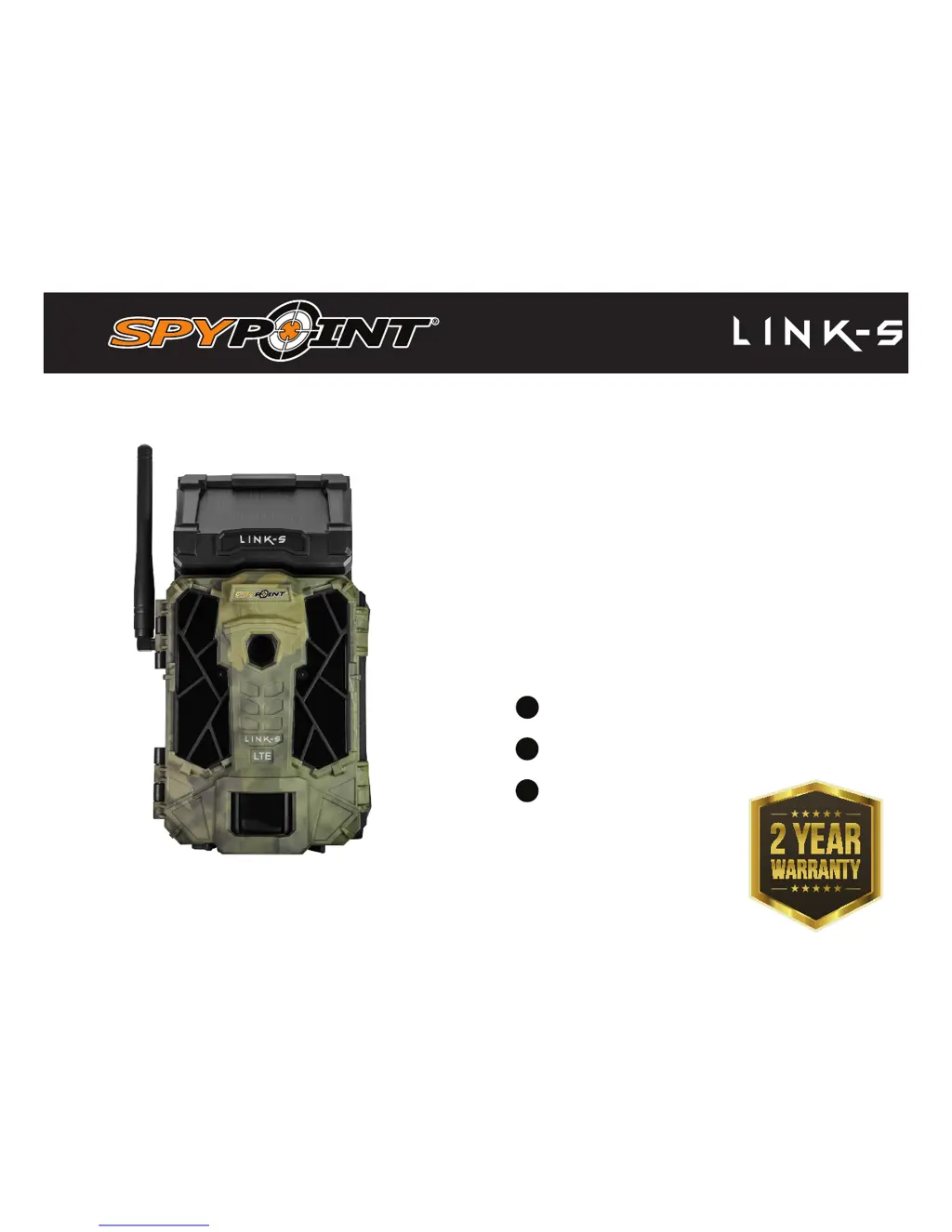


X
xwoodSep 10, 2025
What to do if my Spypoint Scouting Camera shows 'Error: No SIM card'?
- RRobin RamirezSep 10, 2025
If your Spypoint Scouting Camera displays 'Error: No SIM card', try turning the camera off and on again. If the error persists, turn off the camera, remove the SIM card, and reinsert it as shown on the camera until you hear a click.
 General










