8
MEMORY CARD
A memory card is required to record photos and videos. The camera is
compatible with SD/SDHC memory cards, up to 32 GB capacity (sold
separately).
The screen displays "Insert Memory Card" when the camera is turned on
and no memory card is used.
Here is a table of the approximate number of photos and length of videos
that can be recorded with dierent memory card capacities. Many photo and
video resolutions are noted, see those corresponding to the camera.
Note: This SPYPOINT camera is equiped with continuous le recording.
When the memory card is full, the camera will continue to record photos or
videos by deleting the rst recorded les.
4 GB 8 GB 16 GB 32GB
Photo
12 MP 1600 3200 6300 12600
Video
1280 x 720 40 min 1h20 2h40 5h20
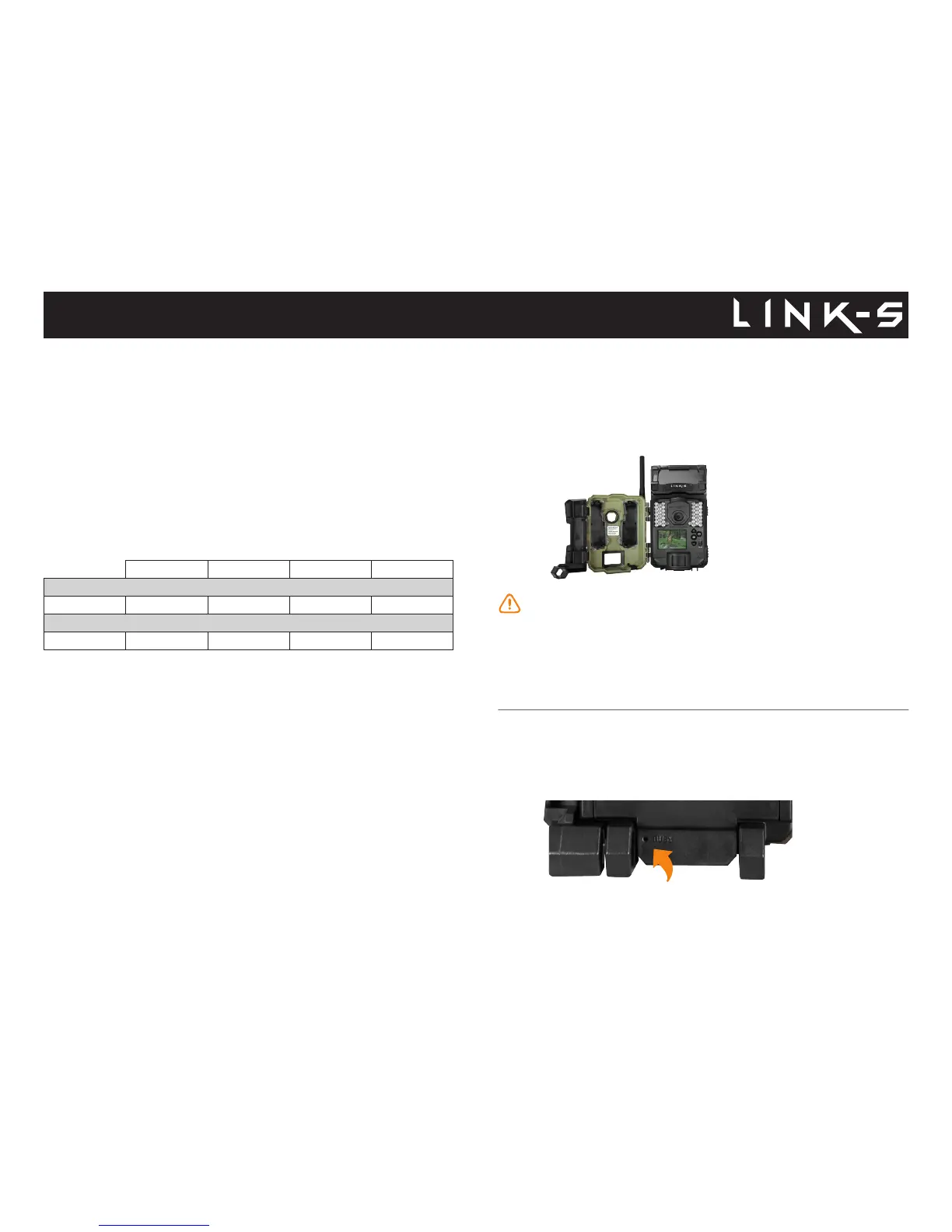
Memory card / "BUSY" LED
INSERTING THE MEMORY CARD
Before inserting or removing a memory card, always turn o the camera to
prevent loss or damage of the photos already recorded. Also make sure that
the switch on the side of the card is not in the LOCK position.
Insert an SD/SDHC memory card (up to 32 GB capacity) in the card slot
with the label side facing upward. The card is inserted correctly when a click
is heard.
We suggest to format your SD card if it's been in another electronic
device to make sure you will have the maximum capacity of your
memory card.
REMOVING THE MEMORY CARD
Lightly press the memory card into the camera once to pop it out of the slot
and remove it.
BUSY LED
The BUSY light is located at the back of the camera. It is a diagnostic tool.
It lights up when the camera starts, when the camera records a le and
in TEST mode at the same time as the test light (located in front of the
camera).















 To Next Page