14
The SPYPOINT camera offers the possibility to record sound in VIDEO mode.
When the VIDEO mode is selected, the camera automatically records the
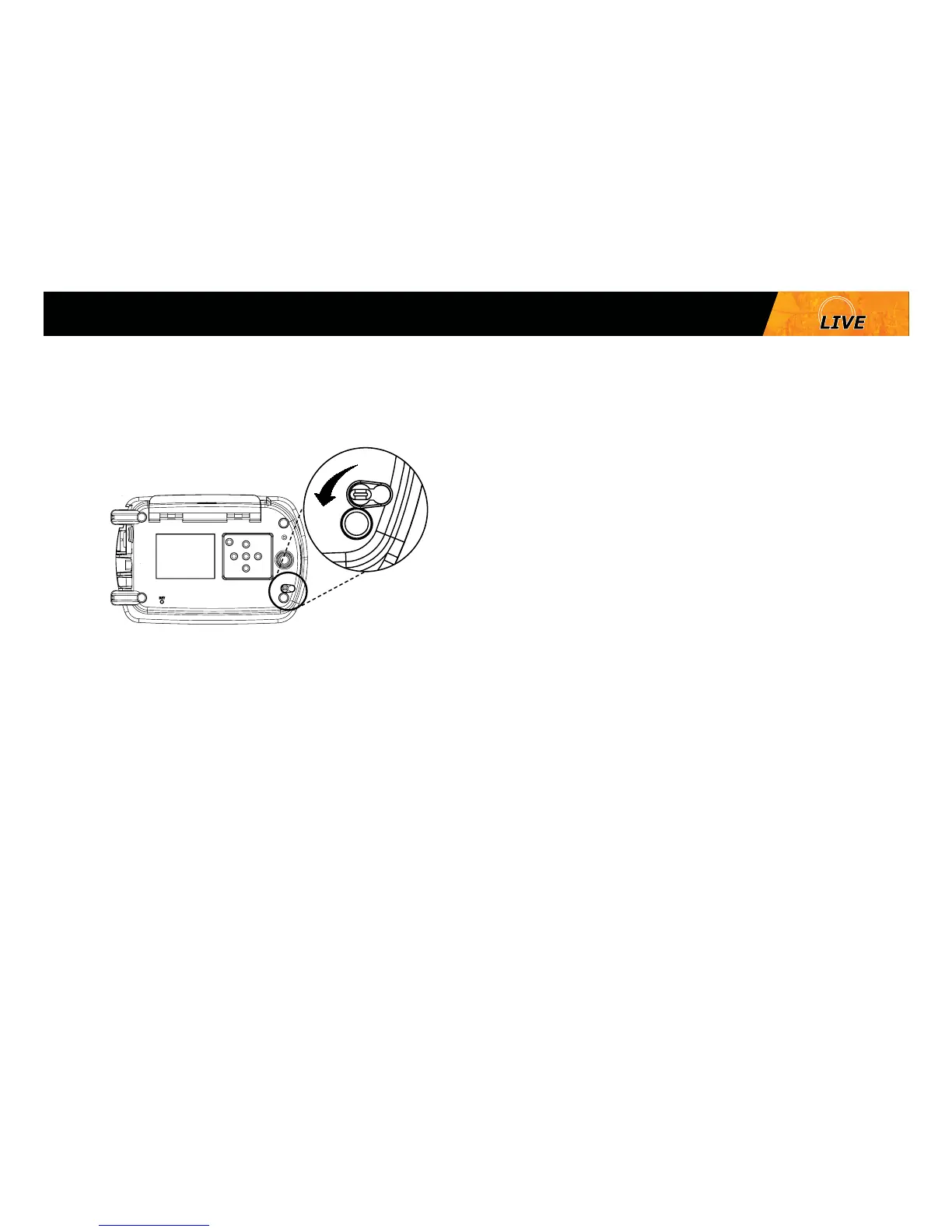
sound. Under the camera, there is a rubber cap with the inscription MIC. If
the user does not want to record the sound, the rubber cap needs to stay in
place. If sound recording is required, the user must lift the rubber cap and
turn it slightly so that the microphone receiver is completely cleared (See
gure below).
Sound recording (mini-LIVE-4G/mini-LIVE-4GV/ mini-LIVE-CV)
Mini















 To Next Page