13
Settings
Mini
Info on photos:
(Yes/No)
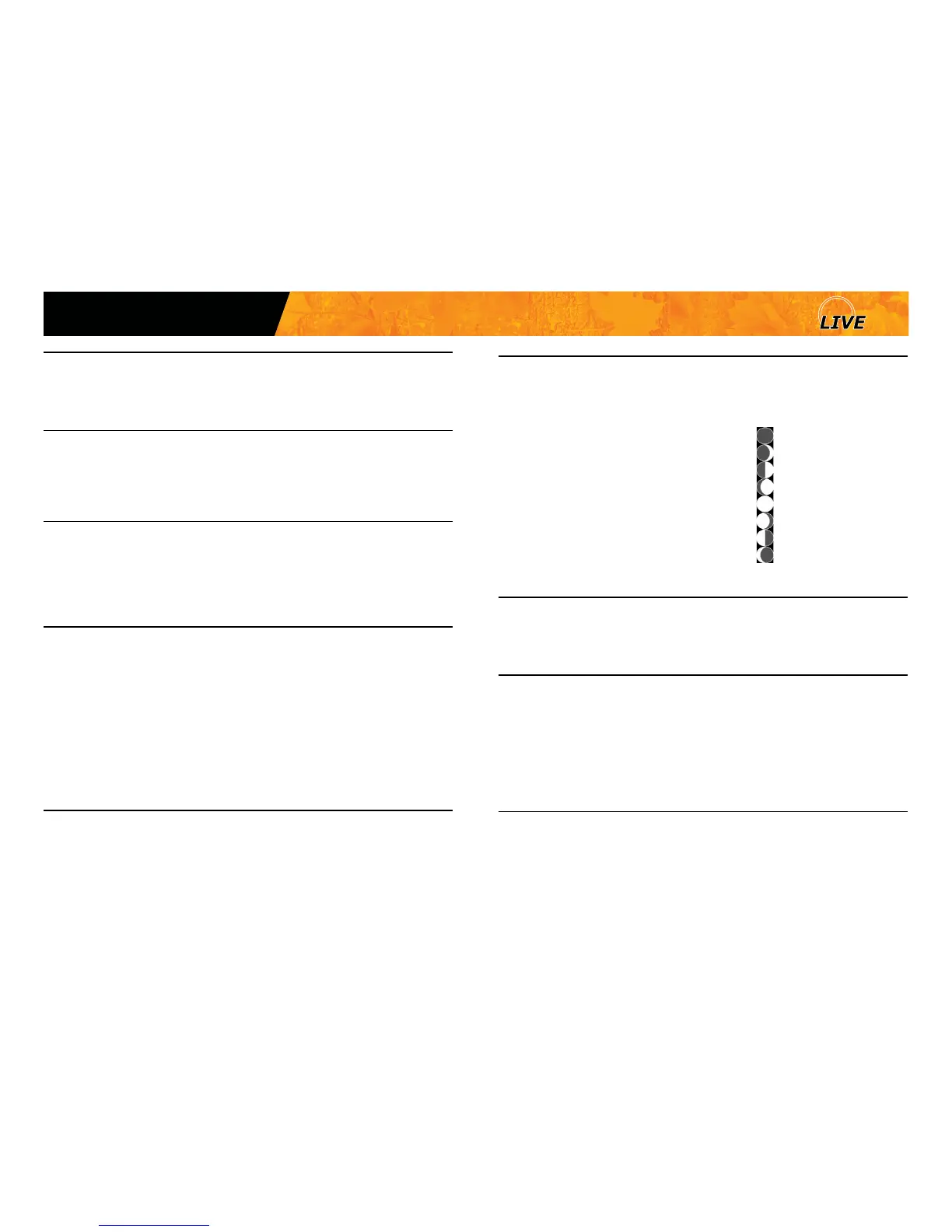
Allows the user to have date, time, temperature and moon phases printed
on the photos.
New moon:
Waxing Crescent:
First Quarter:
Waxing Gibbous:
Full moon:
Waning Gibbous:
Last Quarter:
Waning crescent:
Temperature:
(°C/°F)
Allows the user to select the temperature display.
About the device:
Displays system information:
- Version number of rmware
- SIM card number (if applicable)
- Serial number
- IMEI number (mini-LIVE/mini-LIVE-4G)
- MEID number (mini-LIVE-4GV/mini-LIVE-CV)
- Version number of modem rmware
Debug mode
(Yes/No)
This option gives additional information to allow SPYPOINT technicians to
solve potential problems.
Date Format:
(MM/DD/YY, DD/MM/YY)
Allows the user to set the date as Month/Day/Year or as Day/Month/Year.
Time Format:
(12h/24h)
Allows the user to select the time display over a period of 12 or 24 hours
on the photos. (e.g. 6:00 pm or 18:00)
Time:
Allows the user to set the time as Hour/Minute.
Note: When the cellular option is set to ON, the time synchronizes with
the cellular network.
Schedule:
Allows the user to set the operation period of the camera for each day
of the week. The start and stop time programmed hours are the hours
during which the camera is in action and records photos or videos. For
example, if the user selects "3:00 AM" start time and "7:00 PM" stop time
on Mondays, the camera will only detect for that period of time and will
stay inactive for the remaining hours. Each day has to be be congured
independently.
For a 24 hour activation, the start and stop time must be 12:00 AM. These
hours are the basic settings of the camera.
LIT-09 charger
Allows the user to change the power source (AA batteries, Lithium battery
pack, External 12V or Solar panel) see p.7 for more details.















 To Next Page