15
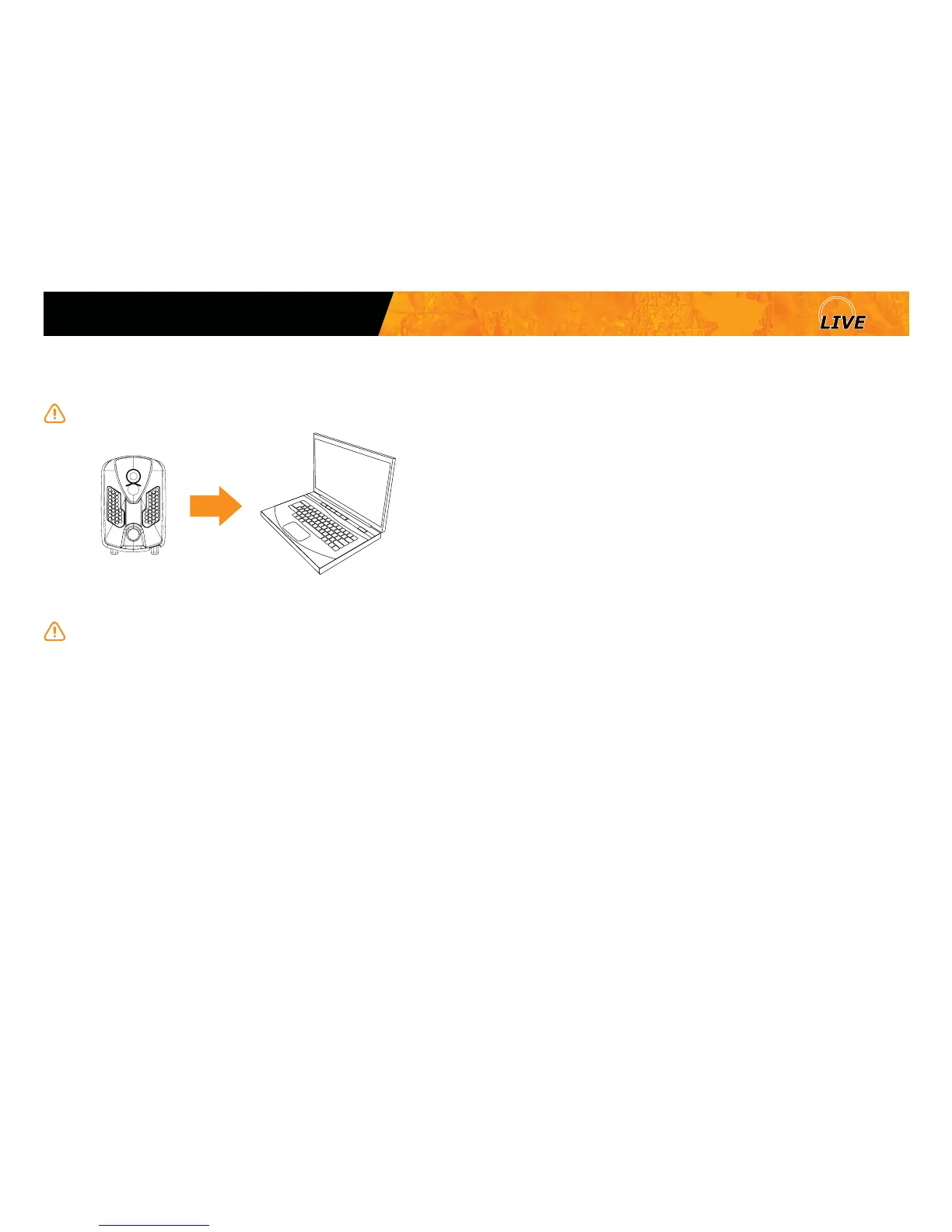
To transfer photos/videos to a computer:
1. Turn on the camera.
Note that the camera has to be turned on in order for the computer to
recognize the SD card.
2. Connect the USB cable from the camera to a computer.
It is recommended to use the supplied cable.
3. The computer will detect the camera and install the driver automatically.
4. Click on "My Computer" and select "Removable Disk".
5. Then click on "DCIM" and "100DSCIM" to nd all recorded photos and
videos.
6. Drag or save the les to the desired location.
Taking the memory card (sold separately) out of the camera and
inserting it into the computer slot will achieve the same results.
USB
File transfer to a computer
Mini















 To Next Page