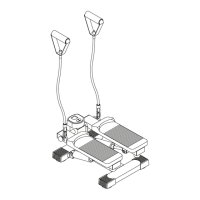
EQUIPMENT MAT
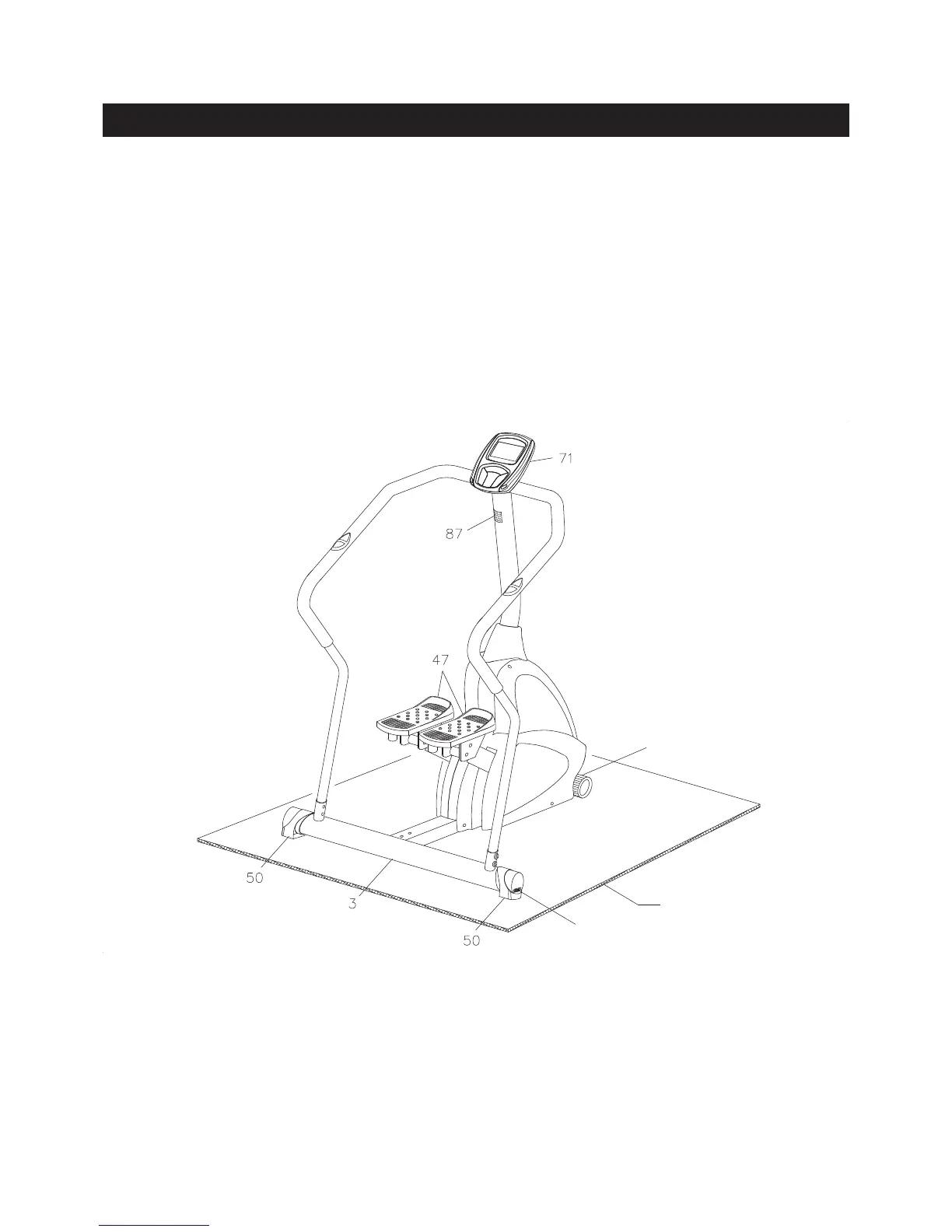
LEVELING: Turn the dials in the LEVELING CAPS(50) which are attached to the REAR STABILIZER(3)
so that the AVARI® Programmable Stepper sits on the oor without rocking.
MOVING: The AVARI® Programmable Stepper has a pair of WHEELS(31) on the front stabilizer
of the MAIN FRAME(1). Lift up the REAR STABILIZER(3) to move the AVARI®
Programmable Stepper.
FUNCTION INSPECTION:
Visually inspect the AVARI® Programmable Stepper to verify that assembly is as shown in the above
illustration. Check the function of the AVARI® Programmable Stepper by stepping on the PEDAL
CAPS(47) slowly move through one complete cycle to verify that the drive train functions properly. Use
the UP, DOWN, and ENTER buttons on the COMPUTER(71) to select a program and verify that the
Magnetic System provides different tensions. Refer to the COMPUTER INSTRUCTIONS on pages 12 to
21.
CAUTION: Locate and read the WARNING LABEL(87) on the AVARI® Programmable Stepper. Make
sure that all users read the WARNING LABEL(87) before using the product.
SET UP INSTRUCTIONS
11
Place the AVARI® Programmable Stepper in the area where it will be used. It is recommended that
the AVARI® Programmable Stepper be placed on an equipment mat. The operation dimensions of the
AVARI® Programmable Stepper are approximately 38.8 inches long x 39 inches wide x 59 inches tall.
(These dimensions may vary up to one inch.) Make sure that adequate space is available for access to
passage around and emergency dismount from the AVARI® Programmable Stepper. A minimum of 20
inches on at least one side and 20 inches either behind or in front of the AVARI® Programmable Stepper
is required for safe operation.
Front Stabilizer
Dial



 To Next Page