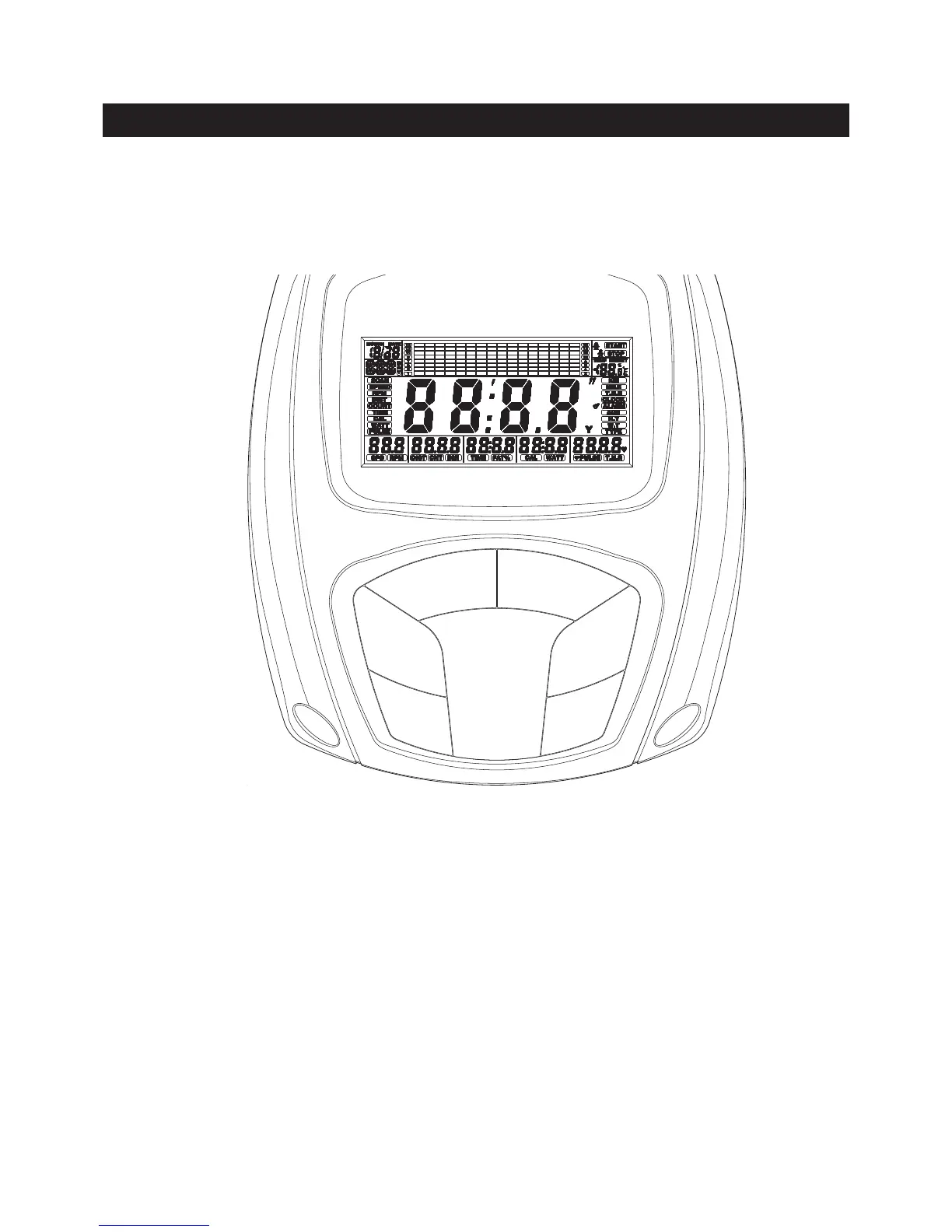
Press and release to select each function for display on Main Screen, including RPM,
COUNT, TIME, CALORIES, WATT, and PULSE.
MODE:
ENTER :
Press to start the selected program. Press the START/STOP button to stop the program.
You can press the START/STOP button again to continue to run the current program, or
use UP and DOWN buttons to select a new program.
START/STOP:
UP : Press to select programs. Press to increase the values of the setting mode.
Press to increase the level of the workload when running a program.
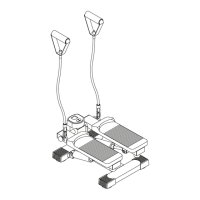
Your AVARI® Programmable Stepper utilizes a magnetic braking system to create resistance for your
workout. You control the amount and pattern of this resistance by means of the advanced computer console
mounted at the center of the Handrails. We recommend that you use this computer console to vary your
workout from session to session and note your progress toward your tness goals. When used regularly
in this way, the computer console can become an important source of motivation and interest which will
help keep you on track.
Press to select programs. Press to decrease the values of the setting mode.
Press to decrease the level of the workload when running a program.
DOWN :
Press to conrm the selected programs and the values of the setting mode.
Press and release to select each function for display on Main Screen during running a
program, including RPM, COUNT, TIME, CALORIES, WATT, and PULSE.
Press the button and hold it down for two seconds to reset all functions to zero and skip
to setting mode.
COMPUTER INSTRUCTIONS
UP MODE
ENTER
DOWN
START/STOPRECOVERY
To activate the pulse recovery function after training, you have to input your personal data
in advance for correct readout.
FUNCTION BUTTONS:
RECOVERY :
12



 To Next Page