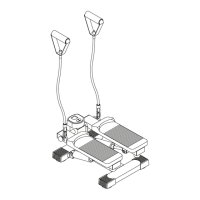
COMPUTER INSTRUCTIONS
21
The PULSE RECOVERY function measures how quickly you return to a resting heart rate after exercising.
You can use this function to measure improvement as you get into shape. The computer will monitor your
heart rate for 60 seconds and calculate a Pulse Recovery value from F1 to F6.
F1.0 = Excellent F2.0 = Good F3.0 = Fair
F4.0 = Below Average F5.0 = Not Good F6.0 = Poor
E. F.
POWER SOURCE:
The computer uses the ADAPTER(95) as a power source. Use the AVARI® Programmable Stepper with
the ADAPTER(95) plugged into an electrical outlet.
The readout should only be used as a comparison between workouts. It can be used right after any aerobic
exercise. Stop exercising before starting this function.
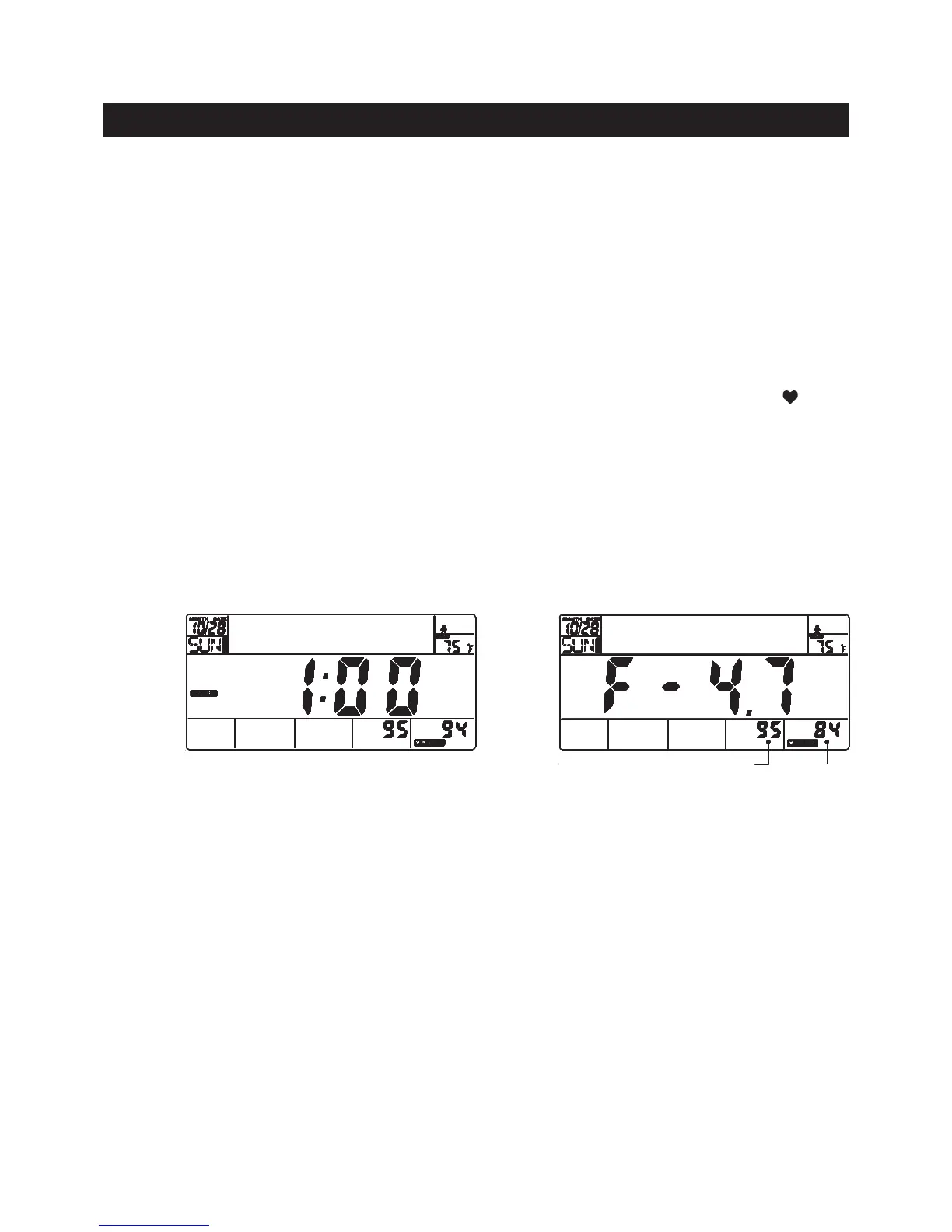
To start the pulse recovery function, grasp the Pulse Sensors on the Handrails, one in each hand. Your pulse will be
displayed approximately ve (5) seconds after the heart symbol is displayed. Then press the RECOVERY button and
continue to grasp the Pulse Sensors correctly. During the pulse recovery function, only PULSE and TIME are working
and the display will be as shown in illustration E. TIME will count down from 1:00 and the heart symbol “ “ will be
blinking. When the TIME reaches 0, the computer will show your pulse recovery condition from F1.0 to F6.0. See
illustration F. Press any button to exit the display.
NOTE:
E. PULSE RECOVERY FUNCTION
Current
heart rate
The highest heart rate
detected during the
rst 20 seconds.
1. You can press the RECOVERY button at any time to run pulse recovery program, even during
your exercising and running other program.
2. You can quit the pulse recovery function by pressing the ENTER button and hold it down for two
seconds.
3. If you do not hold the Pulse Sensors properly or your hands are too dry. If no signal is available,
an error code E will be displayed. Moisten your hands if necessary, then press the RECOVERY
button to run the program again.



 To Next Page