Troubleshooting
STAR TRAC FITNESS 1 of 2 637-1413 Rev: A
Bypass the Coax Cable in the Unit
Embedded Touch Screens
When troubleshooting an Embedded Touch Screen issue such as:
• The TV icon is grayed out (no channels picked up during channel scan)
• Some channels missing after channel scan
Bypassing the coax cable inside the cardio machine may be necessary. This is for troubleshooting purposes only.
This bulletin is used with the flow chart for the symptoms listed above.
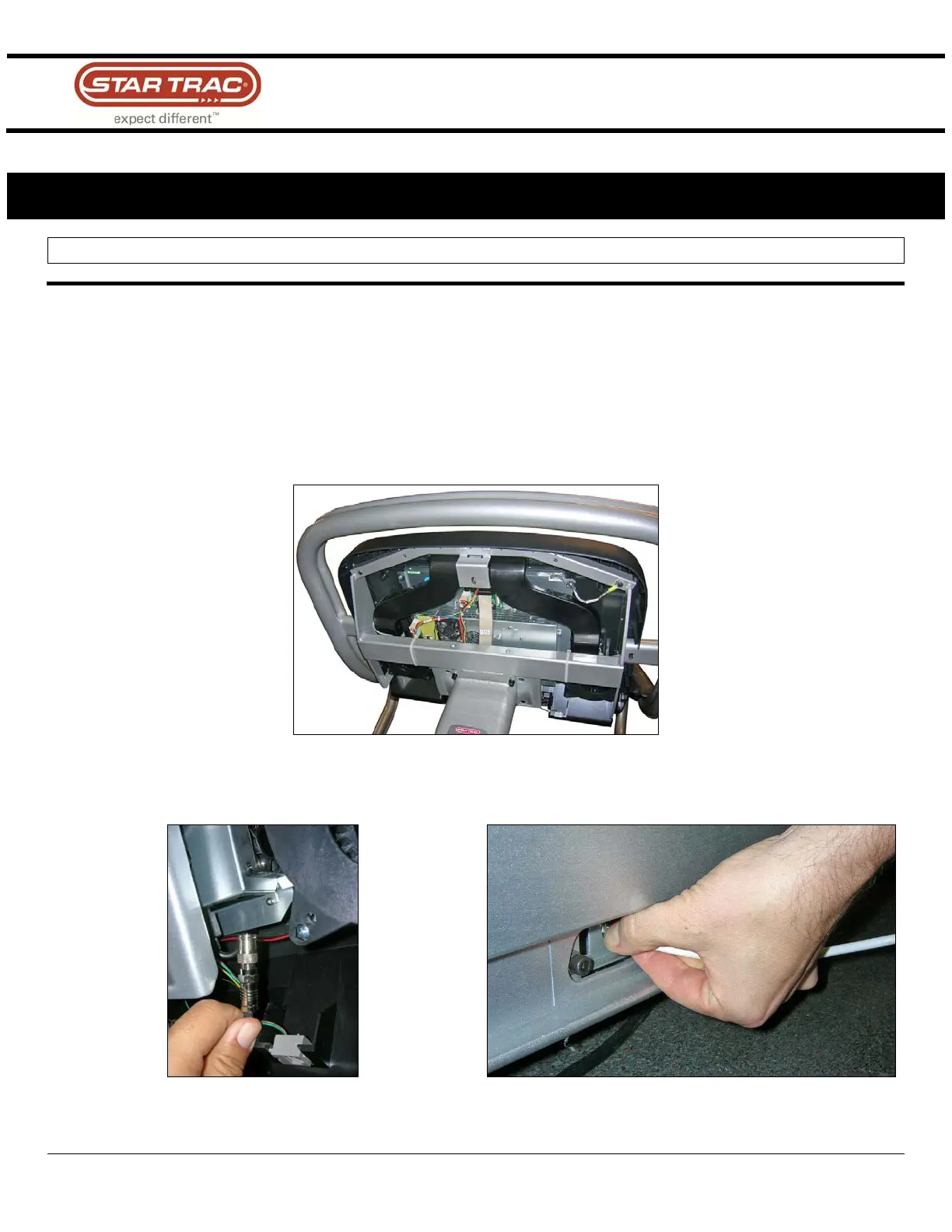
1. Remove the back plastic housing of the display (Fig. 1).
Fig.1
2. Disconnect the coax cable going into the screen (Fig. 2) and disconnect the coax cable going into the bottom of
the treadmill (Fig. 3).
Fig. 2
Fig. 3



 To Next Page