EasyManua.ls Logo

Star Trac E-TRxe - User Manual

Star Trac E-TRxe
42 pages
Print Icon
To Next Page IconTo Next Page
Loading...
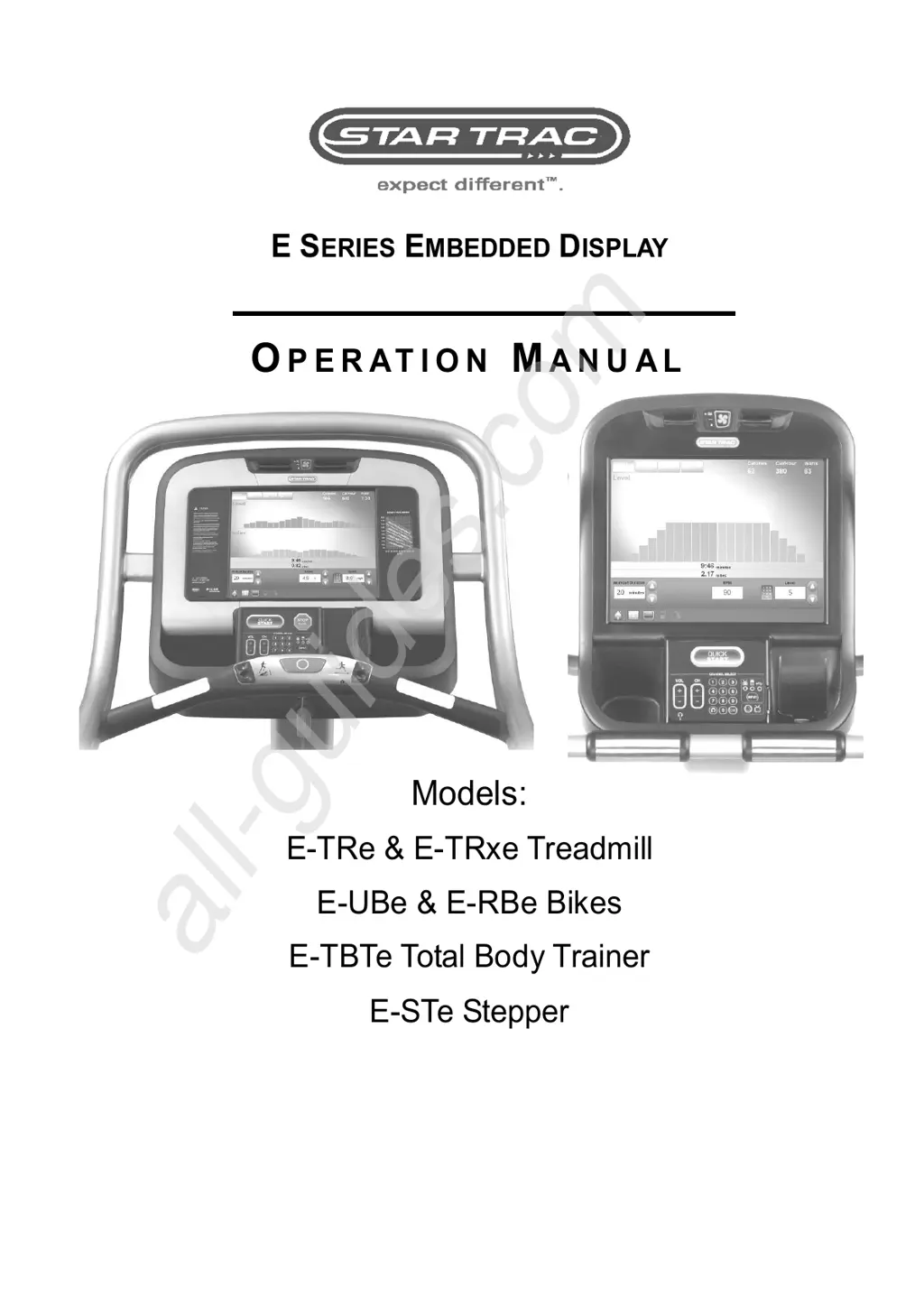
E SERIES EMBEDDED DISPLAY
O
P E R AT I O N
M
A N U A L
Models:
E-TRe & E-TRxe Treadmill
E-UBe & E-RBe Bikes
E-TBTe Total Body Trainer
E-STe Stepper
All manuals and user guides at all-guides.com
all-guides.com

Other manuals for Star Trac E-TRxe

Questions and Answers

  • B
    Betty MitchellAug 16, 2025
    What to do if the Star Trac Monitor shows an emergency stop condition?
    • R
      rachelgarciaAug 16, 2025
      First, reset the E-Stop switch to make the product operational. If the problem remains, inspect the cables and connections within the Hot Bar, including the e-stop cable connecting the Hot Bar to the FitCPU. If issues continue, examine the communications cable linking the FitCPU and the Translator Board. Should all these components appear functional, consider replacing the Translator Board.
  • W
    waltersjoeAug 19, 2025
    How to fix timeout during start-up hand shaking on Star Trac Monitor?
    • L
      Luke ThorntonSep 12, 2025
      To resolve a timeout during start-up, first reboot the unit. If the issue continues, inspect the communications cables between the Sidcup and the cob, and between the Display and Sidcup. Also, check the error code being flashed on the Sidcup, as it may differ from what's on the display, and consult the error codes table. If the problem persists, replace both communication cables.
  • J
    James LaraAug 22, 2025
    What to do if incline is stuck on Star Trac Monitor?
    • R
      Randall JohnsonAug 22, 2025
      If the incline is stuck, start by rebooting the unit. If the problem persists, verify that the Product Model in Maintenance Mode is correct and recalibrate the Incline. If the issue remains, check if the Incline Counts value in the Incline Calibration Screen changes during incline calibration; it should decrease as elevation increases. If the Incline Counts doesn't change, inspect the cable from the elevation motor to the MCB. If the cable is fine, replace the elevation motor.
  • A
    Andrea MeyerAug 26, 2025
    How to resolve speed calibration value out of range on Star Trac Monitor?
    • S
      scott18Aug 26, 2025
      To fix a speed calibration value that is out of range, first reboot the unit. If the problem persists, check the Product Model in Maintenance Mode and ensure it is correct. If it's still not working, recalibrate the Speed.
  • X
    xglennAug 28, 2025
    How to fix incline calibration value out of range on Star Trac Monitor?
    • N
      Nicole ChapmanAug 28, 2025
      To resolve an out-of-range incline calibration value, begin by rebooting the unit. If the issue persists, verify that the Product Model in Maintenance Mode is correct. If the problem continues, recalibrate the Incline.
  • K
    Karen ThompsonAug 31, 2025
    What to do for Fit CPU watch-dog response timeout on Star Trac Monitor?
    • M
      Maria RodriguezAug 31, 2025
      If you are experiencing a Fit CPU watch-dog response timeout, first reboot the unit. If the problem persists, check the communications cable between the Sidcup and the Display. If the problem still persists change the communications cable.
  • T
    Timothy GallagherSep 3, 2025
    What should I do if Star Trac Monitor times out waiting for query ID response from display?
    • M
      Mrs. Sarah MooreSep 3, 2025
      If the monitor times out waiting for a query ID response from the display, try these steps: First, reboot the unit. If the issue continues, check the communications cable between the Sidcup and the Display. If the problem persists, replace the communications cable.
  • M
    Morgan DavidSep 6, 2025
    What to do if Star Trac Monitor times out waiting for query ID from COB?
    • S
      Shannon BryantSep 6, 2025
      If the monitor is timing out while waiting for a query ID from the COB, try the following: First, reboot the unit. If the problem persists, check the communications/power cable between the Display and the COB. If the problem continues, replace the communications/power cable.
  • D
    daniel92Sep 9, 2025
    What to do if no query ID response received from display or X-C on Star Trac Monitor?
    • F
      fjohnsonSep 9, 2025
      If there is no query ID response received from the display or X-C, try the following steps: First, reboot the unit. If the problem persists, check the communications cables between the Sidcup and the Display and cob. If the issue continues, replace both of the communications cables.
  • D
    dhesterSep 12, 2025
    What to do if Star Trac Monitor times out waiting for query ID response from X-C?
    • C
      ckennedySep 12, 2025
      If the monitor is timing out while waiting for a query ID response from X-C, try these steps: First, reboot the unit. If the problem continues, check the communications cable between the Sidcup and the cob. If the problem persists, replace the communications cable.

Summary

Regulatory Information

FCC

FCC compliance information for the Star Trac E Series Embedded Display.

EUROPEAN DIRECTIVES

Compliance with European Council directives for electromagnetic compatibility and safety.

SAFETY STANDARDS

Standards met by the product, including UL and EN safety certifications.

Getting Started

INTRODUCTION

Welcome message and overview of the Star Trac E Series Embedded Display products.

STAR TRAC EMBEDDED DISPLAY CONSOLE SPECIFICATIONS

Technical specifications of the embedded display console, including resolution and features.

Safety Instructions

IMPORTANT SAFETY INSTRUCTIONS

Crucial safety warnings and precautions for operating the exercise equipment.

Display Console

EMBEDDED DISPLAY CONSOLE

Overview of the computerized display console and its main components.

HOME SCREEN

CENTER CONSOLE KEYPAD

HEART RATE BAR CONTROLS

Explanation of how to use the heart rate bar controls for speed and incline adjustments.

TREADMILLS SAFETY STOP

Assembly & Product Model Setup

ASSEMBLY

Instructions for installing the embedded display on different Star Trac models.

SETUP

Step-by-step guide to setting up the product model and initial configuration.

Operation Instructions

QUICK START

How to begin a workout using the Quick Start program with default settings.

PRESET PROGRAMS

ADVANCED WORKOUT PROGRAMS

Workout Views Treadmill

PROGRESS VIEW

Displays graphical representation of speed and incline variations during a treadmill workout.

SIMPLE VIEW

Shows Time, Distance, and Calories during the workout.

TRACK VIEW

Visualizes workout progress around a 1/4-mile course.

HEART VIEW

Displays a graphic representation of the user's heart rate during the workout.

Workout Views TBT

Upper Body Positions

Cooldown Cycle

TV Functions

iPod Media Center

USB Media Center

Additional Features

USING PERSONAL FANS

How to operate and control the built-in personal fans for comfort.

HEART RATE MONITORING

Methods for monitoring heart rate using contact grips or a chest strap.

LOCK OUT

USER DETECT

Safety feature that stops treadmill belt movement if no user is detected.

Service Menu

MAINTENANCE MODE

Accessing and modifying system settings like SW versions, units, and language.

MANAGER MODE

Allows changes to units, language, max time, and weight settings.

DIAGNOSTIC MODE

Testing hard keys, telemetry, and contact heart rate system functionality.

USAGE STATISTICS

Displays usage counts for different programs and features.

CALIBRATION AND SETUP

GUI SW Update

Touchscreen Calibration

Preventative Maintenance

DAILY MAINTENANCE

Routine cleaning and care recommendations for the equipment to ensure longevity.

Trouble Shooting

Star Trac E-TRxe Specifications

General IconGeneral
Display15" Embedded LCD
Running Area20" x 60"
Speed Range0.5 - 12.5 mph
Incline Range0 - 15%
Heart Rate MonitoringContact

Related product manuals