31
USB Media Center
USB P
ORT
: This feature allows the user to charge a USB device, download workout data, and play MP3 files
(on select models)
•
To access the USB Media Center:
•
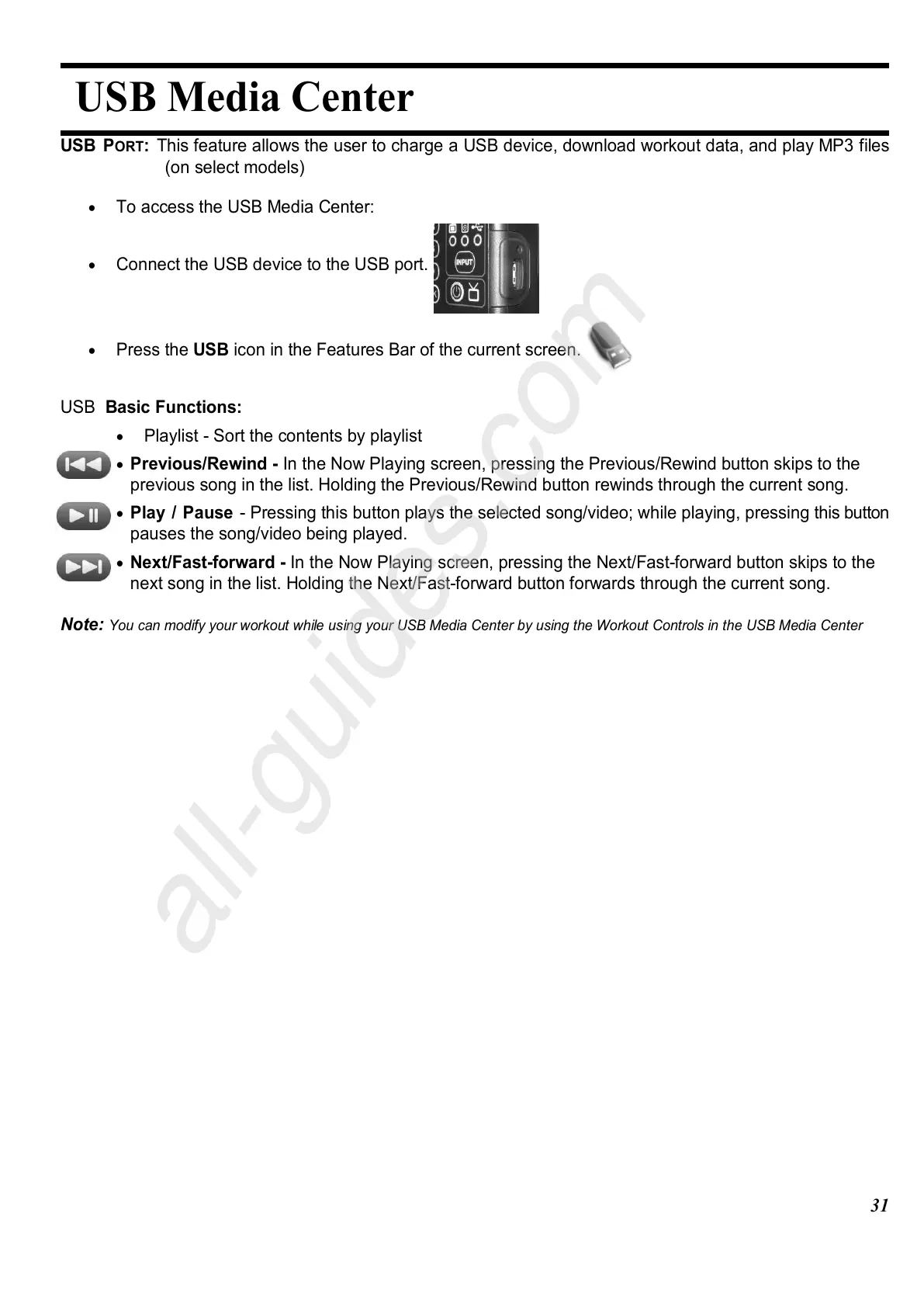
Connect the USB device to the USB port.
•
Press the USB icon in the Features Bar of the current screen.
USB Basic Functions:
•
Playlist - Sort the contents by playlist
•
Previous/Rewind - In the Now Playing screen, pressing the Previous/Rewind button skips to the
previous song in the list. Holding the Previous/Rewind button rewinds through the current song.
•
Play / Pause - Pressing this button plays the selected song/video; while playing, pressing this button
pauses the song/video being played.
•
Next/Fast-forward - In the Now Playing screen, pressing the Next/Fast-forward button skips to the
next song in the list. Holding the Next/Fast-forward button forwards through the current song.
Note:
You can modify your workout while using your USB Media Center by using the Workout Controls in the USB Media Center















 To Next Page