36
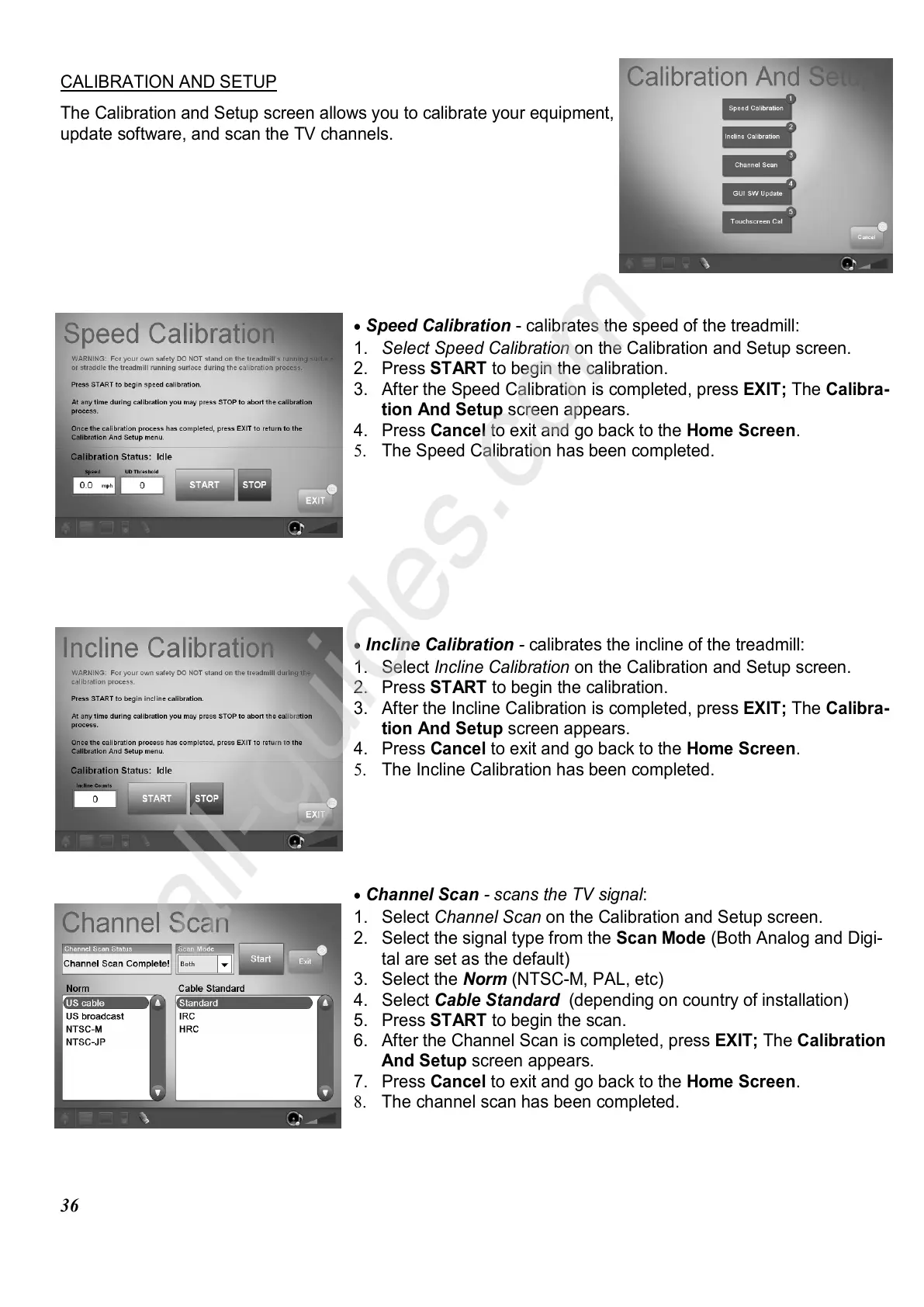
CALIBRATION AND SETUP
The Calibration and Setup screen allows you to calibrate your equipment,
update software, and scan the TV channels.
•
Speed Calibration - calibrates the speed of the treadmill:
1. Select Speed Calibration on the Calibration and Setup screen.
2. Press START to begin the calibration.
3. After the Speed Calibration is completed, press EXIT; The Calibra-
tion And Setup screen appears.
4. Press Cancel to exit and go back to the Home Screen.
5. The Speed Calibration has been completed.
•
Incline Calibration - calibrates the incline of the treadmill:
1. Select Incline Calibration on the Calibration and Setup screen.
2. Press START to begin the calibration.
3. After the Incline Calibration is completed, press EXIT; The Calibra-
tion And Setup screen appears.
4. Press Cancel to exit and go back to the Home Screen.
5. The Incline Calibration has been completed.
•
Channel Scan - scans the TV signal:
1. Select Channel Scan on the Calibration and Setup screen.
2. Select the signal type from the Scan Mode (Both Analog and Digi-
tal are set as the default)
3. Select the Norm (NTSC-M, PAL, etc)
4. Select Cable Standard (depending on country of installation)
5. Press START to begin the scan.
6. After the Channel Scan is completed, press EXIT; The Calibration
And Setup screen appears.
7. Press Cancel to exit and go back to the Home Screen.
8. The channel scan has been completed.















 To Next Page