29
TV Functions
E
MBEDDED
TV
Basic Functions (Touch Screen Display):
To View the TV, press the TV icon in the Features Bar of the current screen.
•
To Change channel press the NUMERIC KEYPAD, a popup numeric keypad ap-
pears. Enter the desired channel and press OK. If you type a wrong value, press
(back) in the numeric keypad to go back.
•
To cancel channel selection press
(cancel) on the numeric keypad
•
To change the volume, tap on the VOLUME icon in the display and slide
the volume bar LEFT/RIGHT decrease/increase volume intensity.
•
To change the workout intensity press the WORKOUT ADJUSTMENT
icon (a pop up window appears) and modify the workout parameters. The
pop up window closes in 5 seconds.
•
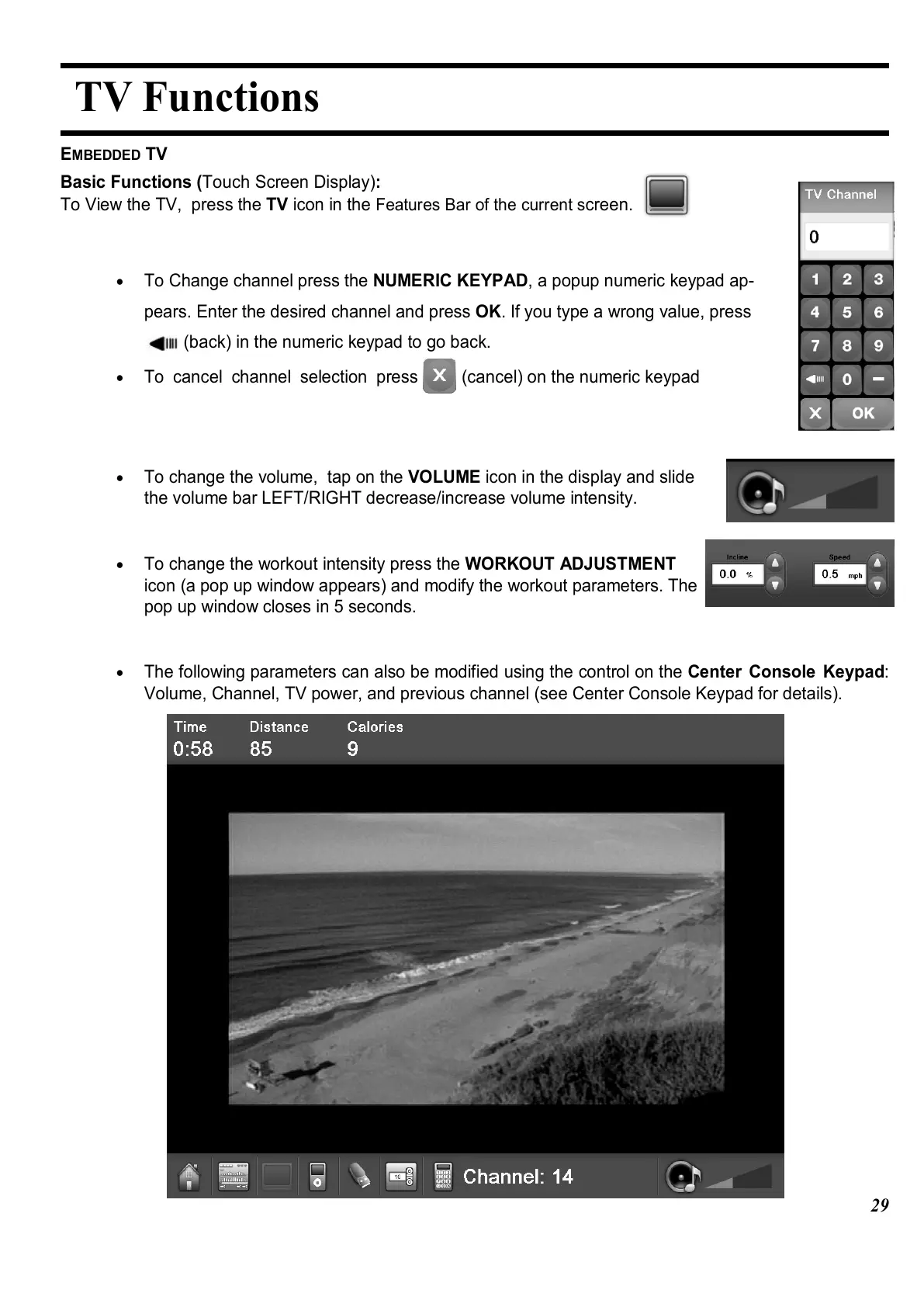
The following parameters can also be modified using the control on the Center Console Keypad:
Volume, Channel, TV power, and previous channel (see Center Console Keypad for details).















 To Next Page