EasyManua.ls Logo

Star Trac TREADMILL - User Manual

Star Trac TREADMILL
40 pages
Print Icon
To Next Page IconTo Next Page
Loading...
1
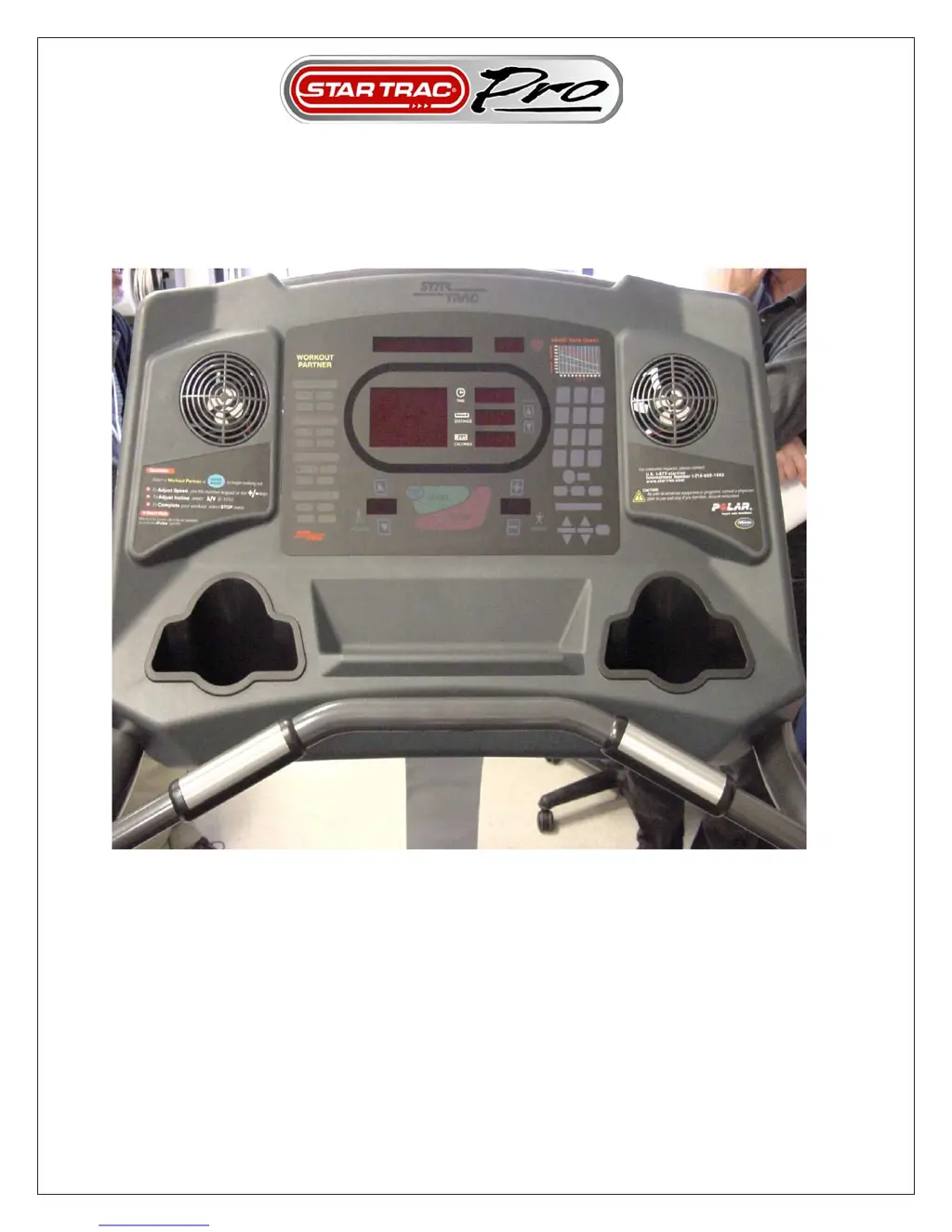
TREADMILL
SERVICE MANUAL
VOL 2.

Questions and Answers

  • S
    Sara DrakeJul 26, 2025
    What to do if my Star Trac Treadmill displays 'EL STL' error?
    • R
      Robert GrayJul 26, 2025
      If your Star Trac Treadmill's elevation system has malfunctioned, begin by engaging Motor Test Mode to check the elevation response and the corresponding LEDs on the MCB. If there's no LED activity or response from the elevation motor, the MCB might need replacing. Also, make sure there isn't anything blocking the elevation screws or belt. Binding elevation screws, possibly due to a lack of cleaning and lubrication, can also cause this issue. Finally, check that the elevation idler isn't loose or damaged, as this could lead to binding.
  • M
    Michael JosephJul 30, 2025
    What to do if my Star Trac displays 'NO SENSOR' error?
    • R
      rperezJul 30, 2025
      If your Star Trac Treadmill displays 'NO SENSOR', it could be due to a sudden speed change detected by the RPM Sensor, a loss of speed feedback, or a loose cable. Start by engaging Motor Test Mode to check the speed response; no response indicates the RPM Sensor may need replacement. Then, check if the RPM Sensor LED on the MCB is responding; if not, the MCB may need replacing. Also, verify that the MIN SPD, ½ SPD, and MAX SPD are correctly set in Manager Mode. Finally, engage Speed Calibration; if calibration fails, the MCB may need replacement.
  • P
    Paula BookerAug 4, 2025
    What to do if my Star Trac Treadmill displays 'SPEED CHG' error?
    • R
      Randy WillisAug 4, 2025
      If your Star Trac Treadmill displays 'SPEED CHG', this indicates a sudden speed change detected by the RPM Sensor or irregular speed at high or low speeds. First, engage Motor Test Mode to verify the speed response; no response suggests the RPM Sensor needs replacement. Also, check if the RPM Sensor LED on the MCB is responding; if not, replace the MCB. Verify that the MIN SPD, ½ SPD, and MAX SPD are correctly set in Manager Mode. Engage Speed Calibration; if it fails, replace the MCB. Lastly, ensure the motor brushes are secured within the motor.
  • J
    Jennifer KennedyAug 8, 2025
    What does 'EL LOST' mean on my Star Trac ?
    • A
      andrewmurrayAug 8, 2025
      If your Star Trac Treadmill displays 'EL LOST', it means the elevation motor readings are out of range or the reading is lost. Combine Motor Test Mode with Elevation Calibration to verify that the elevation motor readings are within range. Check that the Elevation Motor Range changes in increments of 1% as the treadmill elevates up and down; erratic increments indicate a faulty display cable or elevation motor.
  • J
    Johnny PenningtonAug 12, 2025
    How to fix 'EL RANGE' error on Star Trac ?
    • H
      Hannah ThomasAug 12, 2025
      If your Star Trac Treadmill displays 'EL RANGE', it indicates that the elevation motor readings are outside the acceptable range. To resolve this, engage the Elevation Calibration feature and verify that the elevation motor readings fall within the specified range.
  • A
    arnoldwendyAug 16, 2025
    What to do if my Star Trac displays 'KEY DN'?
    • E
      edwardporterAug 16, 2025
      If your Star Trac Treadmill displays 'KEY DN', it means one or more keys on the display panel are either faulty or stuck. To troubleshoot this, engage the Display Test and check the keypad response.
  • A
    andersonsamanthaAug 20, 2025
    Why does my Star Trac have no rail stop?
    • H
      hernandezrichardAug 21, 2025
      If your Star Trac Treadmill has no rail stop function, it could be due to a disconnected stop switch on the handrail or in the upper display board, or a faulty stop key on the display board. First, carefully remove the handrail stop switch from the handrail and check the connection. Ensure the stop switch isn't damaged or sticking. Then, remove the left handrail and check the stop switch within. Also, carefully remove the display board and check the connection. Finally, engage the Display Test and check the STOP KEY. If necessary, replace the Stop Switch Assembly.

Summary

Introduction

Safety Instructions

Outlines safety precautions for maintenance and repair procedures.

CHAPTER 1: Preventative Maintenance

Running Belt Adjustments

Procedures for correcting belt tracking, slipping, and thumping issues.

Re-Waxing Belt

Step-by-step guide for applying wax to the running belt and deck.

CHAPTER 3: Diagnostics

Motor Test Mode

Tests motor response, PWM readings, and engages auto-calibration.

Display Test Mode

Tests LEDs, software version, and keypad response on the display.

CHAPTER 4: Troubleshooting

Display Code Troubleshooting

Identifies possible causes and solutions for specific display error codes.

Pro Tread Troubleshooting Guide

Unit does not Power ON

Troubleshooting steps for when the unit fails to power on.

Console Displays Emergency Stop Message

Diagnosing and resolving "Emergency Stop" messages on the console.

Star Trac TREADMILL Specifications

General IconGeneral
Speed0.5 - 12.5 mph
Incline0 - 15%
Running Surface20" x 60"
Heart Rate MonitoringContact and telemetry
Weight Capacity350 lbs

Related product manuals