9
Manager Mode
After having used your Star Trac Pro treadmill for several workouts, you may wish to
specially customize your treadmill by changing some of its settings.
To engage Manager Mode:
1. Press and hold the “ 0 ”, “ 1 ” & “ START ” keys together. While holding the “ 0 ” &
“ START ” keys down, release the “ 1 ” key only.
2. The display will beep and display Manager Mode momentarily, then UNITS will be
displayed.
Once the treadmill is in Manager Mode, you may use the following keys:
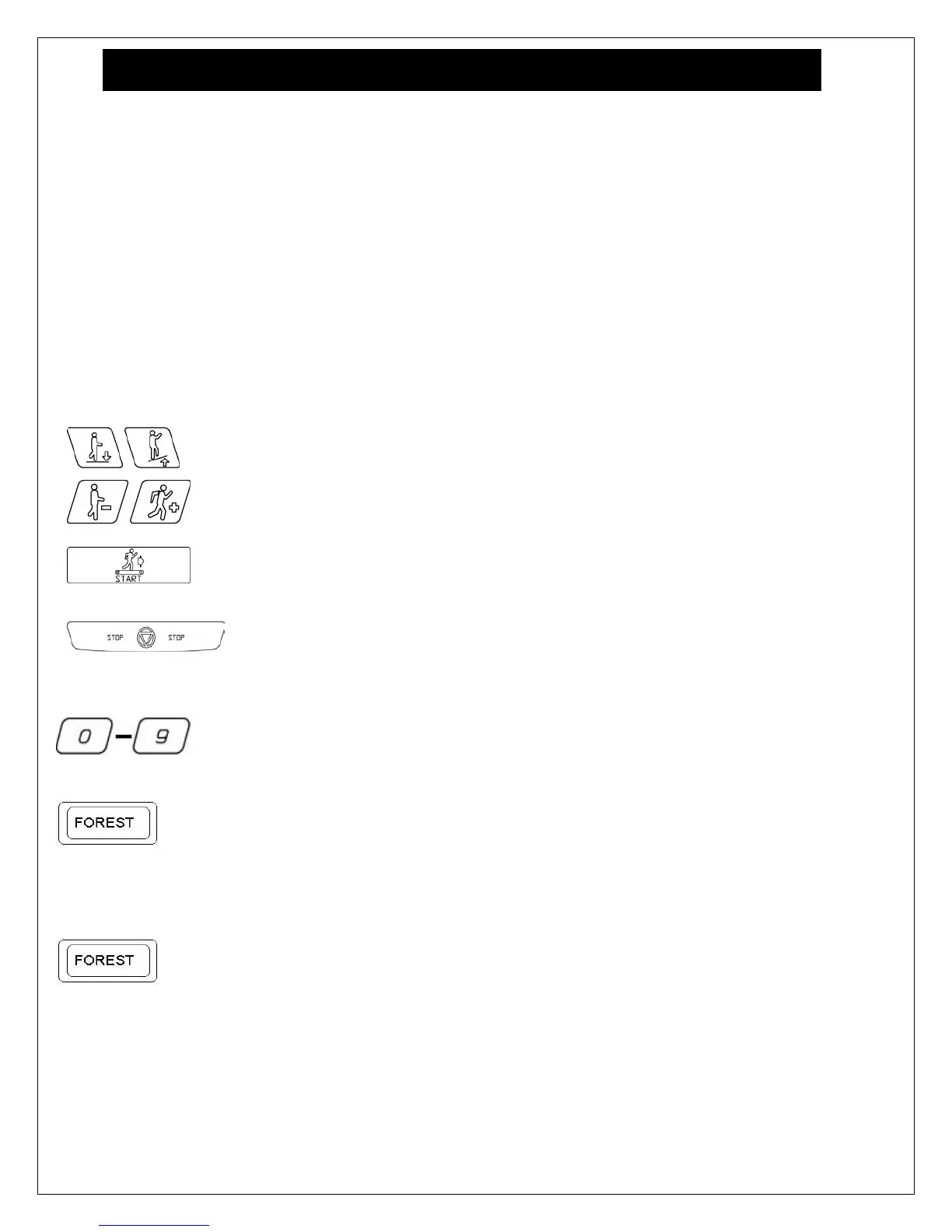
INCLINE KEY: Displays the next or previous parameter.
SPEED KEYS: Allows the variable to be changed within the parameter.
ENTER KEY: Saves the value if changed in the EPROM (software).
Note: ENTER KEY must be pressed, for each value changed.
STOP KEY: Exists Manager Mode and restarts the treadmill with a “warm
start.”
0 – 9 KEYS: Enters new parameter values. If UNITS parameter is displayed,
key 5 starts DISPLAY TEST and key 8 starts MOTOR TEST.
HEART KEY: When pressed will automatically display manufactures default
value.
Note: ENTER KEY must be pressed, to save the default values if changed.
FOREST KEY: When pressed in MOTOR TEST mode will automatically
engage running belt calibration process.
Note: Do not press stop key or stand on running belt while the unit is in the
process of calibration.













 To Next Page