I
HOWTO USETHIS MANUAL
Thismanualisorganizedintoelevenchapters.Toleamhow tomakethebest
useof yourprinteryouareurgedto readthroughchapters2 through6.The
remainingchaptemmay be treatedas a ~ference guidefor programming
operations,etc. It assumesa degnx of acknowledgeof the opemtionof
computers(forinstance,itassumesyouknowabouthexadecimalnumbers).
Thechaptersareasfollows:
Chapter1— Introduction
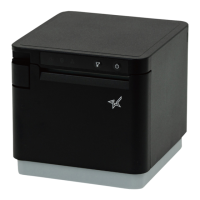
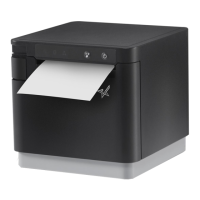
Thischapterindicatesthesomefeatwesoftheprinter,thenamesandthose
functionsof theprintercomponents,andtheactualexampleof fontstyle.
Chapter2— Settingup theprinter
Thischapterexplainshowtogettheprinterunpackedandsetup. Readthis
chapterbefo~ youdo anythingelse.
Chapter3— Optionalaccessories
Thischapterexplainstheoptional
accessorieswithyourprinter,andhowto
installthem.
Chapter4 — Paperinstallationanduse
‘l%ischapterdescribesinstructionsforprintingsuchasselectingpapertypes,
adjustingthepfiting gap,andinstallingpaper.
Chapter5— Controlpaneloperations
T&e are a numberof controlson the frontpanelwhichperformvarious
iimctionsrelatedto paperhandling,printmodesandfontselection.
Aftergettingsetup, nxulthischapterandtryout thepmcedumsinittofind
outhowtheprinterwoiics.


 To Next Page
 Loading...