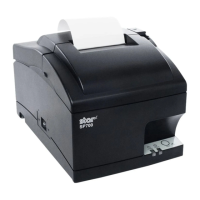
(3) With the same procedure on the other side of the
front cover
1
, remove by widening the A portion.
• Open lever
3
• Case unit
4
At this time, widen the case that is near
the power switch and avoid touching the
switch. is can be easily removed by li
the backside at an angle.
- 11 -



 To Next Page
 Loading...