StarLine A93, StarLine A63
22
LCD remote main functions menu
Remote control main menu:
• set current time;
• set alarm clock time;
• alarm clock ON/OFF;
• set timer time;
• switch timer ON/OFF;
• select volume of alarm trigger signal or scilent mode ;
• select type of alarm trigger signal.
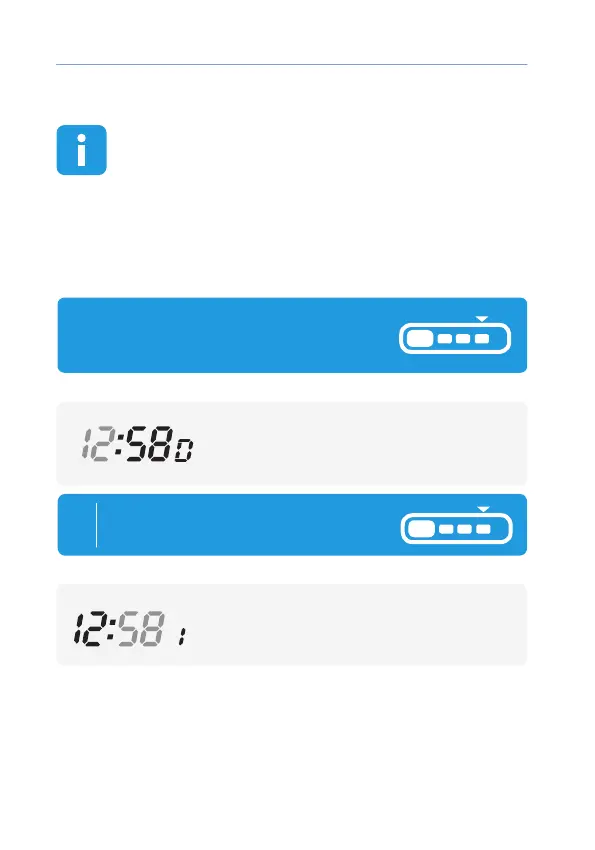
Current time ash:
button 2 — increase settings,
button 3 — decrease settings.
To enter menu of remote control press
And hold button 4 until rst
melody, and later 2 short beeps:
remote
1
Minutes are ashing:
button 2 — increase settings,
button 3 — decrease settings.
Short press button 4 to set
Minutes of current time
:
remote



 To Next Page