19
Cursor menu
Some functions of the security system are controlled from the cursor
menu: control of the «Hands free» mode, service mode, setting of
automatic engine starting.
Entry and exit from the menu is performed by long holding of button
4 of the rst level:
4
. If the remote key buttons are not pressed
for 15 seconds, automatic exit from the menu will be performed.
At entry in the menu, the cursor will be set to the rst pictogram.
Transition to the next and previous menu item is performed by
short pressing of buttons
1
or
4
, accordingly. A function
is selected by short pressing of buttons 2 and 3:
2
3
.
Parameter value is changed by pressing buttons
2
or
3
(increase
accordingly). In case of long holding of the button, the rate of
parameter value change increases. Transition to menu items,
parameter change and exit from the menu will be conrmed by a
melodic sound signal.
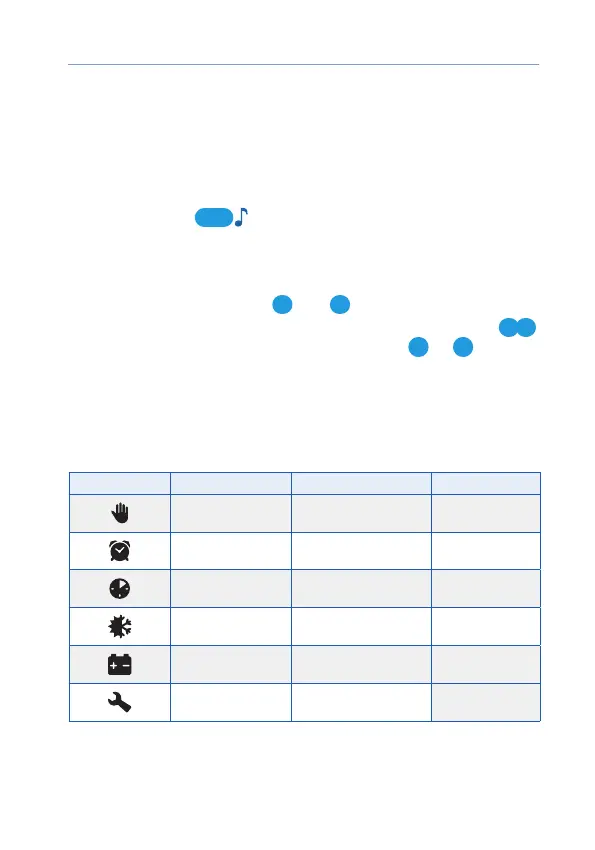
The description and control of the settings are given in the table.
Pictogram Parameter Description Setting step
«Hands free» mode
Activate/deactivate the
«Hands free» mode
—
Automatic starting
by alarm clock
Set hours and minutes
of engine starting
1 minute
Automatic starting
by timer
Set engine starting
periodicity in hours
1 hour
Automatic starting
by temperature
Set a temperature value
in degrees Celsius
1
ºС
Automatic starting
by voltage
Set the value of storage
battery voltage in Volts
0,1 V
Service mode
Activate/deactivate
the service mode
—
The information on the additional remote key settings is available in
the electronic manual on the website help.starline.ru.



 To Next Page