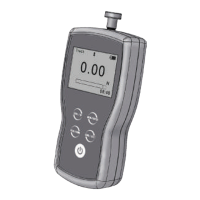
1.4 Appearance
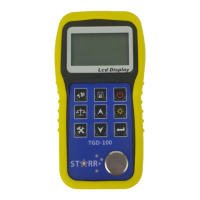
1.5 Keyboard
Power ON/OFF ☼ LCD backlight on/off
Sound velocity Save data / Browse data
Calibration standard block of 4.00mm Function selector
Adjusting sound velocity and thickness; key for moving menu cursor
Adjusting sound velocity and thickness; key for moving menu cursor
2-point calibration; to be used together with function keys.
1.6 Display symbols


 To Next Page