13
To view manuals, videos, drivers, downloads, technical drawings, and more visit www.startech.com/support
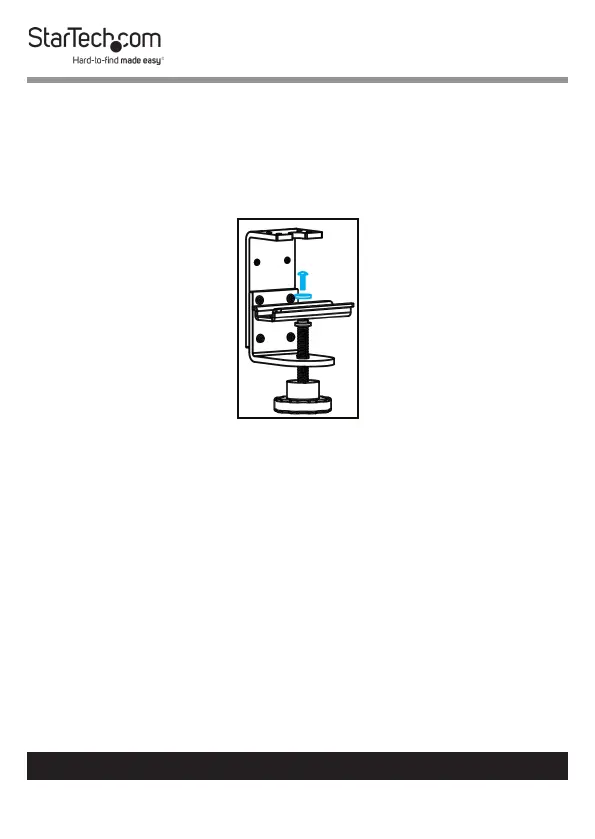
2. Use a Phillips Screwdriver (not included) to remove the
Screw from the Plate on the C-Clamp.
3. Remove the Plate, Two Washers, and the Knob from the
bottom of the C-Clamp.
Removing the Plate from the C-Clamp
4. Position the Support Pole over the Grommet Hole.
5. Slide the Plate (removed in step 3) through the Threaded
Rod on the Knob.
6. Place the Knob through the Grommet Hole in the desk or
table and into the Support Pole.
7. Turn the Knob clockwise to tighten it.



 To Next Page