17
To view manuals, videos, drivers, downloads, technical drawings, and more visit www.startech.com/support
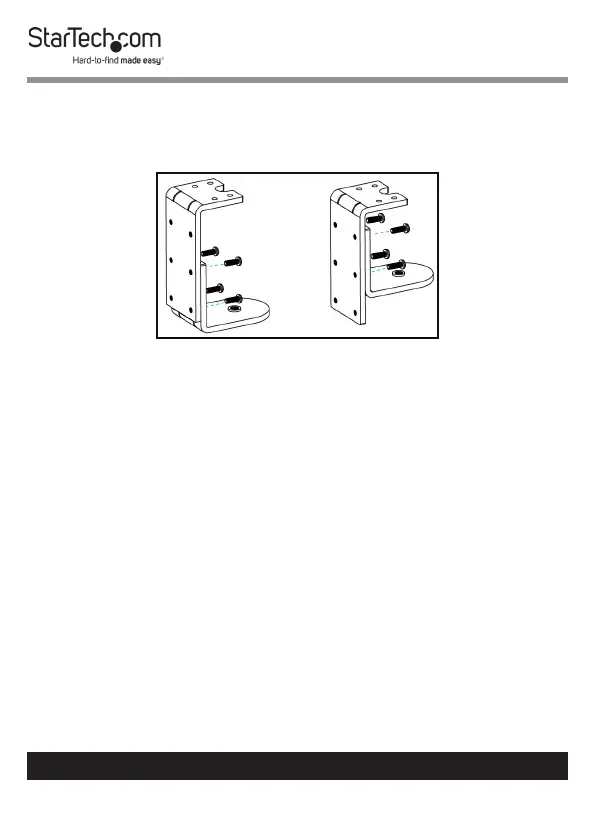
Note: You can adjust the size of the C-Clamp by removing
the two screws holding the upper and lower portions of the
clamp together and re-installing the screws into the lower
two screw holes.
Adjusting the C-Clamp
Mounting the Monitor Arm
1. Slide the Swivel Arm onto the Support Pole, so that the
Swivel Arm resting on the Cable-Management Clip.



 To Next Page