25
To view manuals, videos, drivers, downloads, technical drawings, and more visit www.startech.com/support
Attaching the Monitor Mount
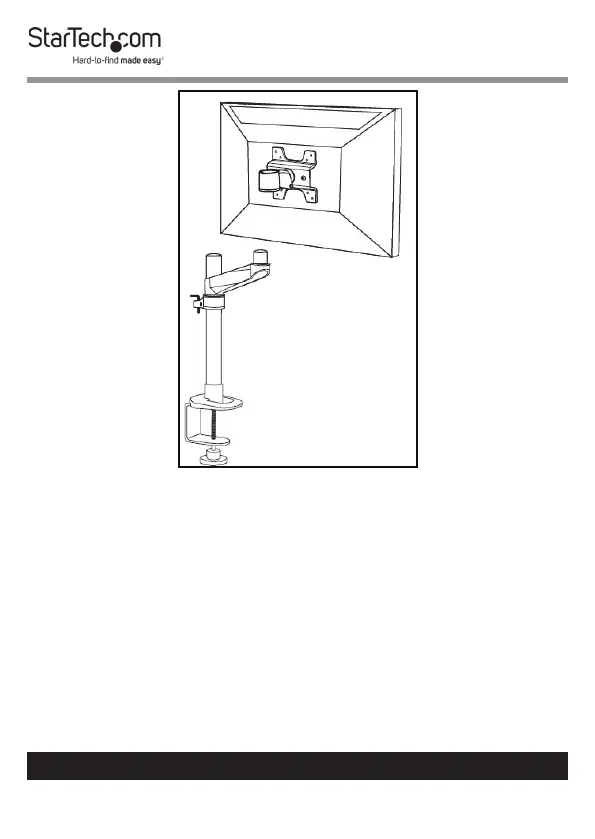
3. Using the 4 mm Hex Key, adjust the swivel tension of the
Monitor Mount by loosening or tightening the Hex Screw
located on the Monitor Mount next to the Mounting Hole.



 To Next Page