14
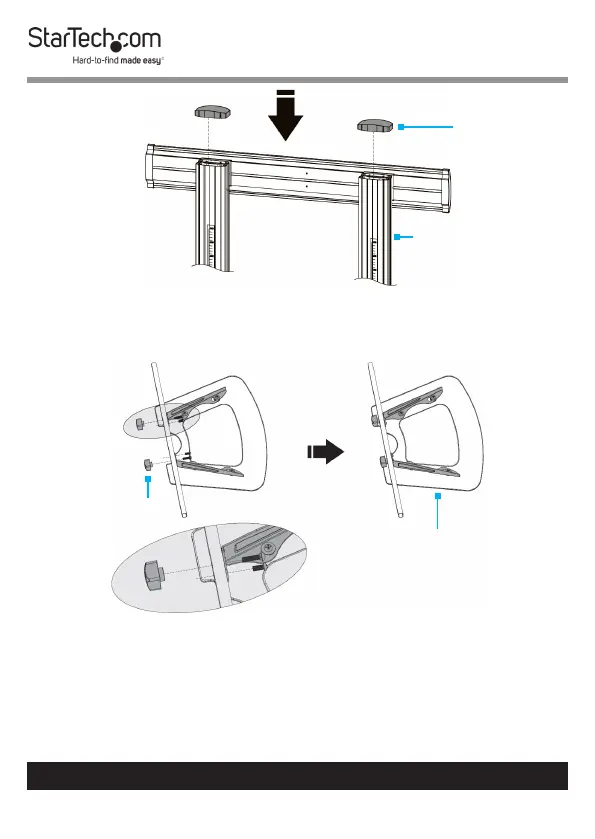
4. Ax one Top Cover over each Column. (Figure 7)
Assemble the Media Shelf
1. Flip the Media Shelf upside down and place on a clean and
at surface.
2. Place the Support Bar up against the Media Shelf, aligning
the holes in the Support Bar with the holes found in the
Media Shelf. (Figure 8)
To view manuals, videos, drivers, downloads, technical drawings, and more visit www.startech.com/support
Figure 7
Top Cover
Column
Figure 8
Media Shelf
Knob



 To Next Page