21
To view manuals, videos, drivers, downloads, technical drawings, and more visit www.startech.com/support
Cable Management
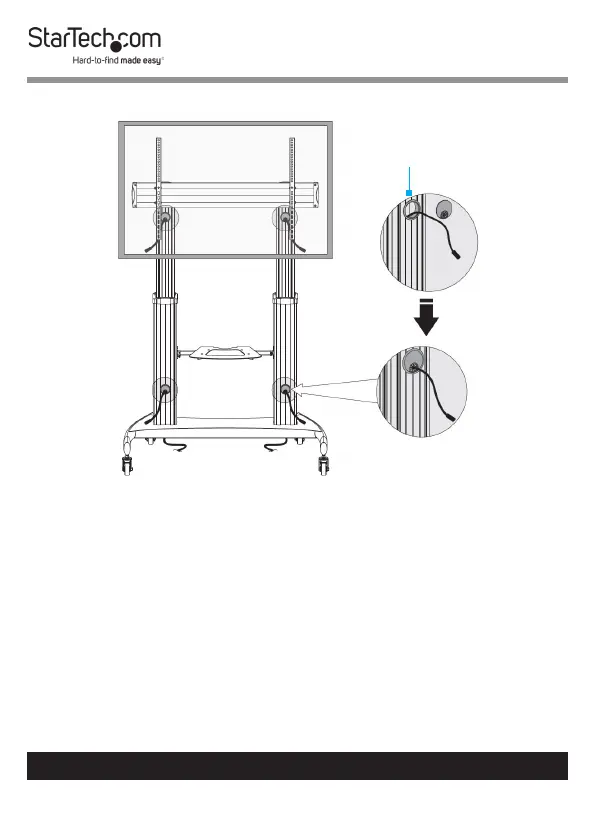
1. Route the Cables from the back of the TV into the
Grommets located at the top-front of the Columns. (Figure
14)
Note: All Grommets are removable.
2. Route the Cables through the Columns.
3. Route the Cables out of the Grommets located at the
bottom-front of the Columns and into their respective
Power Source and/or Video Source.
Figure 14
Grommet
(removable)



 To Next Page