15
To view manuals, videos, drivers, downloads, technical drawings, and more visit www.startech.com/support
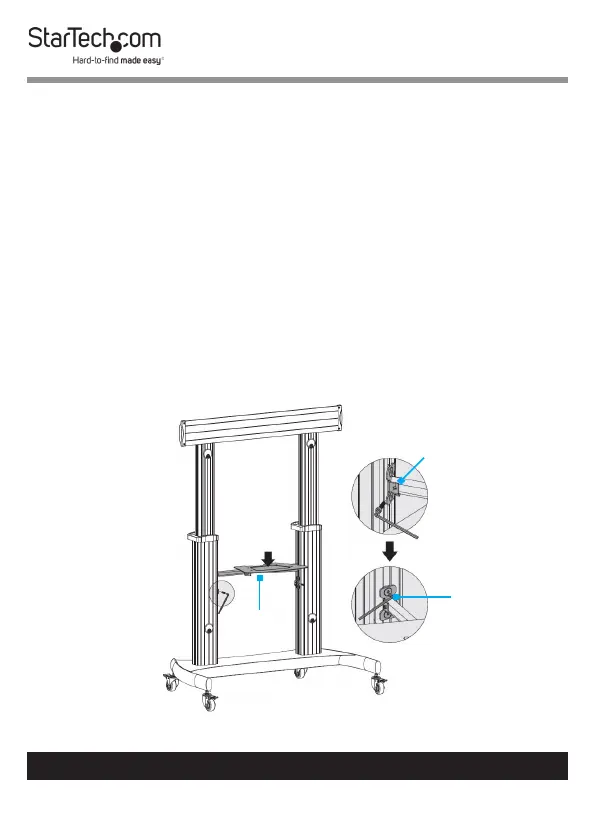
3. Hold one of the Knobs up against the outermost hole in
the Support Bar and insert one of the M6 x 25 mm Button
Head Screws through the square shaped hole in the Media
Tray, the Support Bar, and into the Knob.
4. Tighten the Knob.
5. Repeat steps 3-4 to attach the second Knob.
6. Insert two M6 x 14 mm Screws through the innermost
circular shaped holes in the Media Tray and into the
Support Bar.
7. Tighten the M6 x 14 mm Screws, using a Phillips Head
Screwdriver.
Attach the Media Shelf to the Columns
Figure 9
Media
Shelf
Hex Key
Support Block



 To Next Page