Page 2 of 4
939501519 Rev A
2.
1.
Base Retainer Clip
and Flat Washer
Base
Assembly
Remove
(5) Screws
Old Base Cap
Push Cap
Base Hub Tube
Base
Column
Remove
Pneumatic
Cylinder
(2) Screws
120-180 in./lb.
Cover
Base Ring
Old Base Cap
Remove
(5) Screws
Base Caps
NOTE: Do not over tighten screws on base
cap, dimples may occur.
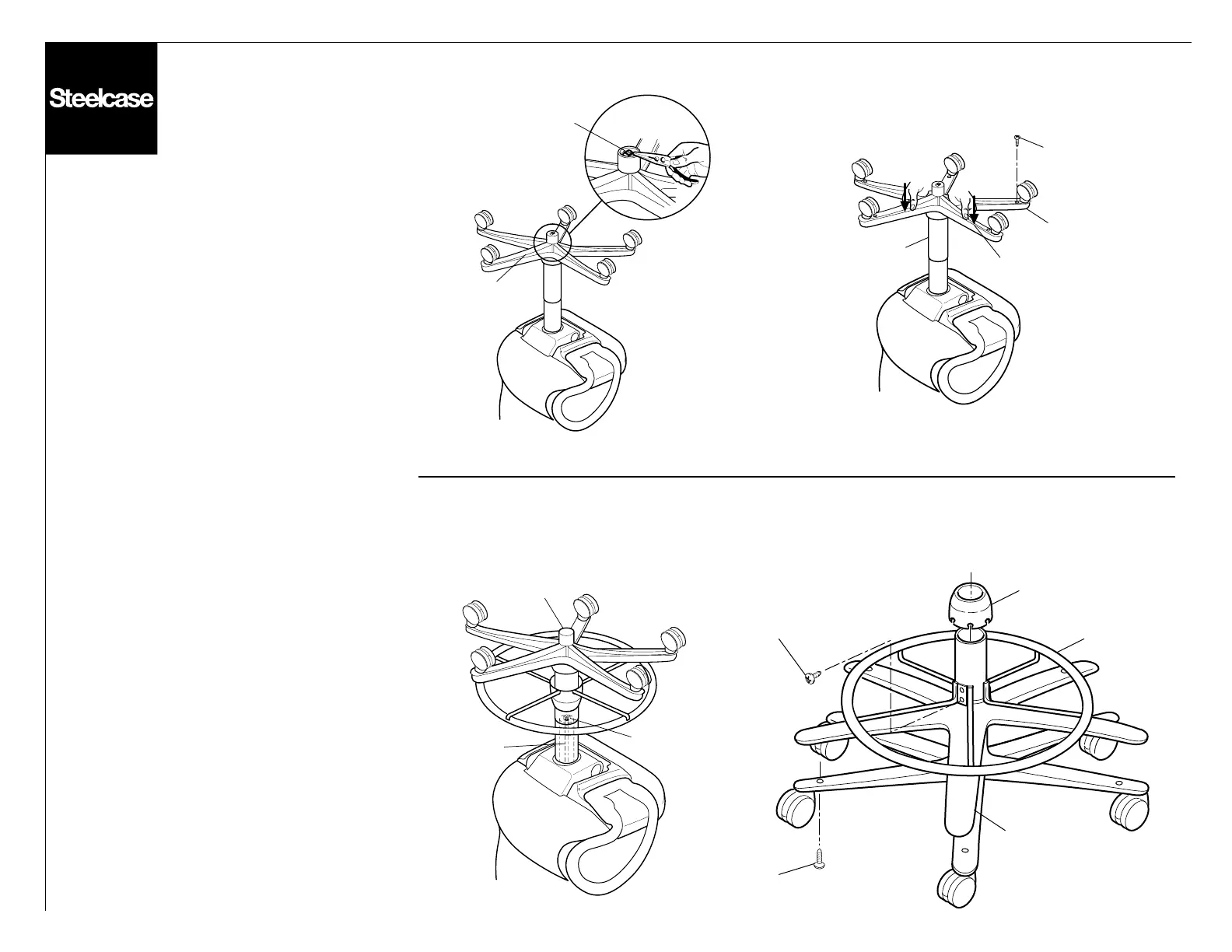
1. Base Cap Replacement
Turn chair upside down. Remove base
retainer clip and washer if included (old clip
should be discarded). Remove (5) screws
from bottom of base. Slide old base cap
down hub tube by pushing in the center.
Carefully lift base assembly off the chair,
then slide old base cap off the hub tube.
New Base
Remove old base as above, also remove
telebell and telebell retainer. Push on new
telebell/hubcover assembly onto column.
Replace base on chair and install new base
attaching clip.
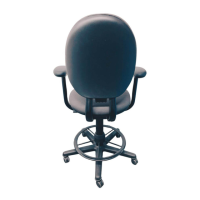
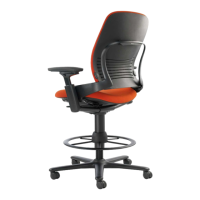
2. Stool Base
Turn chair upside down. Remove base by
using a 1/4" socket and extension ratchet
and removing the 1/4-20 nut inside the base
column. Remove base assembly from chair.
Remove cover, (2) screws and base ring from
base assembly. Follow the standard base
procedure for removing and installing the
base cap. Re-install from base assembly.
Follow the standard base procedure for
removing and installing the base cap.
Re-install the base ring, (2) screws, cover
and base assembly onto the chair.



 To Next Page