Product description
_______________________________________________________________
153310 7
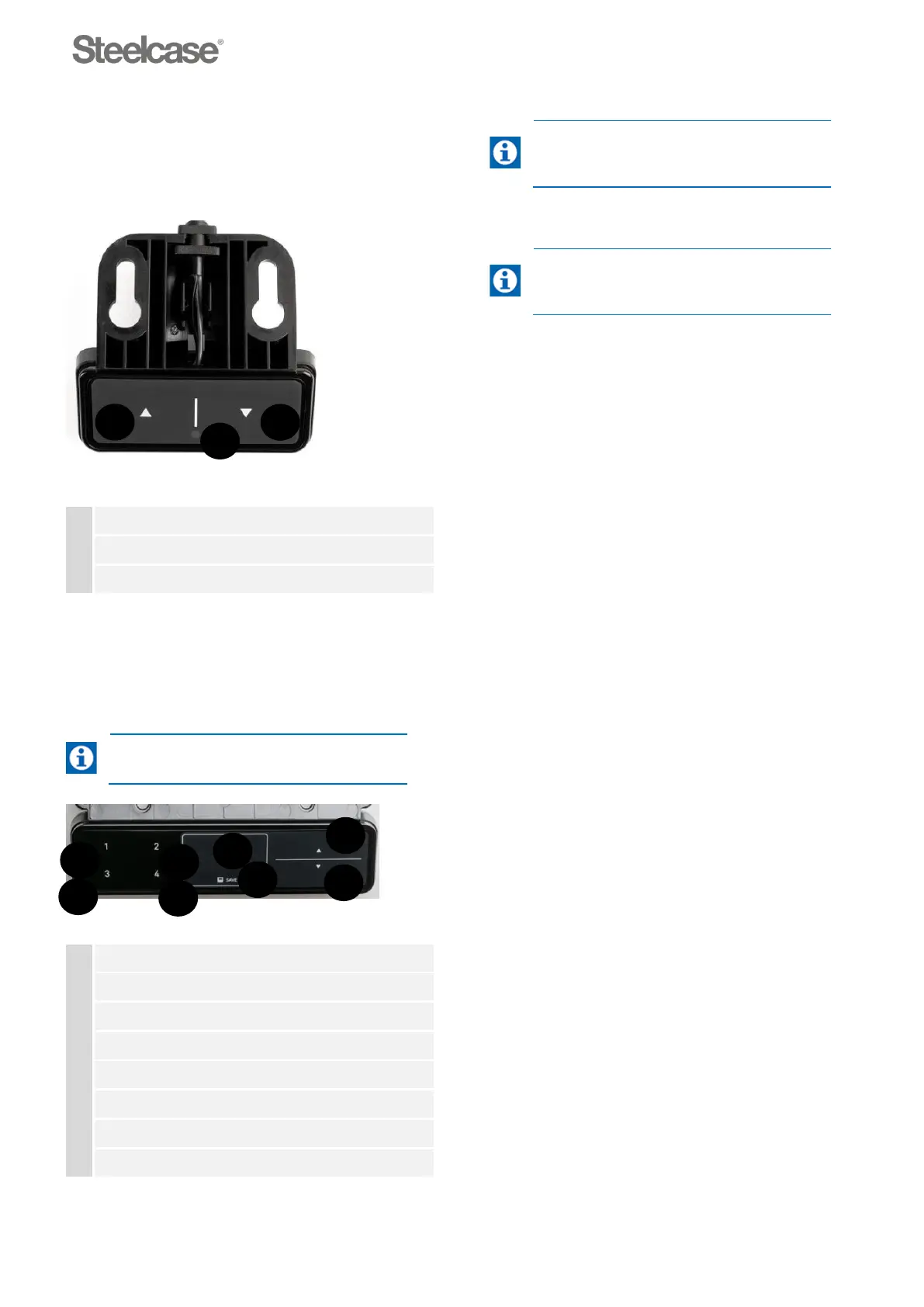
Up/Down
control panel
The control panel with the “up” and “down”
functions is usually located on the right, on the
underside of the desktop.
Fig. 3-2: Up/Down control panel version
Memory
control panel
Four different memory positions can be entered via
the Memory control panel.
5
Operating and adjusting
describes how
to set the memory positions.
Fig. 3-3: Memory control panel
Button “1” (memory position 1)
Button “2” (memory position 2)
Button “3” (memory position 3)
Button “4” (memory position 4)
The control panel cable is connected to
the power lift. The power lift is located
under the desk.
Electrical height adjustment unit
5
Operating and adjusting
describes how
to operate the electrical height
adjustment unit.
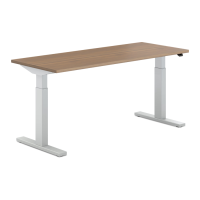
The electrical height adjustment unit enables the
adjustment and fixed programming for four optimum
desktop heights (sitting height and standing height).
The electrical height adjustment unit essentially
consists of the following components:
■ Lift 1: Electric motor 720 to 1200
■ Lift 2: Electric motor 650 to 1250
■ Control panel (up/down or memory)
■ Power lift for height adjustment







 To Next Page