MIDEX-8
English – 18
Installing the MIDEX-8 Driver Software
1. Insert the MIDEX-8 Driver CD into the corresponding drive on your computer.
Information on new versions of the driver software is available on the Internet.
For more information see the description in the section “Downloading a new
MIDEX-8 Driver from the Internet” on page 19.
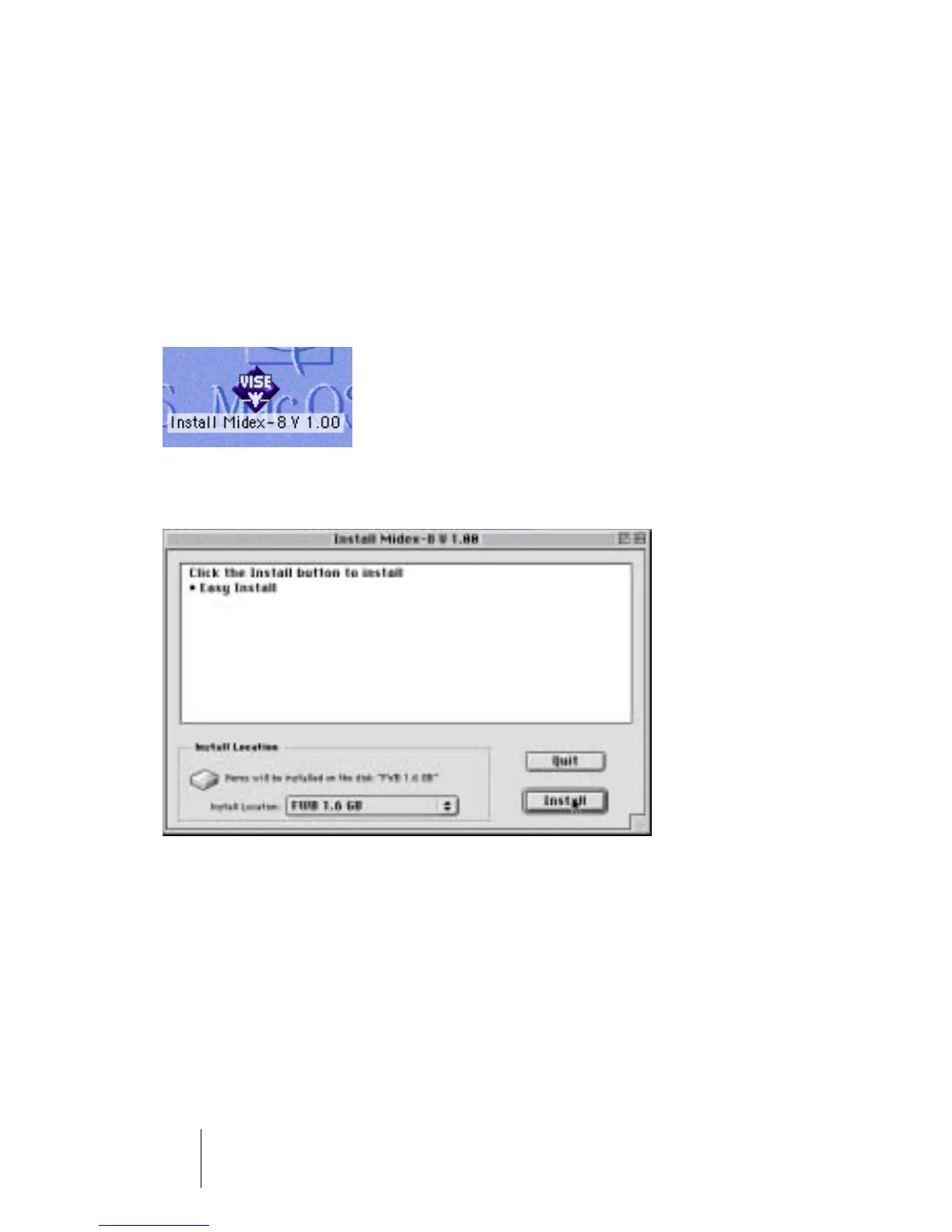
2. Start the driver software installation by double clicking the Installer icon
“MIDEX-8 Install V 1.xx”.
If you double click this icon…
…this dialog will appear:
3. Use the “Install Location” pop-up menu to tell the Installer on which hard
disk your System folder resides. Click the “Install” switch to start the in-
stallation process.
The Installer program installs a number of files in your System folder and in the
“OMS Folder”.
4. When the installation has been completed, close the dialog by clicking
“Quit”.
You do not have to restart the computer at this point.


 To Next Page