– 10 –
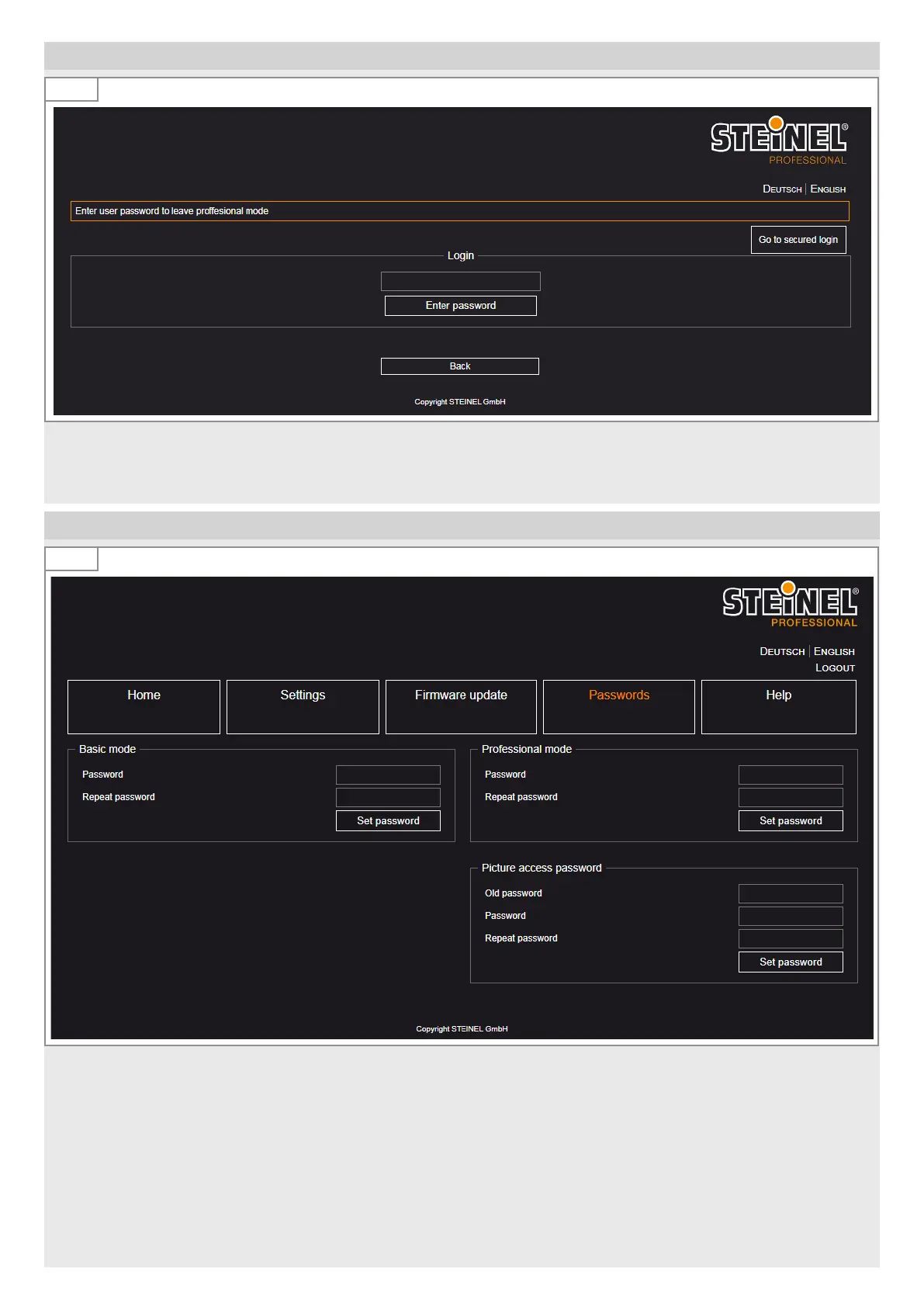
2. Login
2.1
• Enter the IP address of the HPD2 - 192.168.1.200 (see manual).
The password for the login is ‘adm123’.
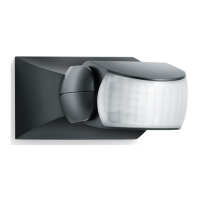
3. Change passwords
3.1
• Change the admin password immediately after the first login with your own password.
The password for accessing the camera image (e. g. for the works council) is „steinel“. It is stored in the factory settings.
10minutes after initial commissioning, a password is required to access the camera image.
• Change the password for access to the camera image after the first login with your own password.


 To Next Page