– 12 –
Image display
4.3
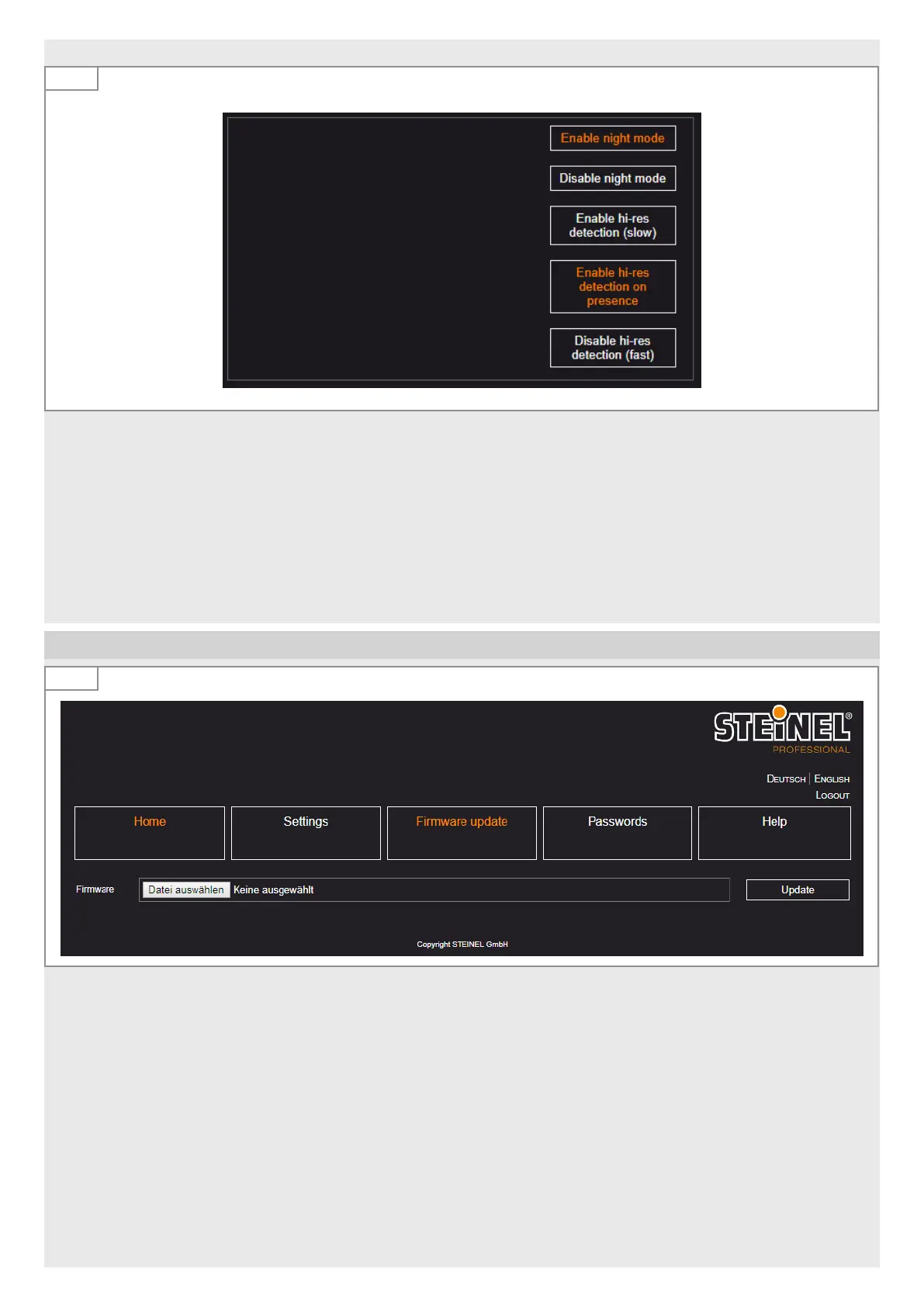
– Enable night mode:
Enables infra red lighting during low light conditions.
– Disable night mode:
Infra red light disabled. No detection performed below 0.2 lux.
– Enable hi-res detection:
Detection is made in several sequential runs and can give better reliability. Detection time is four times longer however.
– After detection of the first person „safety detection“ is enabled.
– Disable hi-res detection:
Detection on single frame is made in single run. This is normal behavior.
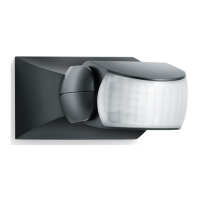
5. Firmware update
5.1
If new firmware is available:
• Search for the new file.
• Click on ‘Update’.
After a successful update, the sensor switches to oine mode and the user must log in again.


 To Next Page