Stellar
®
Heavy-Duty Telescopic Crane Owner’s Manual | Page 15
Optional Function Controls
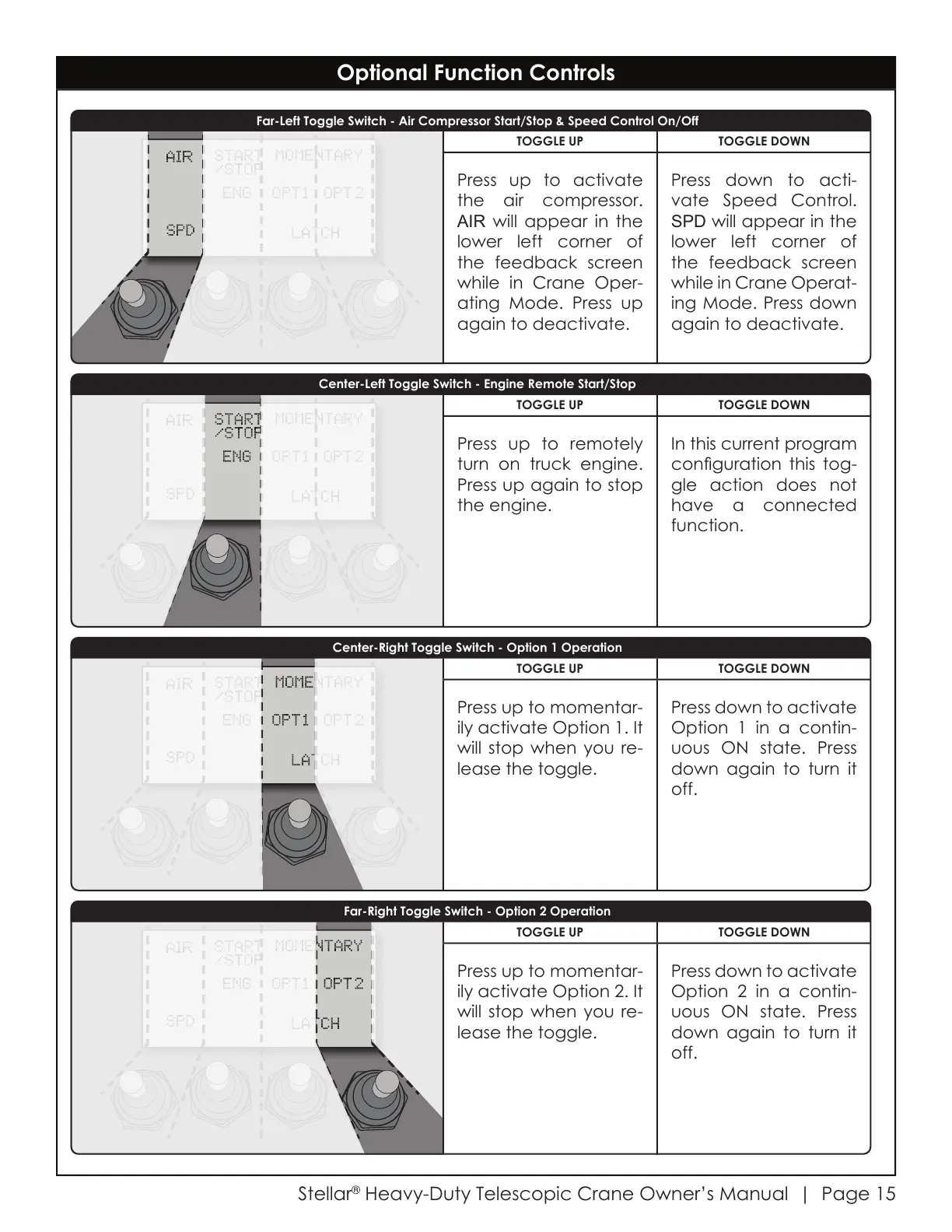
Far-Left Toggle Switch - Air Compressor Start/Stop & Speed Control On/Off
Far-Right Toggle Switch - Option 2 Operation
Center-Left Toggle Switch - Engine Remote Start/Stop
Center-Right Toggle Switch - Option 1 Operation
TOGGLE UP TOGGLE DOWN
Press up to momentar-
ily activate Option 1. It
will stop when you re-
lease the toggle.
Press down to activate
Option 1 in a contin-
uous ON state. Press
down again to turn it
off.
TOGGLE UP TOGGLE DOWN
Press up to remotely
turn on truck engine.
Press up again to stop
the engine.
In this current program
conguration this tog-
gle action does not
have a connected
function.
TOGGLE UP TOGGLE DOWN
Press up to activate
the air compressor.
AIR will appear in the
lower left corner of
the feedback screen
while in Crane Oper-
ating Mode. Press up
again to deactivate.
Press down to acti-
vate Speed Control.
SPD will appear in the
lower left corner of
the feedback screen
while in Crane Operat-
ing Mode. Press down
again to deactivate.
TOGGLE UP TOGGLE DOWN
Press up to momentar-
ily activate Option 2. It
will stop when you re-
lease the toggle.
Press down to activate
Option 2 in a contin-
uous ON state. Press
down again to turn it
off.
Courtesy of CraneMarket.com



 To Next Page