EasyManua.ls Logo

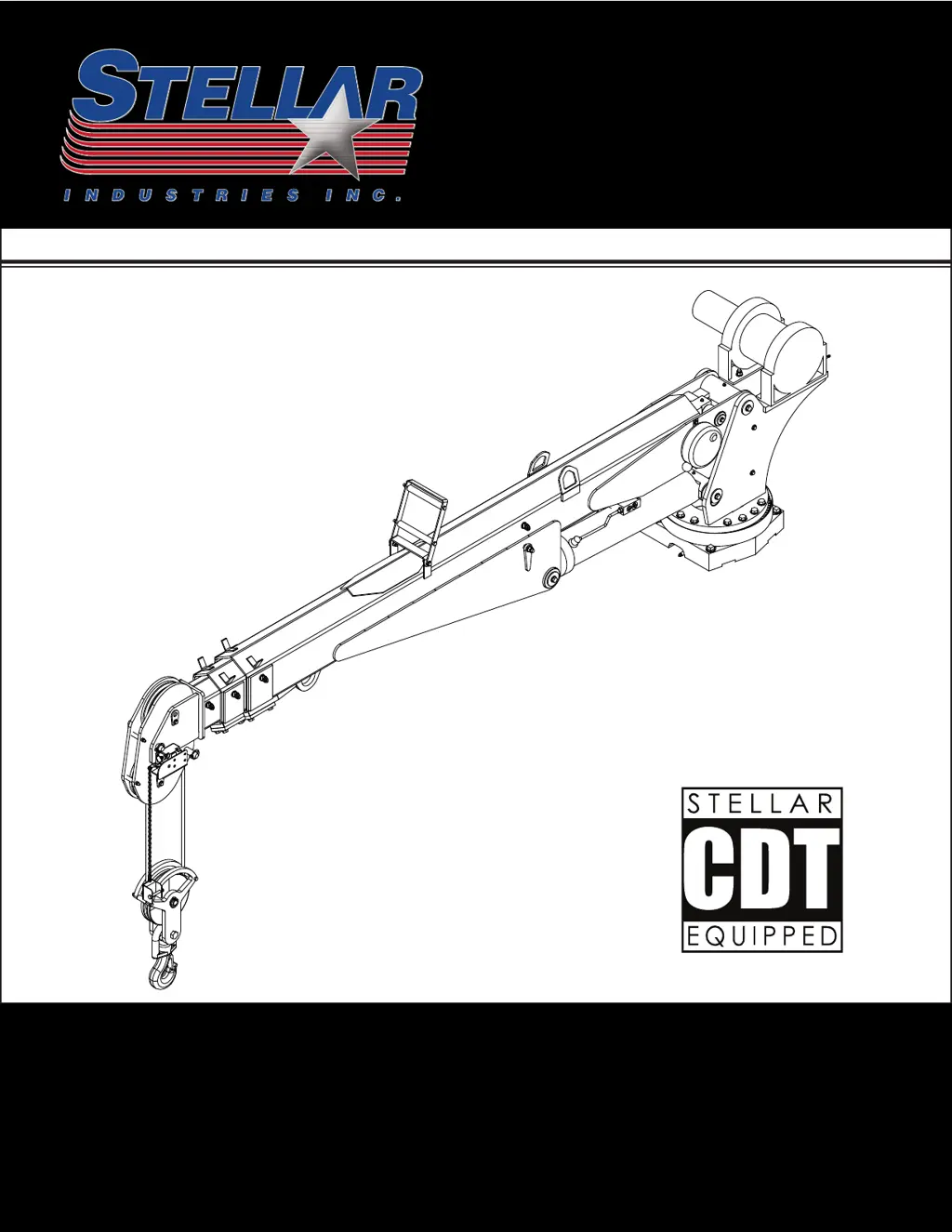
stellar labs CDT 5521 - User Manual

Default Icon
32 pages
Print Icon
To Next Page IconTo Next Page
Loading...
 %$034-$. 0(,+4 (+0$+ +"$4.,1!)$/',,0(+&
5
 
Stellar Industries, Inc.
190 State Street
PO Box 169
Garner, IA 50438
800-321-3741
Fax: 641-923-2811
www.stellarindustries.com
Last Revision: 04/29/13
Subject to Change without Notification.
© 2013 Stellar Industries, Inc.
®
TM
Models:
5521
7621
7628
9621
9628
10621
10628
12621
12628
14528

Questions and Answers

Summary

Chapter 1 - Safety

Safety Decals of Note

Details various safety decals and their functions for hazard awareness.

GENERAL

Outlines the owner's responsibility for operator instruction and equipment maintenance.

PERSONAL SAFETY

Emphasizes wearing approved safety devices and protective clothing for operation.

MAINTENANCE SAFETY

Covers safety precautions before operating and performing maintenance on the crane.

STABILITY

Discusses crane component knowledge, load limits, and proper setup for stability.

LOAD SAFETY

Details safe load handling, capacity charts, and avoiding side loads or unattended loads.

ELECTROCUTION

Advises on maintaining safe clearances from electrical lines and power sources.

ENVIRONMENT

Covers operating during electrical storms and temperature considerations for the crane.

Chapter 2 - Operation

Job-Site Setup

Guidance on planning the lift and positioning the vehicle safely at the job site.

Pre-Operation Inspection

Daily inspection checklist for the crane and vehicle to ensure operational readiness.

Step 1: Set the parking brake.

Instruction to set the parking brake before commencing any crane operation.

Step 2: Engage the PTO.

Procedures for engaging the Power Take-Off (PTO) for crane operation.

Step 3: Turn on power to the crane.

Steps to activate the main power to the crane system via the control panel.

Step 4: Position the stabilizers.

Detailed instructions on extending and lowering stabilizers for a stable base.

Step 5: Operate the crane.

Guidelines for operating the crane functions using radio remote or manual controls.

Radio Remote Control Functions

Identifies and describes the functions of each button and toggle on the radio remote.

Radio Remote Feedback and Boost Mode

Explains the feedback system and how to activate Boost Mode for temporary overload.

Radio Remote Control Features

Details features like Sleep Mode, E-Stop button, battery replacement, and backup cord.

Step 6: Stow the crane.

Procedure for retracting extensions, lowering boom, and securing the hook.

Step 7: Stow the stabilizers.

Instructions for retracting and storing the crane's stabilizer legs.

Step 8: Disengage the PTO and deactivate power.

Steps to shut down the crane's power and disengage the PTO.

Step 9: Release the parking brake.

Final step to release the parking brake before moving the vehicle.

Wire Rope;Sheave Configurations

Illustrates different wire rope configurations for single and two-part line setups.

Chapter 3 - Maintenance

General Maintenance Procedures

General guidelines for performing maintenance safely and effectively.

Crane Maintenance Schedule

A table outlining daily, weekly, monthly, and hourly maintenance tasks for the crane.

Hydraulic Oil;Filter Maintenance

Recommendations for hydraulic filter changes and hydraulic oil lifespan.

Washing the Crane

Important precautions to take before washing the crane, especially the receiver.

PTO and Pump Maintenance

Monthly maintenance for lubricating PTO and hydraulic pump shaft splines.

Wire Rope Maintenance

Emphasizes proper wire rope maintenance for longevity and refers to ANSI B30.5.

Winch Maintenance

Refers to the specific winch manual for maintenance procedures.

Extension Boom Maintenance

Guidance on lubricating extension booms if they become noisy during operation.

Rotation Gear Bearing Maintenance

Procedures for lubricating worm gear, open gear teeth, and inner gear bearing race.

Gear Bearing Bolt Maintenance

Instructions for replacing gear-bearing bolts and using threadlocker sealant.

Torque Data Chart

A chart providing torque values for various bolt sizes and grades.

Rotation Gear Bearing Thread Tightening Procedure

A step-by-step sequence for torquing rotation gear bearing bolts.

Rotation Gear Bearing Tilt Test

Procedure for testing the tilt of the rotation gear bearing using a dial indicator.

Rotation Gear Bearing Worm End Play & Backlash

Instructions for setting worm end play and backlash for the rotation gear.

Lubrication Recommendations

Comprehensive table detailing lubrication points, locations, and recommended lubricants.

Chapter 4 - Troubleshooting

Crane Will Not Operate

Lists potential causes and solutions for a crane that fails to operate.

Manual Operation Not Responding

Troubleshooting steps for issues when the crane responds manually but not via radio.

Intermittent Radio Function Operation

Solutions for intermittent operation or failure of specific functions via radio remote.

Simultaneous Function Activation

Addresses issues where unintended functions activate simultaneously.

Winch Brake Failure

Troubleshooting for a winch brake that fails to hold its load securely.

Crane Operates at Full Speed

Diagnosing why crane functions operate at maximum speed regardless of input.

Crane Operates Slowly

Solutions for issues causing crane functions to operate at reduced speed.

Specific Functions Inoperative

Troubleshooting specific functions inoperative due to safety interlocks.

Cylinder Drifts Unintentionally

Addresses causes and solutions for hydraulic cylinders unintentionally drifting.

CDT Radio Error Code Troubleshooting

Guide to interpreting error codes displayed by the Stellar CDT Radio system.

Error Input 1: Pressure Transducer

Troubleshooting for Error Input 1 related to the pressure transducer.

Error Input 2: Pressure Transducer

Troubleshooting for Error Input 2 related to the pressure transducer.

Error Input 3: Inclinometer

Troubleshooting for Error Input 3 related to the inclinometer.

Error Input 4: Anti-two-block

Troubleshooting for Error Input 4 related to the anti-two-block system.

Manual Operation Models 5521-12628

Instructions for operating the crane manually when the remote control malfunctions.

Manual Operation Model 14528

Specific manual operation procedures for Model 14528 when remote is unavailable.

Synchronizing Receiver and Transmitter

Procedure for re-establishing communication between the radio transmitter and receiver.

Receiver;Transmitter Identification

Explains the meanings of labels and numbers on the receiver/transmitter unit.

Summary

Chapter 1 - Safety

Safety Decals of Note

Details various safety decals and their functions for hazard awareness.

GENERAL

Outlines the owner's responsibility for operator instruction and equipment maintenance.

PERSONAL SAFETY

Emphasizes wearing approved safety devices and protective clothing for operation.

MAINTENANCE SAFETY

Covers safety precautions before operating and performing maintenance on the crane.

STABILITY

Discusses crane component knowledge, load limits, and proper setup for stability.

LOAD SAFETY

Details safe load handling, capacity charts, and avoiding side loads or unattended loads.

ELECTROCUTION

Advises on maintaining safe clearances from electrical lines and power sources.

ENVIRONMENT

Covers operating during electrical storms and temperature considerations for the crane.

Chapter 2 - Operation

Job-Site Setup

Guidance on planning the lift and positioning the vehicle safely at the job site.

Pre-Operation Inspection

Daily inspection checklist for the crane and vehicle to ensure operational readiness.

Step 1: Set the parking brake.

Instruction to set the parking brake before commencing any crane operation.

Step 2: Engage the PTO.

Procedures for engaging the Power Take-Off (PTO) for crane operation.

Step 3: Turn on power to the crane.

Steps to activate the main power to the crane system via the control panel.

Step 4: Position the stabilizers.

Detailed instructions on extending and lowering stabilizers for a stable base.

Step 5: Operate the crane.

Guidelines for operating the crane functions using radio remote or manual controls.

Radio Remote Control Functions

Identifies and describes the functions of each button and toggle on the radio remote.

Radio Remote Feedback and Boost Mode

Explains the feedback system and how to activate Boost Mode for temporary overload.

Radio Remote Control Features

Details features like Sleep Mode, E-Stop button, battery replacement, and backup cord.

Step 6: Stow the crane.

Procedure for retracting extensions, lowering boom, and securing the hook.

Step 7: Stow the stabilizers.

Instructions for retracting and storing the crane's stabilizer legs.

Step 8: Disengage the PTO and deactivate power.

Steps to shut down the crane's power and disengage the PTO.

Step 9: Release the parking brake.

Final step to release the parking brake before moving the vehicle.

Wire Rope;Sheave Configurations

Illustrates different wire rope configurations for single and two-part line setups.

Chapter 3 - Maintenance

General Maintenance Procedures

General guidelines for performing maintenance safely and effectively.

Crane Maintenance Schedule

A table outlining daily, weekly, monthly, and hourly maintenance tasks for the crane.

Hydraulic Oil;Filter Maintenance

Recommendations for hydraulic filter changes and hydraulic oil lifespan.

Washing the Crane

Important precautions to take before washing the crane, especially the receiver.

PTO and Pump Maintenance

Monthly maintenance for lubricating PTO and hydraulic pump shaft splines.

Wire Rope Maintenance

Emphasizes proper wire rope maintenance for longevity and refers to ANSI B30.5.

Winch Maintenance

Refers to the specific winch manual for maintenance procedures.

Extension Boom Maintenance

Guidance on lubricating extension booms if they become noisy during operation.

Rotation Gear Bearing Maintenance

Procedures for lubricating worm gear, open gear teeth, and inner gear bearing race.

Gear Bearing Bolt Maintenance

Instructions for replacing gear-bearing bolts and using threadlocker sealant.

Torque Data Chart

A chart providing torque values for various bolt sizes and grades.

Rotation Gear Bearing Thread Tightening Procedure

A step-by-step sequence for torquing rotation gear bearing bolts.

Rotation Gear Bearing Tilt Test

Procedure for testing the tilt of the rotation gear bearing using a dial indicator.

Rotation Gear Bearing Worm End Play & Backlash

Instructions for setting worm end play and backlash for the rotation gear.

Lubrication Recommendations

Comprehensive table detailing lubrication points, locations, and recommended lubricants.

Chapter 4 - Troubleshooting

Crane Will Not Operate

Lists potential causes and solutions for a crane that fails to operate.

Manual Operation Not Responding

Troubleshooting steps for issues when the crane responds manually but not via radio.

Intermittent Radio Function Operation

Solutions for intermittent operation or failure of specific functions via radio remote.

Simultaneous Function Activation

Addresses issues where unintended functions activate simultaneously.

Winch Brake Failure

Troubleshooting for a winch brake that fails to hold its load securely.

Crane Operates at Full Speed

Diagnosing why crane functions operate at maximum speed regardless of input.

Crane Operates Slowly

Solutions for issues causing crane functions to operate at reduced speed.

Specific Functions Inoperative

Troubleshooting specific functions inoperative due to safety interlocks.

Cylinder Drifts Unintentionally

Addresses causes and solutions for hydraulic cylinders unintentionally drifting.

CDT Radio Error Code Troubleshooting

Guide to interpreting error codes displayed by the Stellar CDT Radio system.

Error Input 1: Pressure Transducer

Troubleshooting for Error Input 1 related to the pressure transducer.

Error Input 2: Pressure Transducer

Troubleshooting for Error Input 2 related to the pressure transducer.

Error Input 3: Inclinometer

Troubleshooting for Error Input 3 related to the inclinometer.

Error Input 4: Anti-two-block

Troubleshooting for Error Input 4 related to the anti-two-block system.

Manual Operation Models 5521-12628

Instructions for operating the crane manually when the remote control malfunctions.

Manual Operation Model 14528

Specific manual operation procedures for Model 14528 when remote is unavailable.

Synchronizing Receiver and Transmitter

Procedure for re-establishing communication between the radio transmitter and receiver.

Receiver;Transmitter Identification

Explains the meanings of labels and numbers on the receiver/transmitter unit.

stellar labs CDT 5521 Specifications

General IconGeneral
Brandstellar labs
ModelCDT 5521
CategoryConstruction Equipment
LanguageEnglish

Related product manuals