Page 26 | Stellar
®
Heavy-Duty Telescopic Crane Owner’s Manual
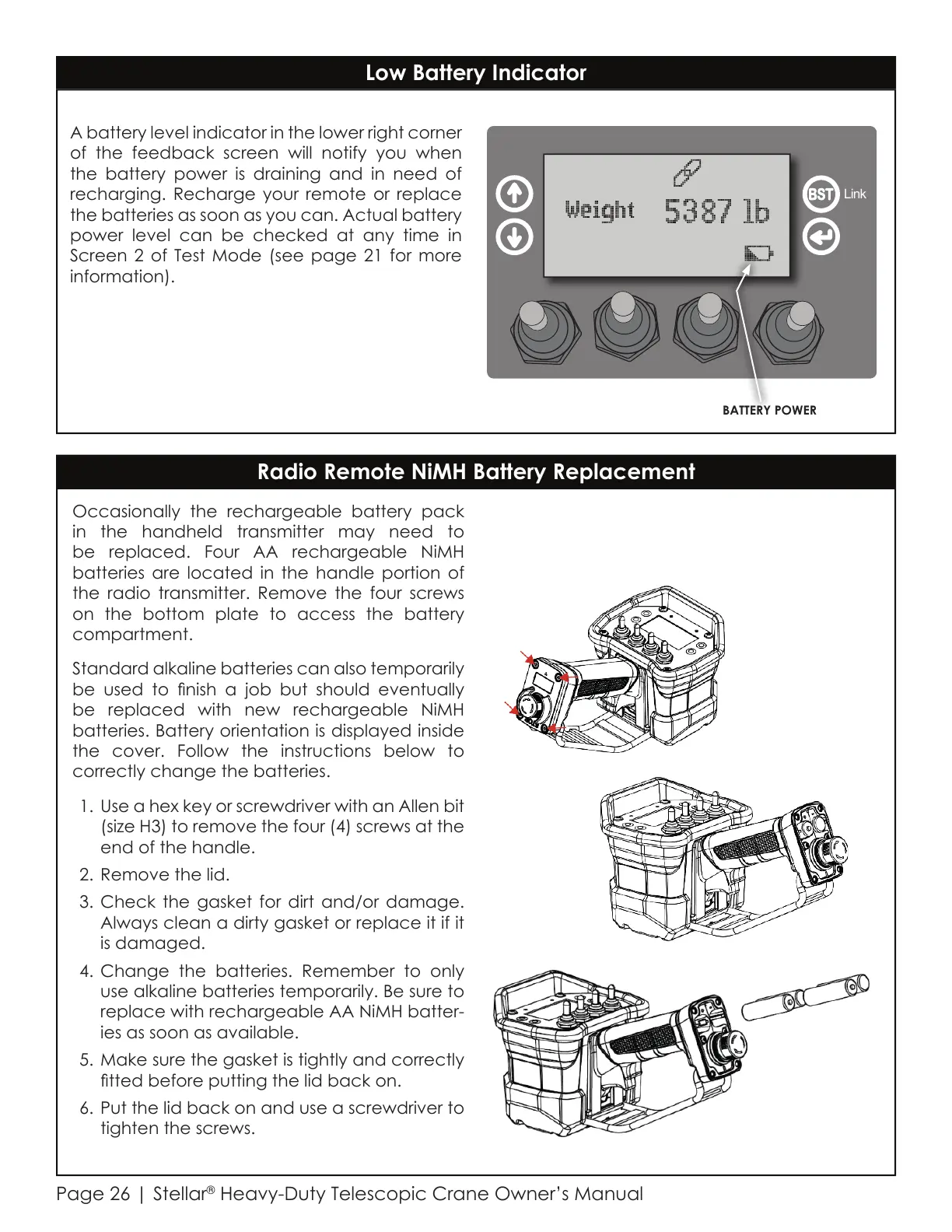
Occasionally the rechargeable battery pack
in the handheld transmitter may need to
be replaced. Four AA rechargeable NiMH
batteries are located in the handle portion of
the radio transmitter. Remove the four screws
on the bottom plate to access the battery
compartment.
Standard alkaline batteries can also temporarily
be used to nish a job but should eventually
be replaced with new rechargeable NiMH
batteries. Battery orientation is displayed inside
the cover. Follow the instructions below to
correctly change the batteries.
1. Use a hex key or screwdriver with an Allen bit
(size H3) to remove the four (4) screws at the
end of the handle.
2. Remove the lid.
3. Check the gasket for dirt and/or damage.
Always clean a dirty gasket or replace it if it
is damaged.
4. Change the batteries. Remember to only
use alkaline batteries temporarily. Be sure to
replace with rechargeable AA NiMH batter-
ies as soon as available.
5. Make sure the gasket is tightly and correctly
tted before putting the lid back on.
6. Put the lid back on and use a screwdriver to
tighten the screws.
Radio Remote NiMH Battery Replacement
Low Battery Indicator
A battery level indicator in the lower right corner
of the feedback screen will notify you when
the battery power is draining and in need of
recharging. Recharge your remote or replace
the batteries as soon as you can. Actual battery
power level can be checked at any time in
Screen 2 of Test Mode (see page 21 for more
information).
Link
BATTERY POWER
Courtesy of CraneMarket.com



 To Next Page