SWM 5000
12
MODE 2: CALIBRATION
Calibration is always required after replacement of the instrument or
probe or after prolonged use.
1. Select with SELECT or continue with MODE 3
2. As instructed, hold the probe in the air and start with OK
3. As instructed, hold the probe in water and start with OK
ATTENTION: please place the sensor in the center of a large,
water-filled container (such as a 10 litre bucket)!
4. Afterwards the instrument returns to the waiting position
5. The process can be carried out as often as desired
MODE 3: DATALOGGER
This mode is used to switch on and off the automatic cyclic measurement
and to set the cycle time. After each measurement, the result is
displayed for 30 seconds as a check. Then the instrument switches off
automatically. After the cycle time set in this mode has elapsed, the
instrument switches on automatically and the process is repeated.
DATALOGGER switch ON (automatic measurement):
1. Select with SELECT or continue with MODE 4
2. Press "+" to "automat." switch and start with OK
3. Set hours HH with "+ / -" and confirm with OK
4. Set minutes MM with "+ / -" and confirm with OK
5. Afterwards the unit returns to the standby mode with the
following display and automatically turns off after 30s
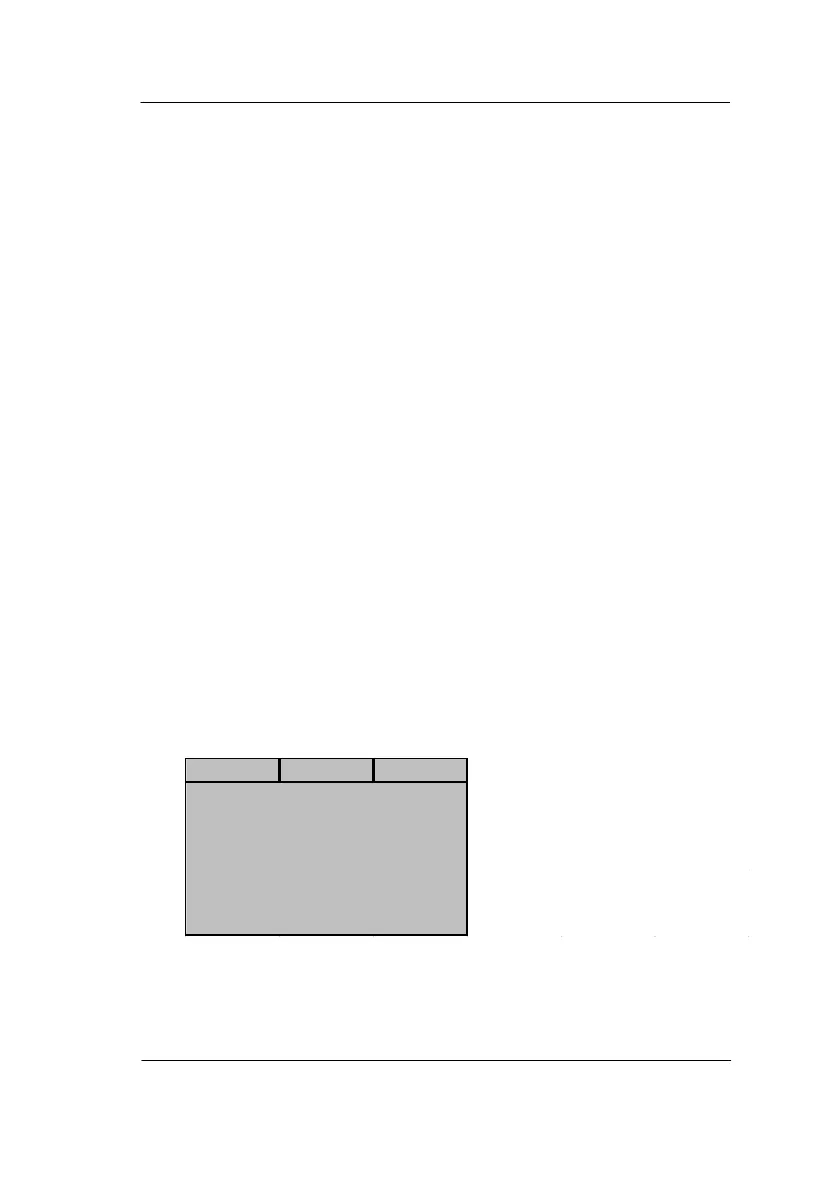
Status line
Automatic time mode setting
Bluetooth connection on/off
Autom. mode of datalogger
124 datasets stored
Next automatic measurement:


 To Next Page