SWM 5000
13
DATALOGGER switch OFF (manual measurement):
1. Select with SELECT or continue with MODE 4
2. Press "-" to "manually" switch and start with OK
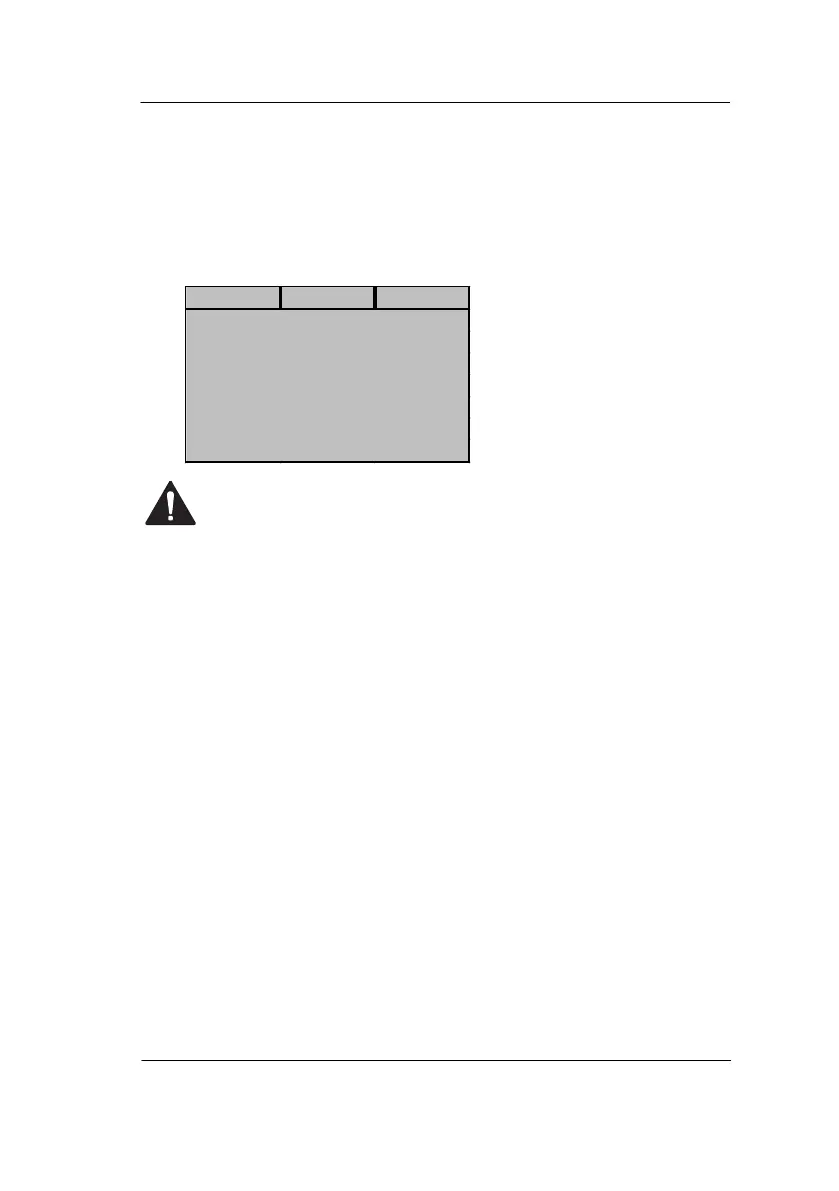
3. Afterwards the unit returns to the standby mode with the
following display and automatically turns off after 30s (Time
operation)
4. To set continuous operation see MODE
The unit can be switched on and off at any time in order to start
a measurement manually with the OK key. These measurement
results are also stored in the data logger.
Reading the data logger is only possible via a cell phone with
Bluetooth. There, the data is available as a CSV file. Please see
separate operating instructions.
MODE 4: CLEAR DATASETS
Datasets stored in the data logger are deleted and the record counter is
reset to 0.
1. Select with SELECT or continue with MODE 5
2. Go with "+" to "yes" and confirm with OK. The records in the
Data logger will be deleted
3. Go with "-" to "no" and confirm with OK. The records will be not
deleted
4. The instrument returns to the standby mode
MODE 5: DISPLAY CONTRAST
Different temperatures change the contrast of the display only a little.
Nevertheless, a contrast change may be desired.
1. Select with SELECT or continue with MODE 6
2. Press "+" to set the background of the display darker (max. 42)
3. Press "-" to set the background of the display brighter (min. 27)
4. Adjustments are possible from 27 (bright) to 42 (dark)


 To Next Page