Parameters
Pressing this function field opens a sub-
menu with all configurable parameters and
additional functions for the currently active
ventilation mode.
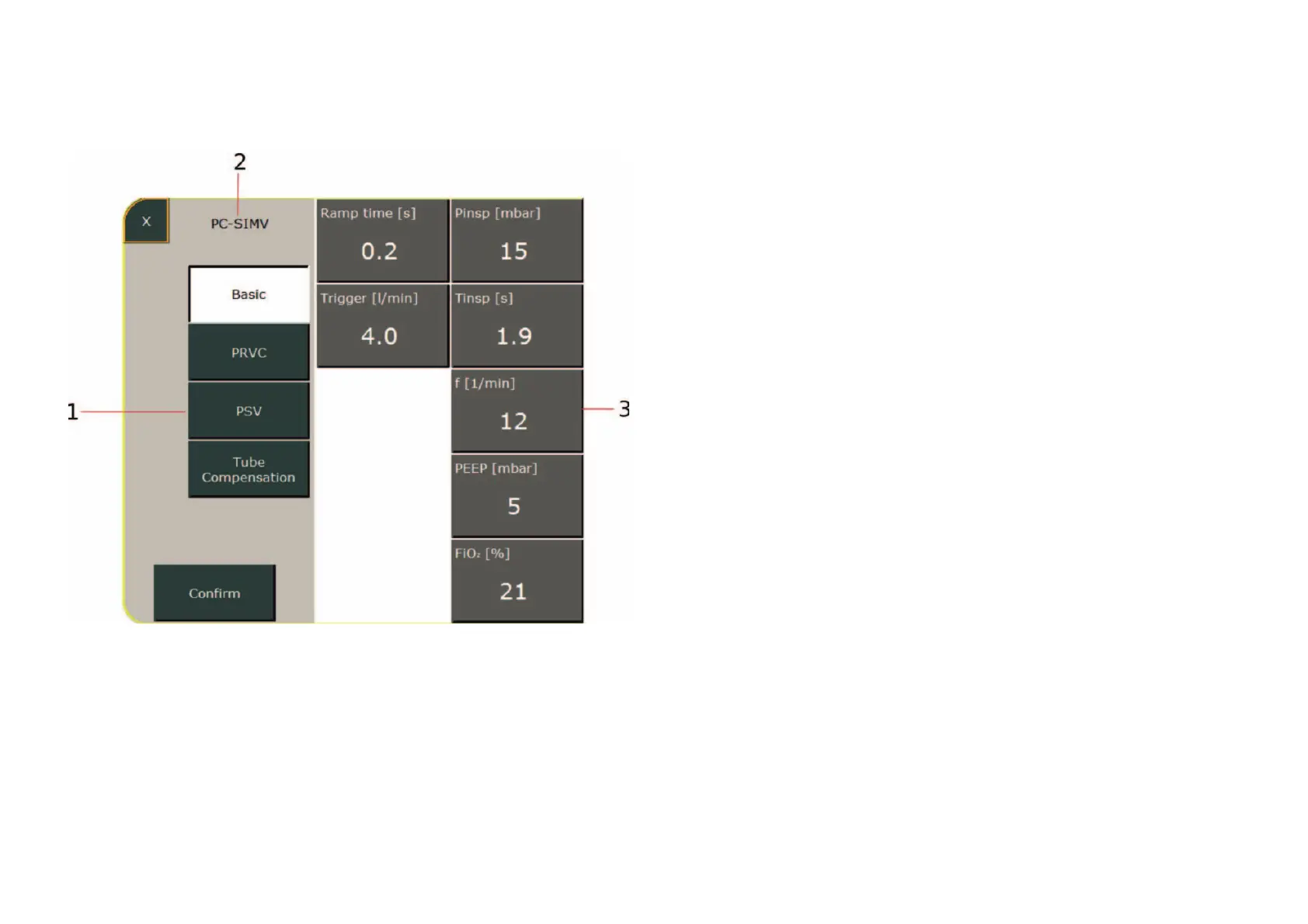
1 Optionally selectable additional functions
2 Current ventilation mode indicator
3 Ventilation parameters
To change a parameter, select the corres-
ponding field. The field then turns orange.
You can now change the value using the
control knob. If additional functions exist for
the currently active ventilation mode, these
can also be activated from this menu. Press
the „Confirm“ field to save the new settings
and close the sub-menu.



 To Next Page