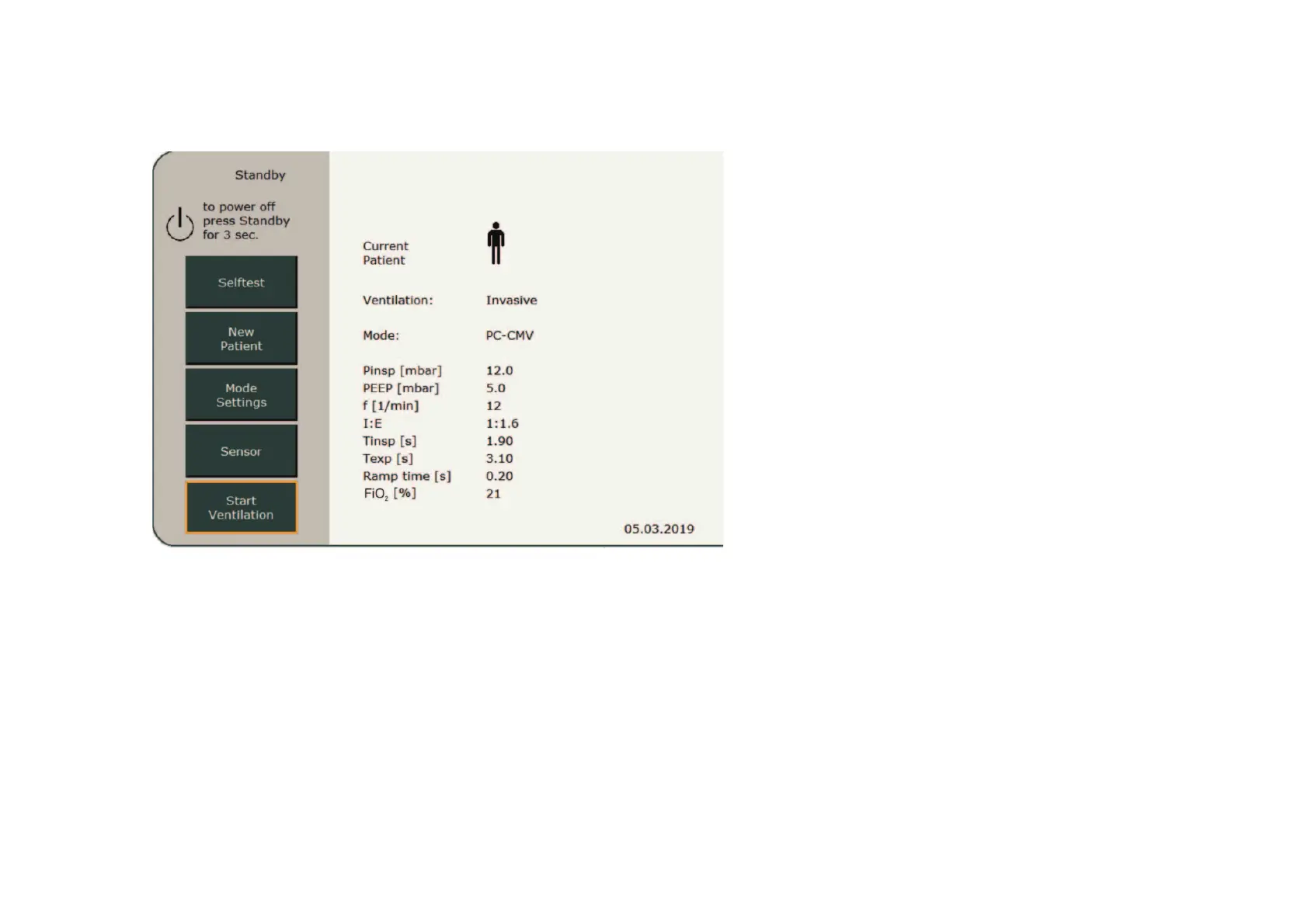
If the selftest is passed, the standby screen
appears. Initially, it always shows the
ventilation mode and settings for the most
recent ventilated patient. To keep these
settings, press the „Continue Ventilation“
field to activate ventilation.
Press the „New Patient“ field to create a new
patient. To switch to Standby mode from
a current ventilation process, press and hold
the „On/Off/Standby“ button for 3 s.
Standby mode



 To Next Page