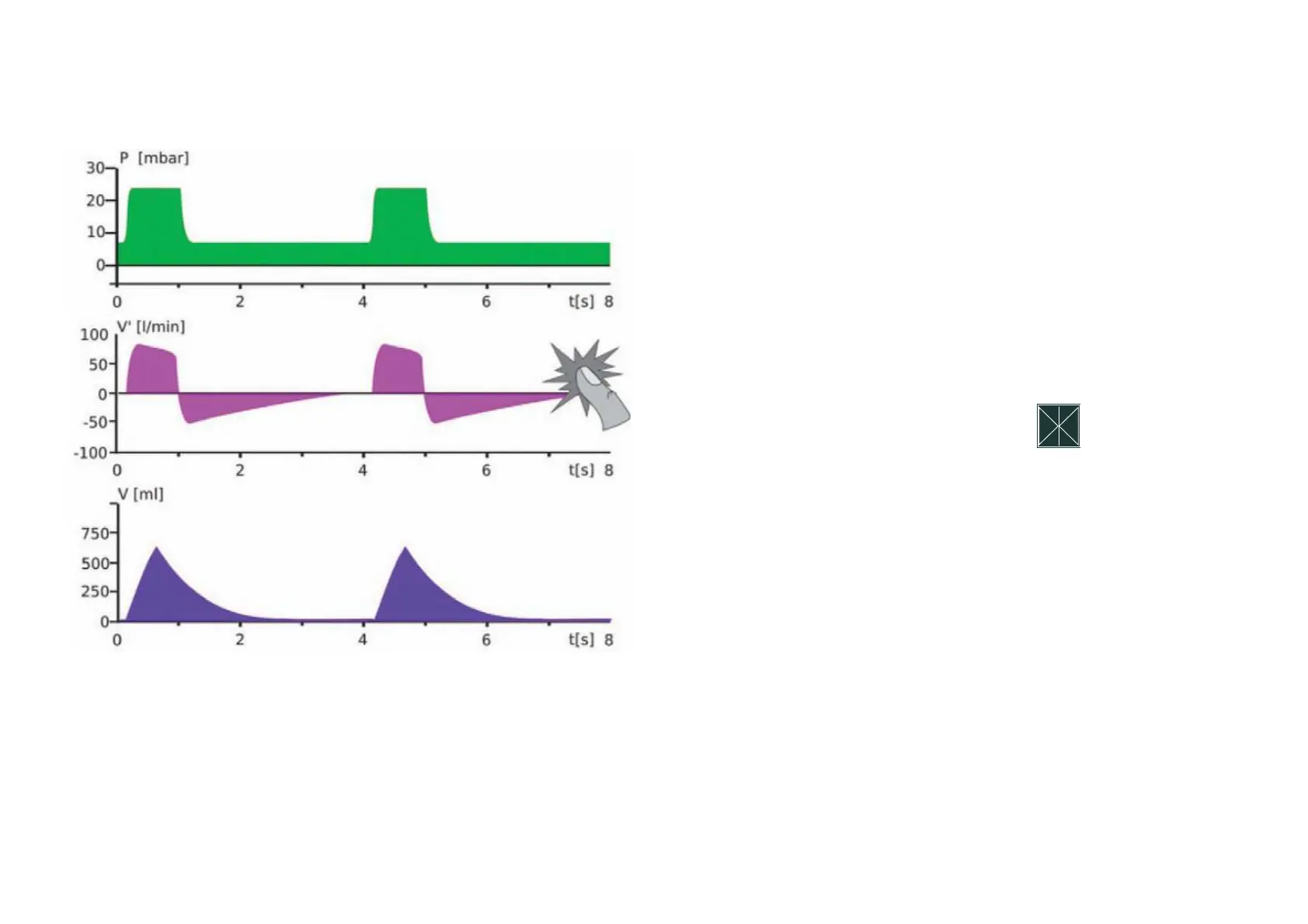
Select a measurement curve on the display
to change it. A window with all available
measurement curves (volume, flow, CO
2
and plethysmogram) opens. You can now
select the desired option. For a better view,
the measurement curves can be frozen on
the display. To do this, press the „Stop“
field in the selection window.
A er activation, the measurement curves
run until the end of the scale and are then
frozen. This mode is ended by pressing the
„Stop“ field or automatically a er 20 s
have passed.
Configuring the measurement curves



 To Next Page