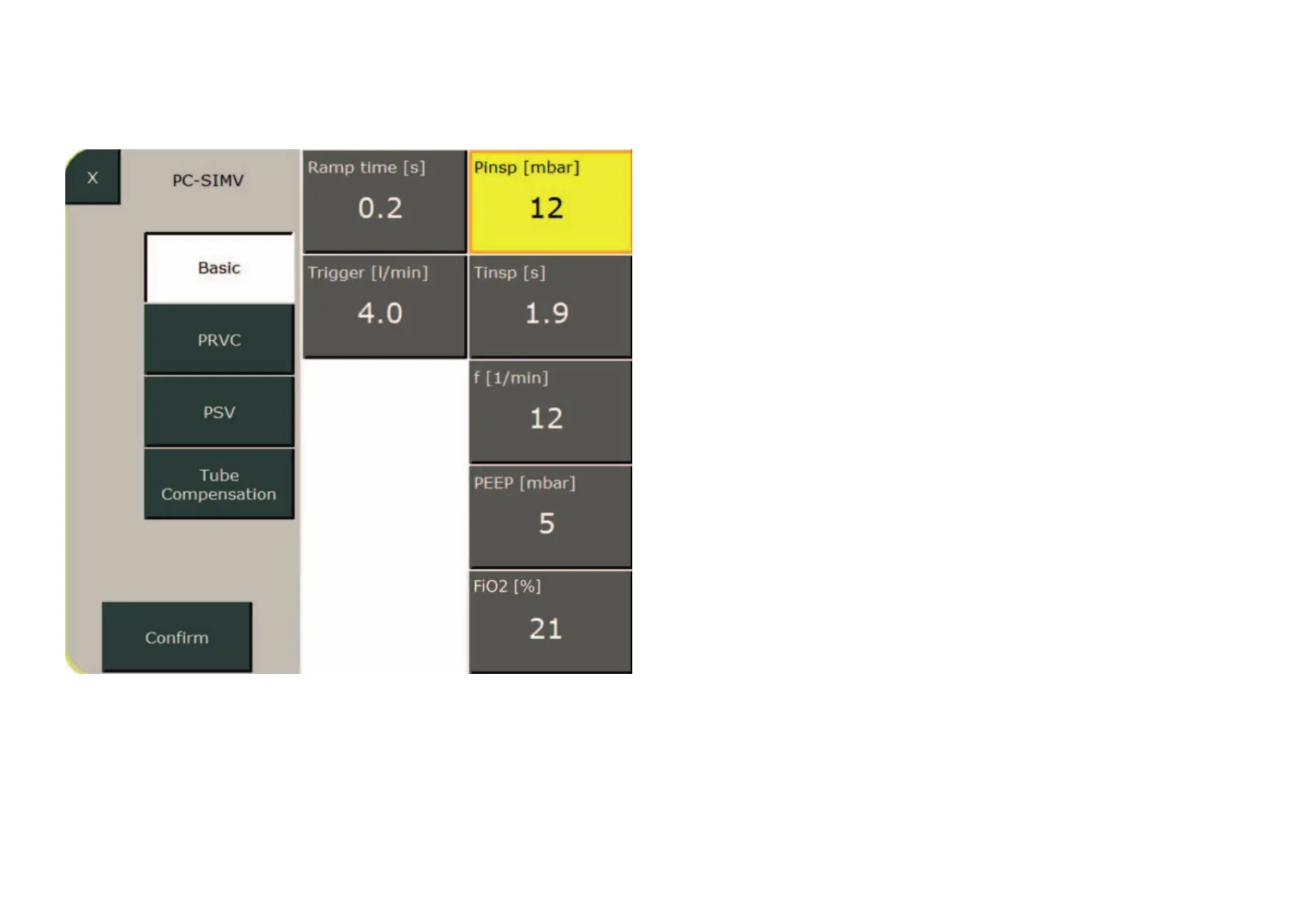
Setting parameter
The selected parameter turns yellow.
The value can now be changed using the
control knob. Press the control knob or
the „Confirm“ field to complete your entry.
Proceed analogously to configure the other
ventilation parameters.
Press the „Confirm“ button to save the
settings and return the ventilator to the
„Standby“ menu.
Select „Continue Ventilation“ to activate
the ventilation.
Ventilation settings



 To Next Page